
Before you start
Recommended workflow
Part 1
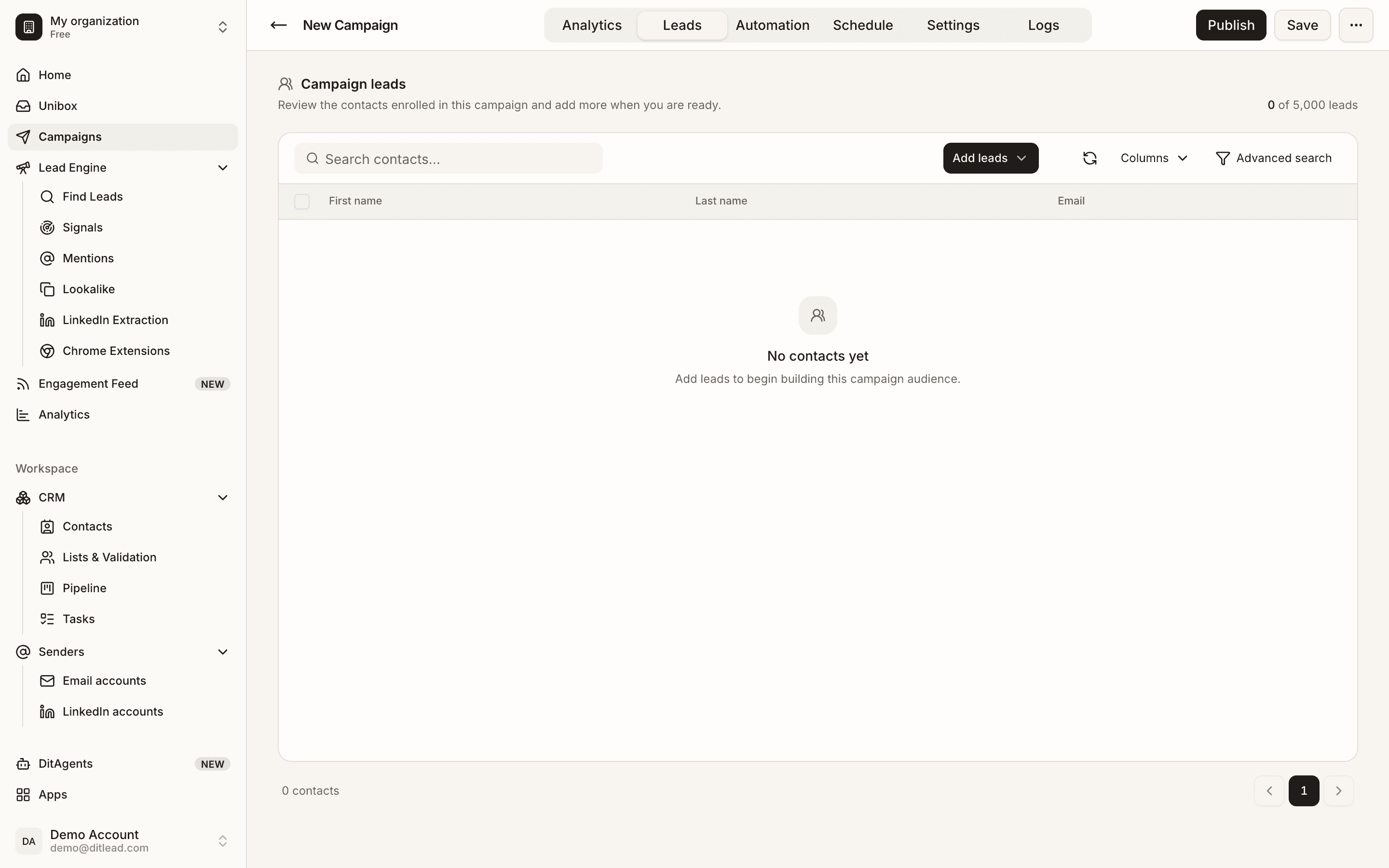
Check audience fit
Review the list source, ICP, exclusions, duplicates, and verification status.
Part 2
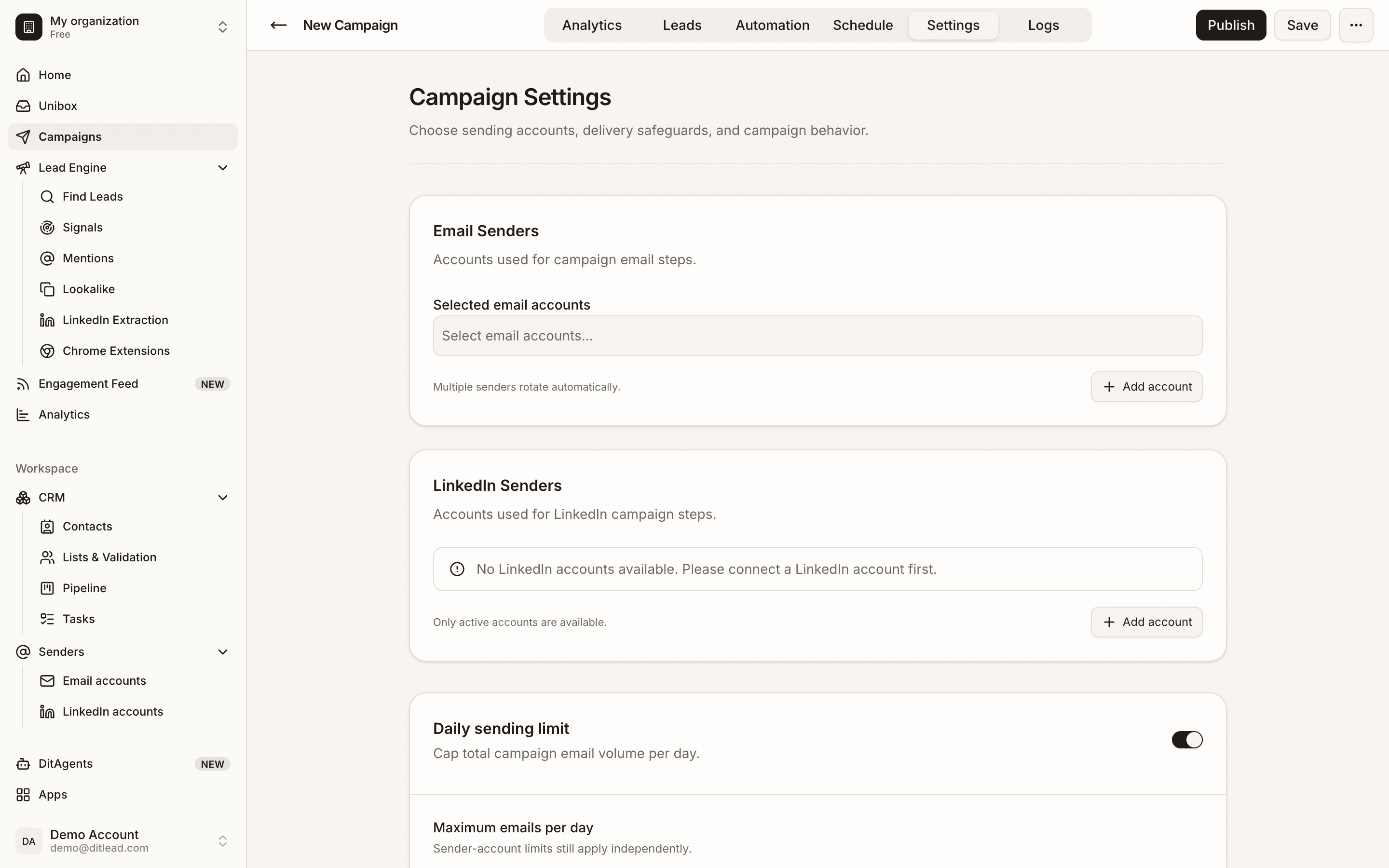
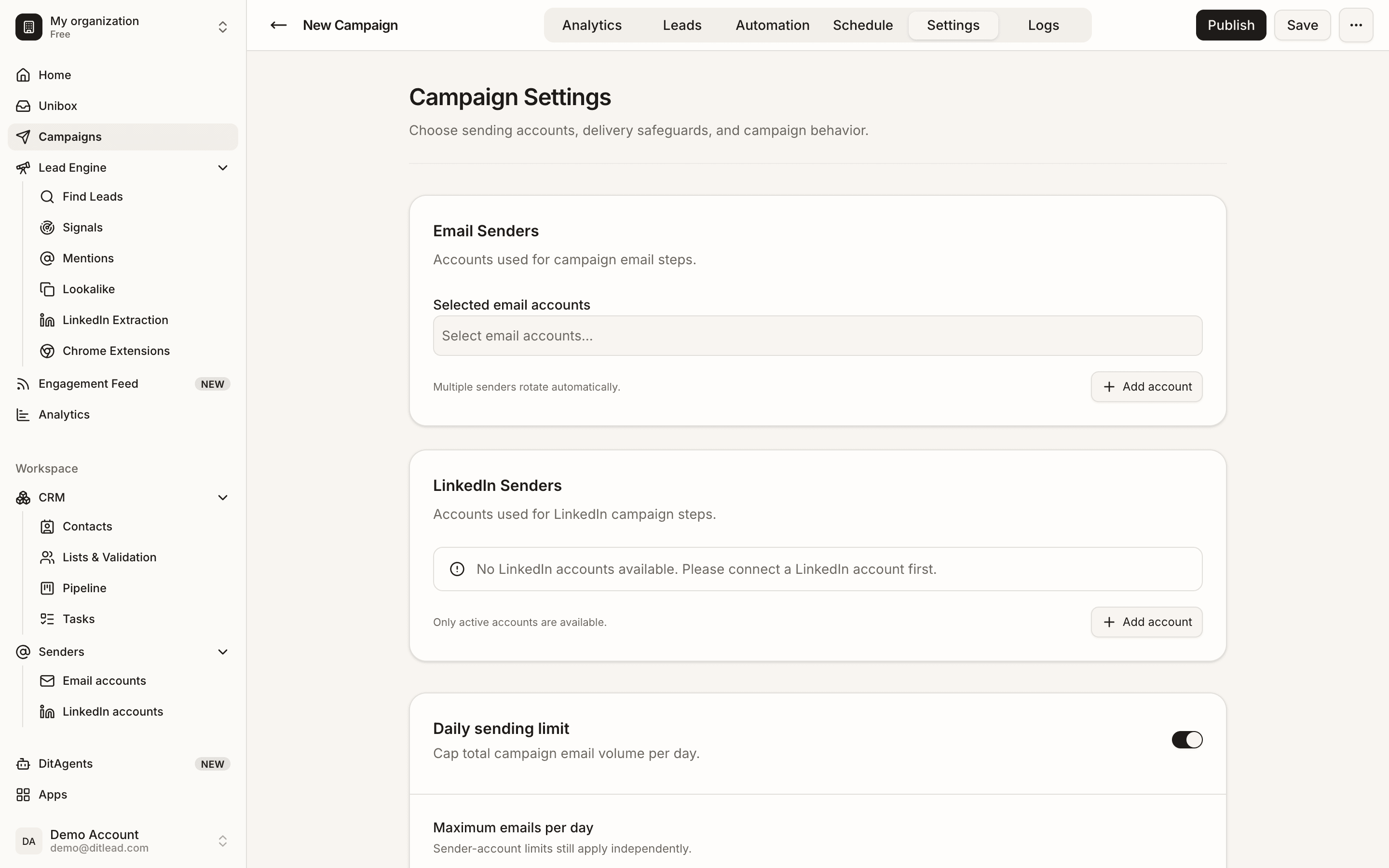
Check sending infrastructure
Confirm mailboxes, domains, warmup, sender rotation, schedules, and daily limits.
Part 3
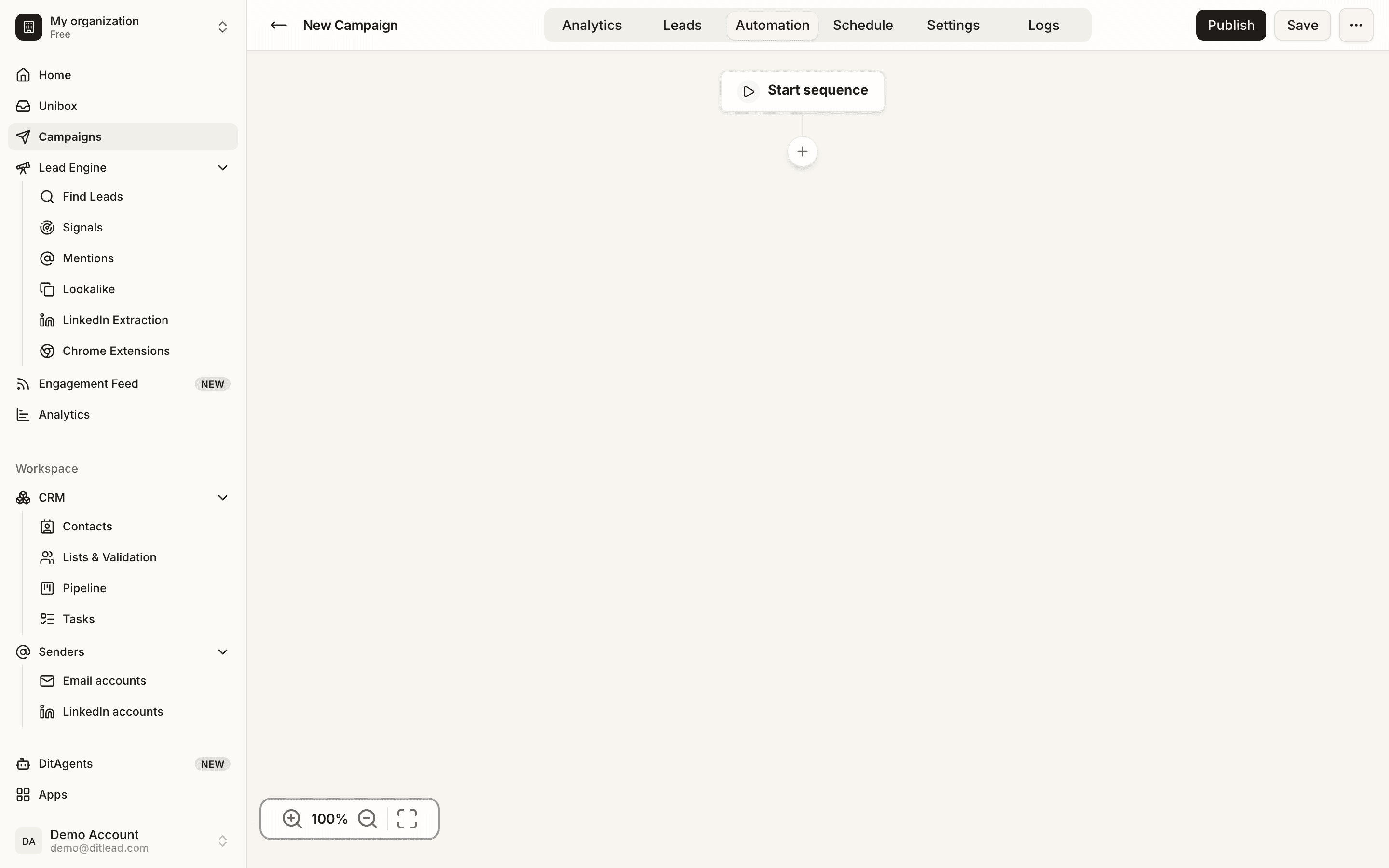
Check copy and personalization
Preview every message with variables and make sure the offer fits the audience.
Part 4
Check compliance and opt-outs
Confirm unsubscribe handling, blocklists, suppression lists, and internal policy requirements.
Part 5
Run validation and launch small
Use campaign validation, then launch to a controlled segment before scaling.
What to do next
FAQ
Should I always launch small?
Yes, especially with new audiences, new domains, new copy, or newly connected accounts.
What should stop a launch?
Unverified lists, broken variables, missing senders, aggressive limits, bad fit, unclear copy, or unresolved validation blockers should stop launch.
Review audience, senders, sequence copy, personalization, schedules, and validation blockers.
Review checklist
See it in the productExplore the DitLead platform