The stack behind every company, on tap
From a domain to a stack-targeted campaign
Detect the stack, filter your list on it, and personalize every email around the tools each lead runs.
Look up any domain
Enter a domain and DitLead returns its detected technology stack — the tools, pixels, frameworks and services it runs.
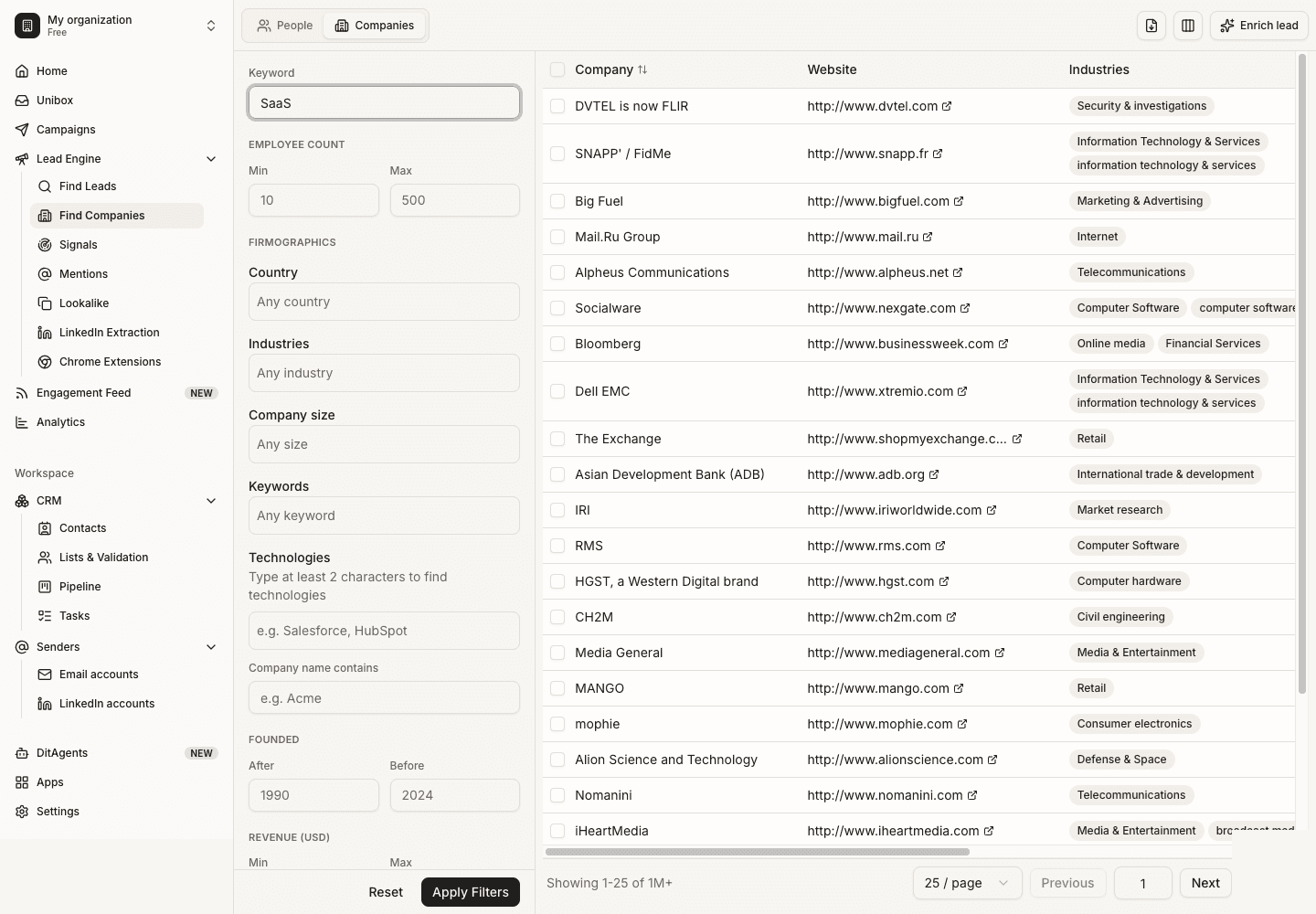
Filter leads by tech
Add 'uses Salesforce', 'runs Shopify' or 'has HubSpot pixel' as a filter in the lead finder, alongside title, industry and size.
Personalize on the stack
Pipe detected technologies into AI personalization so each email references the exact tools that lead uses.
Launch a stack-targeted campaign
Build a list of companies on a competitor or complementary tool and reach out with a message that lands.
Technographics, wired into outreach
Detection, targeting and personalization in one place — not a separate tab you export from.
See the stack behind any domain
Like BuiltWith and Wappalyzer, DitLead fingerprints the technologies running on a company's web presence — but it's wired straight into your lead database, not a separate tab. CRMs, marketing automation, ad pixels, payment processors, hosting, CDNs, analytics, ecommerce platforms and JS frameworks across 9,000+ technologies.
- 9,000+ technologies across every category
- CRM, MAP, ad pixels, payments, hosting, analytics
- Per-domain stack with first-seen / last-seen
- Refreshed regularly so signals stay current
Build lists by what buyers run
The best outbound starts with fit. Filter 700M companies by the software they use — find everyone on a competitor's tool, everyone missing a category you complement, or everyone on the stack your product integrates with. Combine technographics with firmographics and titles for laser lists.
- 'Uses X' and 'does not use Y' filters
- Stack as a tech-and-not-tech combination
- Stack + title + industry + size + geo
- Save as a dynamic, refreshing segment
Reference their exact tools
Detected technologies flow into AI personalization, so every email can speak to the lead's real stack — 'I saw you're running Marketo alongside Salesforce…' — without you researching a single account by hand.
- Tech fields available to AI personalization
- Competitor-displacement angles, automatically
- Integration and complement plays at scale
- Pairs with intent signals for timing
Everything you need to sell on the stack
Detect, filter, displace and personalize — all inside the lead finder.
9,000+ technologies
Detect tools across every category on any domain.
Full stackTech-stack filters
'Uses' / 'does not use' filters in the lead finder.
1-clickCompetitor displacement
Target everyone running a rival tool you replace.
Built-inIntegration targeting
Find companies on the stack your product plugs into.
ComplementStack-aware copy
Feed detected tech into AI personalization.
Per leadFresh signals
Stacks are re-scanned so targeting stays current.
LiveWhat technology lookup delivers
Illustrative benchmarks, not measured guarantees — your results depend on ICP, offer, list quality and copy.
What you get vs. what you stop doing.
Left is targeting wired into your pipeline. Right is the export-and-rematch grind you leave behind.
- 01Detect the full technology stack on any domain — 9,000+ technologies
- 02Filter 700M companies by the software they run
- 03'Uses X' and 'does not use Y' technographic filters
- 04Combine tech filters with title, industry, size and geo
- 05Competitor-displacement lists in a few clicks
- 06Integration-fit targeting for the stack you plug into
- 07Detected tech feeds straight into AI personalization
- 08Pair technographics with intent signals for timing
- 09Save dynamic segments that refresh as stacks change
- 10All inside the lead finder — no separate BuiltWith tab
- 01Exporting matches from BuiltWith or Wappalyzer by hand
- 02Re-matching tech data to your prospect list in spreadsheets
- 03Paying for a separate technographics subscription
- 04Guessing which accounts run a competitor's product
- 05Generic outreach that ignores the buyer's real stack
- 06Stale technology data that's months out of date
- 07Researching each account's tools one domain at a time
- 08Disconnected tools for data, targeting and personalization
Technographics that live where you sell
Standalone detectors hand you a CSV. DitLead makes the stack a filter and a personalization field.
| Capability | Apollo | Instantly | Smartlead | Lemlist | |
|---|---|---|---|---|---|
| Technology detection (9,000+) | Add-on | ||||
| Built into the lead finder | |||||
| 'Uses' + 'does not use' filters | Basic | ||||
| Feeds AI personalization | |||||
| Combined with intent signals | |||||
| Included in lead finder | Yes | Separate tool | — | — | — |
Technology lookup, explained
Still curious? Our team responds in under an hour.
Talk to sales