
Build the campaign around your offer.
This generator is for sales outreach campaigns. It prepares your audience and sequence; it is not a paid-ad campaign generator.
Start with an audience
Describe the buyer’s role, company type and reason your offer fits. Keep each campaign focused on one segment.
Prepare the message
Use AI to draft the opener and follow-ups. Review the facts, tone and call to action before approving the copy.
Review the sequence
Check the steps, delays and connected senders. The generated campaign is a draft you can edit before launch.
From brief to reviewed sequence.
Describe the buyer and offer
Include the role, industry, business problem and next step. Example brief: operations leaders at software companies; offer onboarding support; ask whether a short setup example would help.
Check the generated draft
Inspect the lead sample and messages. Remove unsupported claims, tighten the audience and make the first question easy to answer.
Choose settings and launch
Connect your mailbox, review the schedule and stop conditions, then launch the campaign when it is ready.
Inspect the copy before sending.
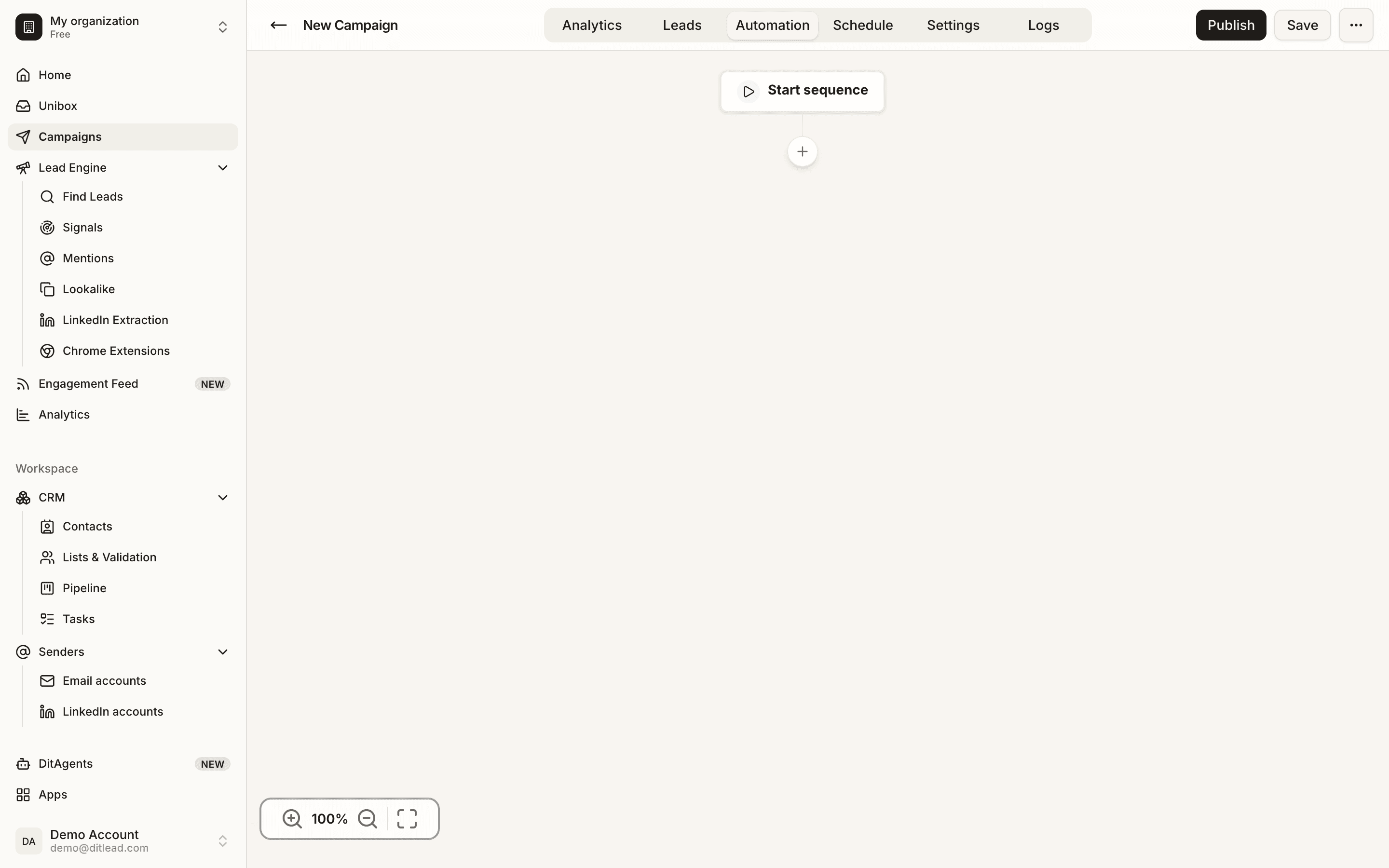
The DitLead campaign editor keeps email content and sequence steps available for review.
Keep exploring DitLead
Manual business setup
Provide an offer and audience when there is no website to analyze.
Auto Outreach
Start the agent with your website.
B2B ideal customer profile template
Write a specific buyer brief before generating copy.
Automate B2B outreach
Review the complete setup workflow.