DitLead

Multi-channel outreach

Multichannel outreach around one offer.

Build email, LinkedIn and call steps in one campaign. Give each touch a purpose and keep ownership of the reply clear.

7-day trial · Credit card required · Cancel anytime

Coordinate the work before it runs.

FEAT / 01

Email steps

Draft the offer and follow-up, review the sender and pace the campaign within provider requirements.

FEAT / 02

LinkedIn steps

Plan invitations, messages or eligible InMail from the actual connected state and account allowances.

FEAT / 03

Call steps

Add a call when the buyer context and contact rules make it appropriate. Confirm the account and usage terms.

FEAT / 04

Conditions and delays

Inspect available workflow branches, review dates and skip decisions in the sequence editor.

FEAT / 05

Conversation ownership

Review replies and assign the next action. Verify sync and stop settings before scheduled outreach.

FEAT / 06

A focused cohort

Deduplicate contacts, preserve source evidence and check for another active conversation.

Build the sequence as a conversation.

STEP / 01

Choose the buyer

Confirm account fit, current role and the legitimate reason for outreach.

STEP / 02

Write the full thread

Keep one offer, add useful detail at each step and review channel eligibility.

STEP / 03

Plan the handoff

Decide who responds and which events pause, end or correct the scheduled work.

In the product

Review the available actions.

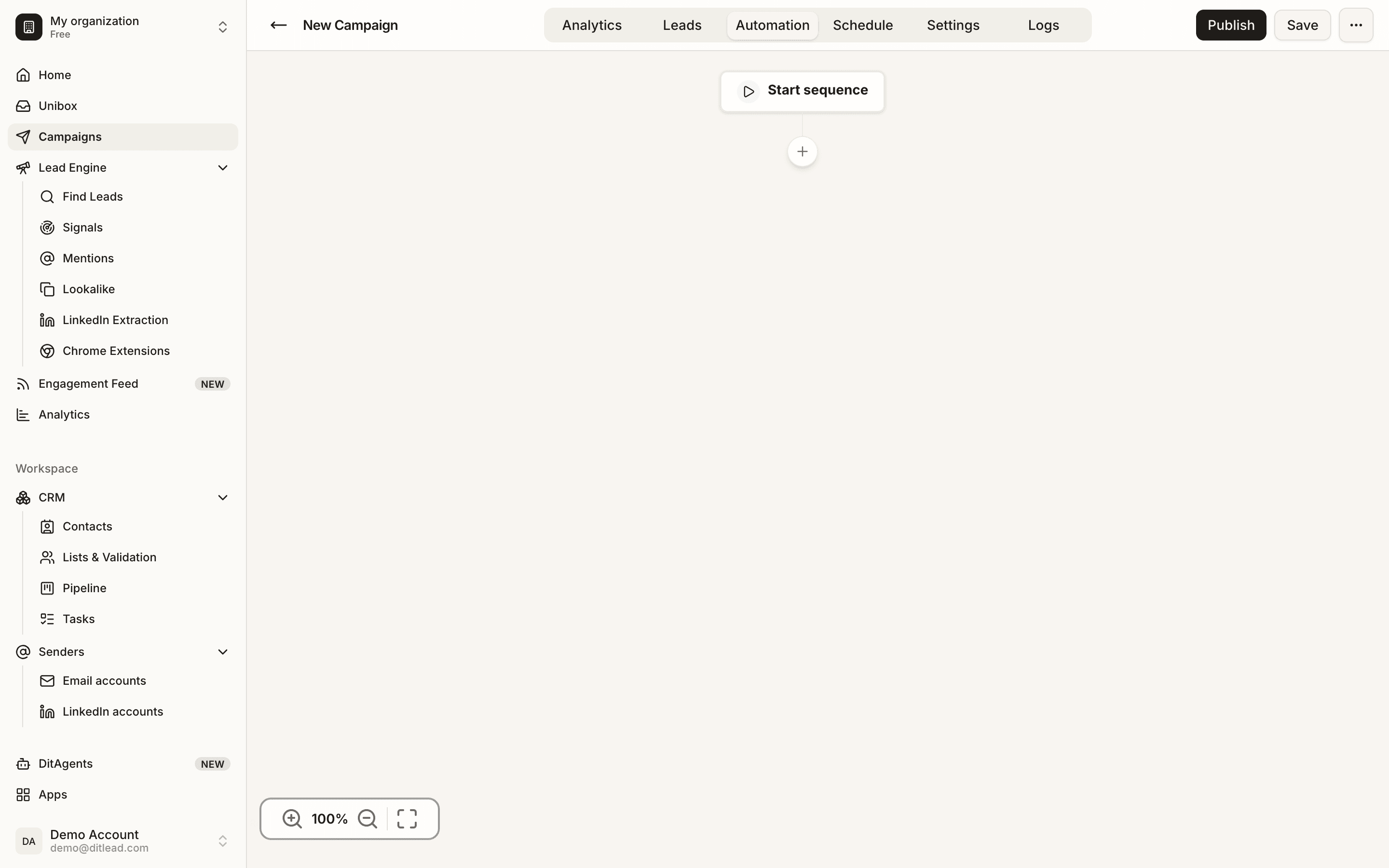
The real demo-workspace editor shows email, LinkedIn message, delay, call and task controls. The capture illustrates planning, not a measured campaign result.
app.ditlead.com
DitLead campaign step picker with email, LinkedIn message, call, delay and task controls

Read the messages before choosing the timing.

Use our LinkedIn and email sequence examples for two different offers, full message copy and connected/unconnected decisions. For an email-only campaign, use the B2B cold email sequences.

FAQ7 entries

Multi-channel workflow questions.

Talk through your workflow with our team.

Talk to sales

It coordinates two or more contact channels around one offer and conversation. In DitLead, the editor supports email, LinkedIn and call steps with delays and workflow conditions.

Yes. Review the sender and recipient state for each step, including whether a connection is required for the LinkedIn message. The two complete sequence examples show the actual copy and skip/stop decisions.

Check the actual campaign stop settings, account synchronization and reply handling. Design the workflow to pause cold outreach when a conversation begins, then verify that behavior in your configuration. An editor setting alone is not proof of instantaneous cross-channel behavior.

Email outreach is available on paid plans; LinkedIn outreach and calling are available on Team and above. LinkedIn account fees and telephony usage are separate plan/usage questions. See current pricing.

No. Relevance, contact context, offer, timing and audience determine the result. Measure comparable cohorts using unique recipients and positive replies instead of assuming a response multiplier.

No. Native LinkedIn eligibility and provider rules still apply. Email providers and calling services have separate requirements.

End the unwanted outreach and update shared contact rules. Switching to a different sender or channel should not restart the same cold pitch.

PLATE · CTAstart nowfig.
Launch in 2 seconds

Plan a coordinated outreach campaign.

Review the buyer, message, account requirements and handoff in DitLead before scheduling.

7-day trial·Credit card required·Cancel anytime