
Make the audience and offer work together.
Select a relevant audience
Start with one buyer segment and one offer. Inspect company and role fit before expanding the list.
Review the research and copy
Use prospect context to explain why the offer fits. Check the factual premise, message and follow-up steps before launch.
Send, follow up and handle replies
Choose your schedule, verify stop rules and follow conversations in Unibox. Review meaningful replies alongside delivery issues.
Prepare the campaign. Keep the context.
Lead selection
Build an audience in Lead Finder using company and contact criteria. Review sample matches before sending.
Personalized email preparation
Use company and buyer context to prepare relevant emails. Keep unsupported assumptions out of the message.
Multi-step campaigns
Build a sequence around one offer. Give each follow-up a useful purpose and review delays as part of the whole campaign.
See the message before it sends.
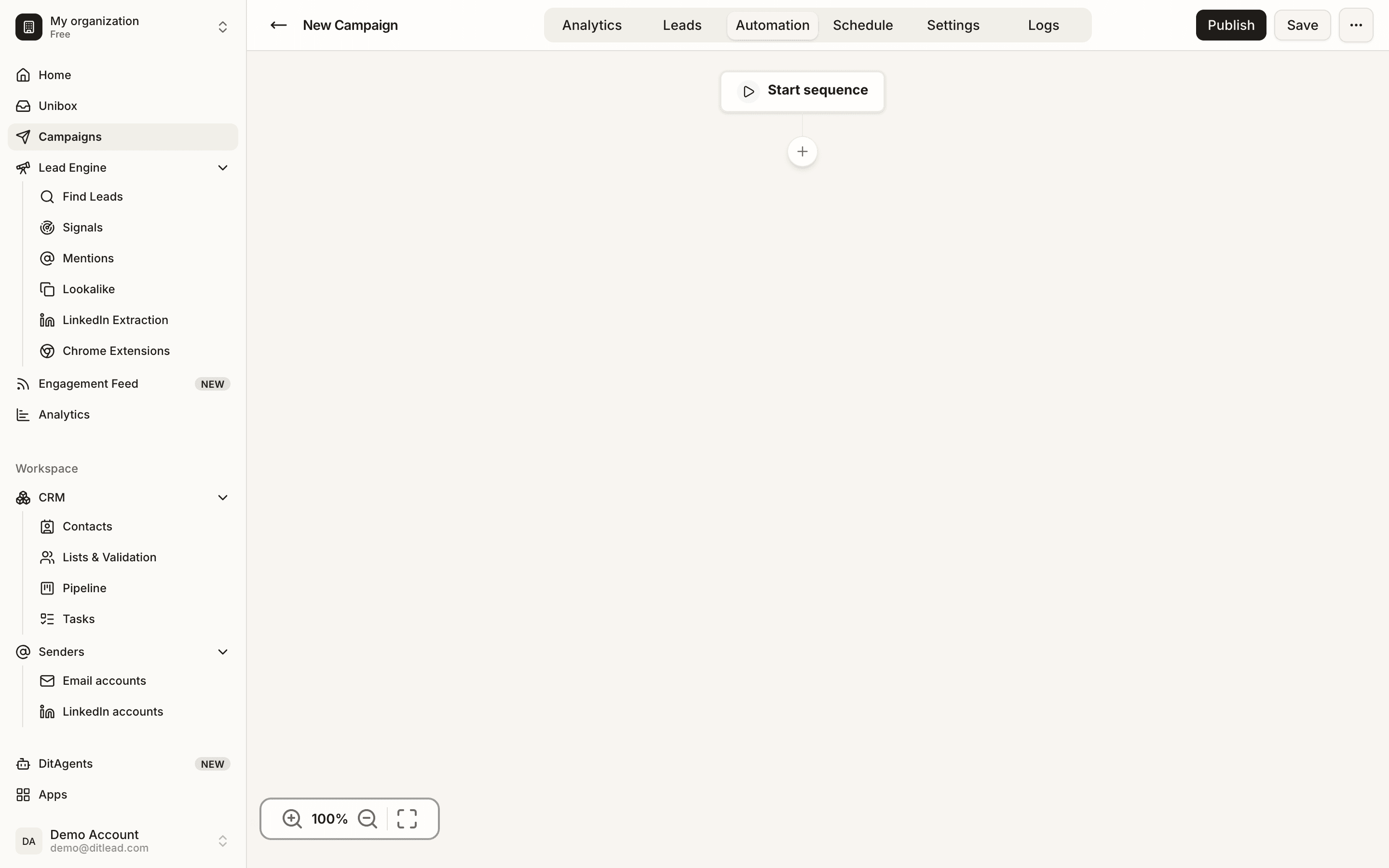
DitLead’s campaign editor brings email copy and sequence steps into the same review. Check your offer, variables and follow-ups before launch.
Cold email automation questions.
Practical answers about audiences, campaign setup and replies.
Talk to salesBuild a more relevant campaign.
Auto Outreach setup guides
Follow website preview, account access, readiness and campaign controls.
Research sales prospects
Check account fit, buyer role and source evidence.
Cold email personalization examples
Turn a supported fact into a useful email.
Complete cold email sequences
Three offers with full messages and stop rules.