A canvas that respects the cadence in your head
Drag-and-drop the whole cadence.
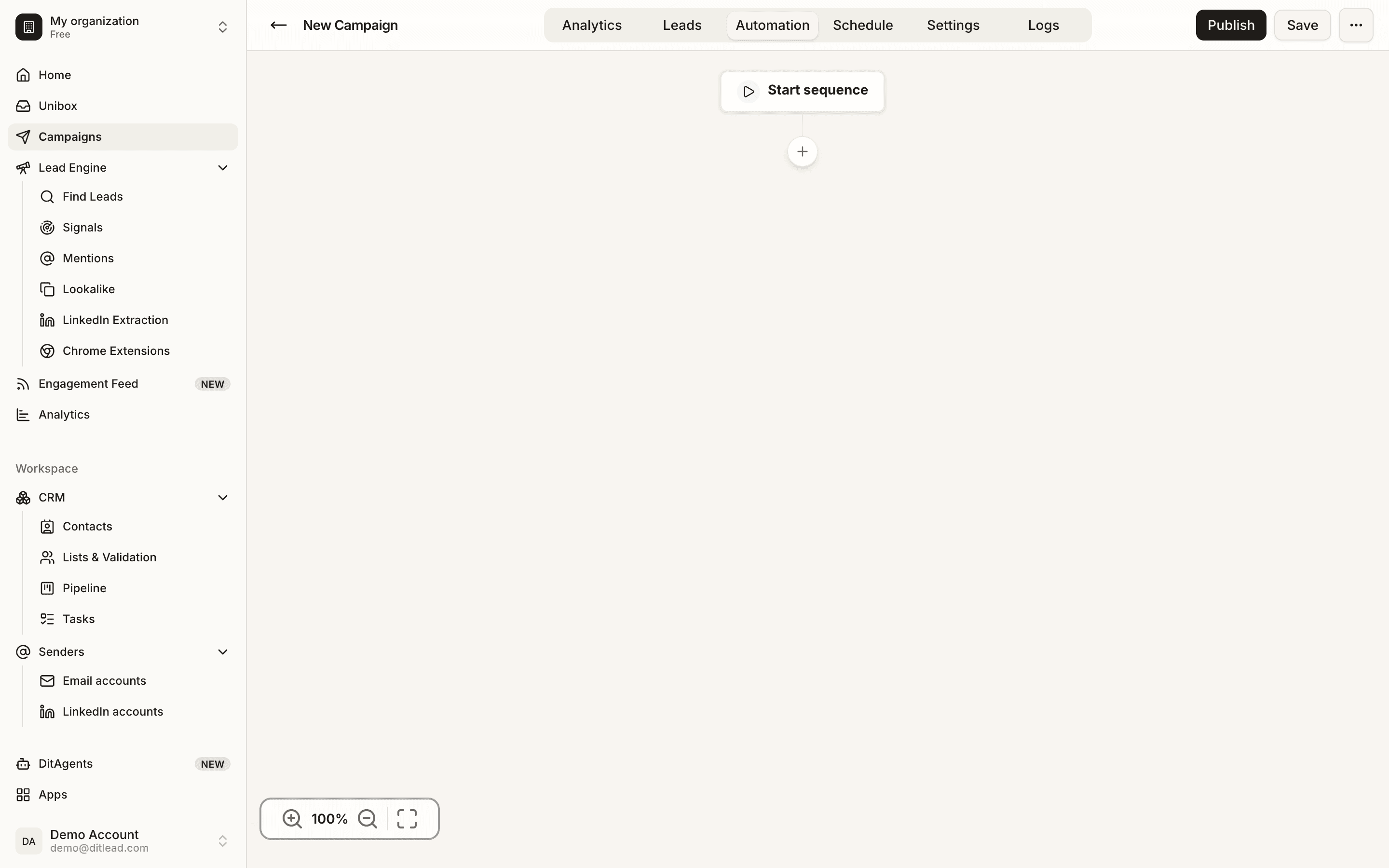
Build multi-step, multi-channel sequences on a visual canvas — email, LinkedIn, calls, waits and branches — inside the real DitLead campaign builder.
What teams ship on DitLead.
Illustrative benchmarks, not measured guarantees — your results depend on ICP, offer, list quality and copy.
From idea to live in under 10 minutes
The builder ships with templates, AI copy and branching — so most teams launch their first cadence the same day they sign up.
Clone a template — or start blank
60+ playbooks by ICP and motion. Founder-led outbound, ABM, recruiting, agencies — pick one and ship in minutes.
Drop steps & rules onto the canvas
Email, LinkedIn, call, wait, branch — drag any step onto the line. Set delays, conditions, and A/B variants on every node.
Hit launch — DitLead handles the rest
Sending, follow-ups, auto-pause, CRM logging and analytics happen automatically. You handle replies.
Three things make the canvas different
Most sequence tools force you into a linear list. DitLead's canvas was designed for real outbound — where every prospect takes a slightly different path.
A canvas built for real-world cadences
Stop drawing cadences in a spreadsheet. The DitLead canvas handles every touch type, every wait period, and every branch — at a glance.
- Email · LinkedIn · call · wait · branch · webhook step types
- Drag-to-reorder · cmd-D to duplicate · cmd-Z to undo
- Inline AI rewrite on any step — keep voice consistent
If/then routing across every channel
Every step exposes signals: sent, opened, clicked, replied, accepted, connected, called, picked-up. Build branches that act on any of them — no developer required.
- Branch on email, LinkedIn or call activity
- Combine signals with AND/OR logic
- Send to CRM stage, Slack channel or webhook
A/B tests that run themselves
Generate 3–5 AI variants per step. Ship them in parallel. DitLead shifts volume toward whatever's converting and surfaces the winner in the analytics tab.
- AI generates angles, openers and CTAs
- Auto-shift volume to the winning variant
- Statistical confidence shown inline


Every step engineered to ship replies
The features that turn a static cadence into a live, self-tuning machine.
60+ proven templates
By ICP and motion — founder-led, ABM, recruiting, agency pitch, partner outreach.
Clone in 1 clickAI per step
Each step is generated per-contact from profile, company, tech stack and signal data.
Unique per leadConditional branches
If/then logic on every step. Email opens, LI accepts, call connects — all available.
10+ signalsAuto-pause on reply
Reply on any channel pauses every other queued step. Zero duplicate touches.
Cross-channelBuilt-in A/B tests
3–5 variants per step ship in parallel. Volume auto-shifts to the winner.
Self-tuningSmart timing
Sends respect each prospect's timezone and the inbox provider's safe-send window.
Provider-safeWhat you get vs. what you stop tolerating.
Left is what arrives the day you switch. Right is the busywork you stop maintaining.
- 01Drag-and-drop canvas with 16 step types
- 02Conditional branching on 12+ cross-channel signals
- 03Per-step + per-sequence A/B testing with auto-promote
- 04Different owners per step (SDR books, AE qualifies)
- 05Built-in calendar block at the booking step
- 06Auto-pause on reply across email, LinkedIn, calls
- 0760+ proven templates by motion and ICP
- 08Version history with one-click restore
- 09Per-step send-window + quiet-hours
- 10Webhook trigger steps for custom workflows
- 01A linear cadence with no branching logic
- 02Single-channel sequences that forget LinkedIn + calls
- 03Cloning the same template for 50 ICPs by hand
- 04Building the calendar block in a separate tool
- 05Reps building their own sequences in spreadsheets
- 06Manual pause when a reply comes in
- 07A/B tests where you compare two subject lines
- 08Per-sequence pricing that punishes branching
- 09No idea who owns step 4 on a 12-touch cadence
- 10Spending an hour rebuilding the same sequence
The cadence engine for multi-channel teams
Most builders are stuck in email-only or treat LinkedIn as a checkbox. DitLead treats every channel as a first-class step.
| Capability |  DitLead DitLead | Apollo | Instantly | Smartlead | Lemlist |
|---|---|---|---|---|---|
| Email + LinkedIn + call steps | LI only | LI only | |||
| Drag-and-drop canvas | Linear list | Linear list | |||
| Conditional branching | Limited | ||||
| AI variants per step | 3–5 | Persona | Persona | Persona | Persona |
| Auto-pause across channels | Partial | Email only | Partial | Partial | |
| Template library | 60+ | 20+ | 10+ | 30+ | 40+ |