





A B2B cold email sequence is a set of messages built around one audience and offer, with a useful reason for each follow-up and a clear point at which outreach stops. The first email establishes relevance. Later messages add detail or resolve a question; they should not repeat “just checking in” until someone replies.
Below are three complete examples for different offers. They are illustrative, not measured campaigns. Replace every bracketed field, confirm the source facts and ensure the resource or capability you offer actually exists before sending. Download the nine-message sequence pack as plain text.
Use the cold email sequence builder to translate the chosen example into campaign steps and delays. If you are planning separate LinkedIn touches, use the LinkedIn and email sequences to coordinate the conversation.
Choose the sequence by the buyer’s task
| Offer | First ask | What the follow-up adds |
|---|---|---|
| Service | Would a checklist be useful? | Contents and process ownership |
| Integration | Who owns the connection? | Supported scope and qualification |
| Partner | Do you use partners for this work? | Responsibility boundaries and an easy close |
A sequence is not a substitute for sales prospect research. If you cannot support the opener, use a narrower role-based question or skip the contact. The personalization examples explain which assumptions to leave out.
1. Service offer: onboarding documentation
Audience: A customer-success leader at a software company whose current job description mentions onboarding handoffs.
Check the premise: Your service documents those handoffs. Verify the job description and offer before using the opener; do not assume the process is failing.
Email 1: first contact
Subject: Onboarding handoffs. Purpose: Connect the published responsibility to a small, useful next step.
Hi [first name],

Your customer-success job description includes onboarding handoffs. We help software teams document those handoffs so new team members can follow the same process.

Would an example handoff checklist be useful?

[your name]
Email 2: follow-up
Subject: Reply in the same thread. Purpose: Describe the resource instead of repeating the first ask without context.
Hi [first name],

The checklist covers who owns each handoff, what the next person needs and when to flag a missing step. It is a starting format you can adapt to your process.

Would you like me to send it?

[your name]
Email 3: follow-up
Subject: Reply in the same thread. Purpose: Check ownership and give the recipient an easy way to close the conversation.
Hi [first name],

Is onboarding documentation something your team owns, or is there a different person I should ask?

If this is not relevant, let me know and I will stop following up.

[your name]
2. Integration offer: checking customer syncs
Audience: A product or engineering owner at a company with public documentation for a specific integration.
Check the premise: Your product checks a defined part of that integration. Public customer documentation does not establish which systems the company uses internally.
Email 1: first contact
Subject: [Product] integration checks. Purpose: Establish the documented connection and ask who owns reliability.
Hi [first name],

Your help center describes the [product] connection with [platform]. We build a check for mismatched records between those systems.

Does customer integration reliability sit with your team?

[your name]
Email 2: follow-up
Subject: Reply in the same thread. Purpose: Clarify scope so the buyer can assess fit without a meeting.
Hi [first name],

The check compares [supported fields] and reports differences for review. It does not change customer records automatically.

I can send the supported-field list if that would help you assess whether it fits.

[your name]
Email 3: follow-up
Subject: Reply in the same thread. Purpose: Resolve one qualification question rather than invent urgency.
Hi [first name],

One question before I close this out: do customers manage those sync checks themselves, or does your team help with them?

If it is outside your scope, I will leave it here.

[your name]
3. Partner offer: work after a store launch
Audience: An agency owner or partnerships lead whose services page lists ecommerce store builds.
Check the premise: You provide analytics configuration after launch. Check whether the agency uses partners; do not assume its own capabilities are missing.
Email 1: first contact
Subject: Partner for post-launch work?. Purpose: Ask about an existing operating choice rather than propose a vague partnership.
Hi [first name],

Your agency lists [verified platform] store builds among its services. We handle analytics configuration after a store launches.

Do you ever bring in a partner for that work, or do you keep it in-house?

[your name]
Email 2: follow-up
Subject: Reply in the same thread. Purpose: Make the service boundary concrete.
Hi [first name],

Our scope is [verified setup tasks]. The agency keeps the client relationship, and we agree the handoff and responsibilities before a project starts.

Would a one-page scope help you decide whether it is relevant?

[your name]
Email 3: follow-up
Subject: Reply in the same thread. Purpose: Offer a clear close without guilt or a made-up deadline.
Hi [first name],

I will leave this here after this message. If partner support for analytics setup becomes useful, I can send our scope.

If it is not relevant to your agency, let me know and I will stop contacting you.

[your name]
Set timing and stop conditions before launch
Choose delays based on the audience and offer, not on a universal promise about the best day to send. Our cold email follow-up cadence guide provides an example schedule and explains when to pause or stop. This guide focuses on the messages themselves.
- Reply: move the conversation to a person or the chosen reply workflow; stop the unattended follow-up sequence.
- Opt-out: suppress further outreach, including duplicates in other campaigns.
- Hard bounce: remove the failing address and investigate the data before more sends.
- Out-of-office: review the return date and your campaign’s handling rather than treating it as interest.
- Wrong person: evaluate any referral and update your targeting instead of continuing the same pitch.
These are launch requirements to verify in your settings, not a promise that every workspace has them configured automatically. Sending follow-ups after a meaningful reply can undo the relevance you worked to establish.
Build and review the sequence in DitLead
The sequence builder walkthrough shows how to add and edit steps. Review the whole path, the message order and whether follow-ups use the existing thread. A thread reply should remain understandable without an invented new subject or a fake “Re:” on the first email.
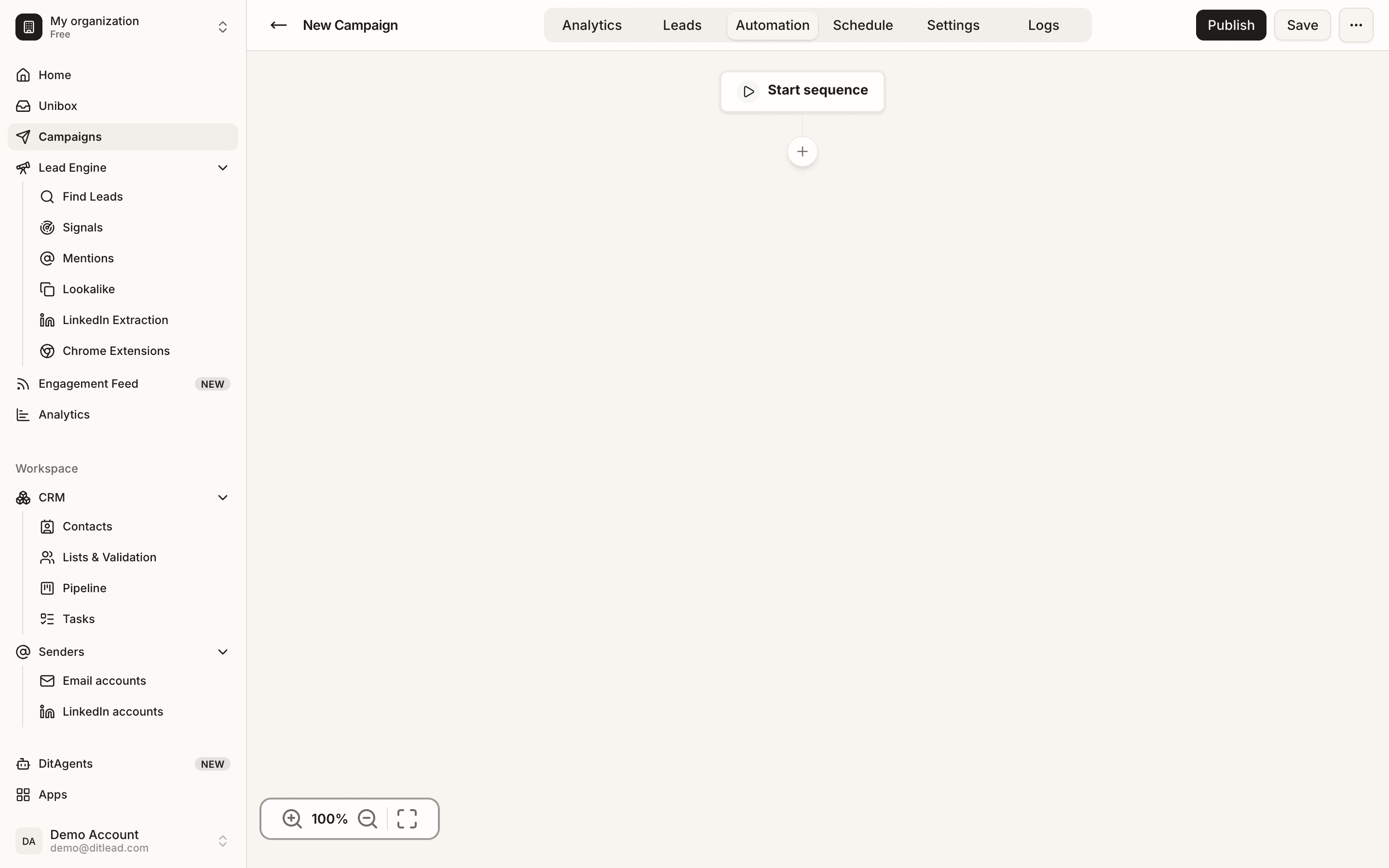
Check unresolved variables, actual resource availability, audience exclusions and reply handling before launch. Use the campaign validation guide for the final review. If you need a different offer, adapt a relevant example from the B2B cold email template library instead of mixing several unrelated pitches into one sequence.
Measure the audience and offer, not just the number of steps
Separate qualified replies from automatic responses, referrals and opt-outs. Look at which offer and buyer segment led to a useful conversation. If the first message has no clear relevance, adding a fourth follow-up is unlikely to explain why your product matters.
Change one major input at a time: audience, offer or message. Keep a record of what changed so a small campaign gives you something you can inspect, rather than an unsupported conclusion about a template’s success rate.
Use Auto Outreach to prepare a campaign
Auto Outreach starts from your business website and proposes audiences and campaigns. Review the leads, research, email copy and sequence before launching. DitLead provides the mailboxes when Auto Outreach is enabled. The public website preview does not send emails.
If LinkedIn is part of the campaign, use the two complete LinkedIn and email sequences for connected/unconnected decisions and shared stop rules.