





A LinkedIn and email outreach sequence coordinates one offer across two channels. It should change the next step when the buyer connects, replies, declines or is not eligible for a particular action. Copying the same pitch into both channels doubles the interruption without adding a reason to respond.
The two sequences below are fictional planning examples. The working-day intervals are hypotheses to review, not measured best-performing schedules or LinkedIn activity allowances. Verify the premise, contact rules and actual account eligibility before scheduling. You can perform the LinkedIn steps natively; adding workflow software does not override provider rules.
LinkedIn's third-party software rules still apply to automated actions. This plan can also guide manual native LinkedIn steps.
Set the recipient state and conversation owner
Record whether the person is connected, which email contact source is appropriate to use and who owns their conversation. Check for other active campaigns. A connection acceptance is not consent for every channel, and an opt-out is not a reason to continue the same pitch by email.
| State before the next step | Decision |
|---|---|
| Invitation still pending | Skip a regular-message step that requires a connection |
| Connected, no reply | Send the relevant first message or one useful follow-up |
| Replied on either channel | Pause cold outreach and assign a human conversation owner |
| Declined, opted out or wrong fit | End or correct the workflow before any further touch |
| Account error or restriction | Pause and investigate; do not reroute around a platform restriction |
Sequence 1: a relevant reporting example
Illustrative audience: an ecommerce operations owner whose public post actually describes report reconciliation. Offer: a short reporting example that exists. Owner: one named rep in your internal campaign brief.
Day 1 — LinkedIn connection request
Hi [Name], your post on reconciling store reports was useful. I work on ecommerce reporting and would like to follow your perspective. Open to connecting?
Verify the post and actual composer allowance. If the person is already connected, skip this request and use the first-message step.
Day 4 — email with the actual offer
Subject: Reporting example for [Company]
Hi [Name], your post described [specific task]. We have a short example of combining [relevant reports] without changing the store platform. Would it be useful if I sent the walkthrough?
Use an appropriate business contact source and applicable contact rules. Do not imply the recipient owes you an answer because an invitation was sent.
Day 8 — LinkedIn message, only if eligible and unanswered
Thanks for connecting, [Name]. One detail on the reporting example: it shows [verified clarification]. Would the short version be useful, or is another person closer to that workflow?
Skip this touch if the invitation is still pending or a reply has arrived elsewhere. Do not send “thanks for connecting” to a person who has not accepted.
Day 13 — final email
Hi [Name], I'll close the loop on the reporting example. If [specific task] becomes relevant, I'm happy to share it. I won't keep following up on this thread.
End the scheduled sequence after this step. Stop earlier on a reply, decline, opt-out, wrong fit or account issue.
Sequence 2: an integration partnership
Illustrative audience: the owner of an integration catalog relevant to your product. Offer: a short compatibility discussion. This sequence uses a different business task rather than changing only the sender's greeting.
Day 1 — email
Subject: [Integration] fit for your catalog?
Hi [Name], your catalog documents [verified integration]. We provide [complementary capability] for [shared audience]. Are you the right person to ask about a compatibility check?
Day 5 — connection note if it adds legitimate context
Hi [Name], I work on [product area] and noticed your team's [verified integration]. I'd like to follow your work on that ecosystem. Open to connecting?
This remains a genuine connection request, not a claim of an existing partnership. If a conversation has started by email, coordinate the connection with its owner.
Day 9 — one specific follow-up in the available channel
Hi [Name], the compatibility question is specifically whether [documented interface] supports [bounded use case]. I can send a one-page outline. Would that help you assess it?
Choose email or the available LinkedIn thread, not both on the same day. Verify the technical premise instead of claiming an integration already works.
Day 15 — close the loop
I'll leave this here, [Name]. If the integration becomes a priority, I'd be glad to compare requirements. No need to reply if it isn't relevant.
Implement the reviewed steps in DitLead
The campaign editor supports email, delay and LinkedIn message steps alongside other workflow actions. Use the sequence builder guide to inspect available actions and conditions in your workspace. Review the actual connected state, assigned account and reply-stop configuration.
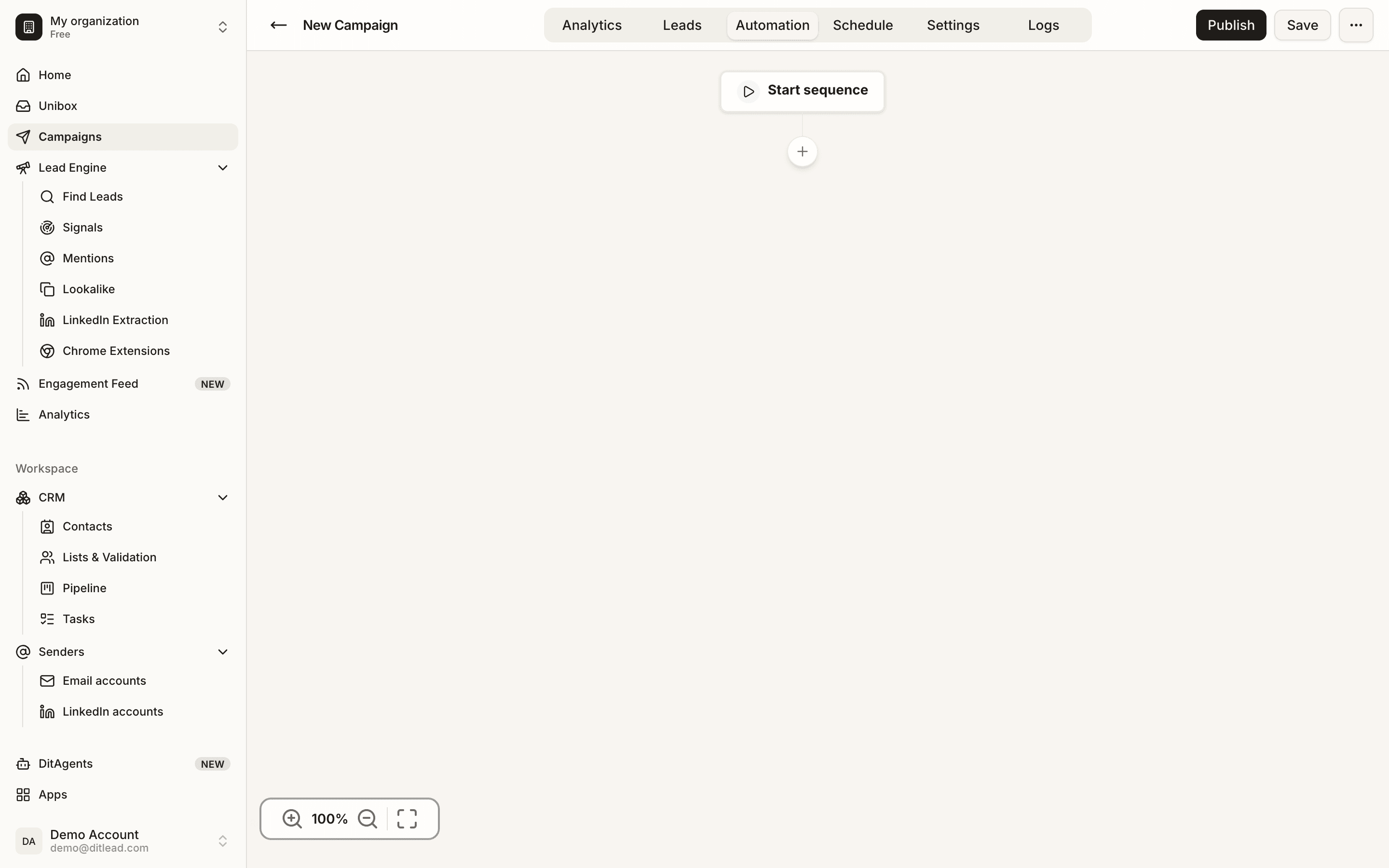
Read the multi-channel workflow overview for product scope and the InMail/message guide for native channel differences. Do not assume a regular LinkedIn message can replace an unavailable invitation.
Review replies and outcomes as one cohort
Use unique people, not total touches, as the denominator for cross-channel reply and meeting metrics. Attribute the reply channel separately from the last scheduled touch. Count meetings held, opt-outs and wrong-person responses alongside positive replies.
Download the blank worksheet. Compare like-for-like audiences before changing intervals or adding another step. A sequence plan alone cannot prove that LinkedIn-plus-email performs better than email for your business.