
Before you start
- Know the campaign goal and the audience segment.
- Prepare any email, LinkedIn, call, or wait steps you plan to use.
- Connect the sending accounts required for the channels in the sequence.
- For LinkedIn outreach automation, decide whether the sequence should use profile visits, connection requests, DMs, InMails, or softer engagement before you build the flow.
Steps
Open the sequence builder
From a campaign, open the sequence area. Start with the first touch that creates the clearest reason to respond.
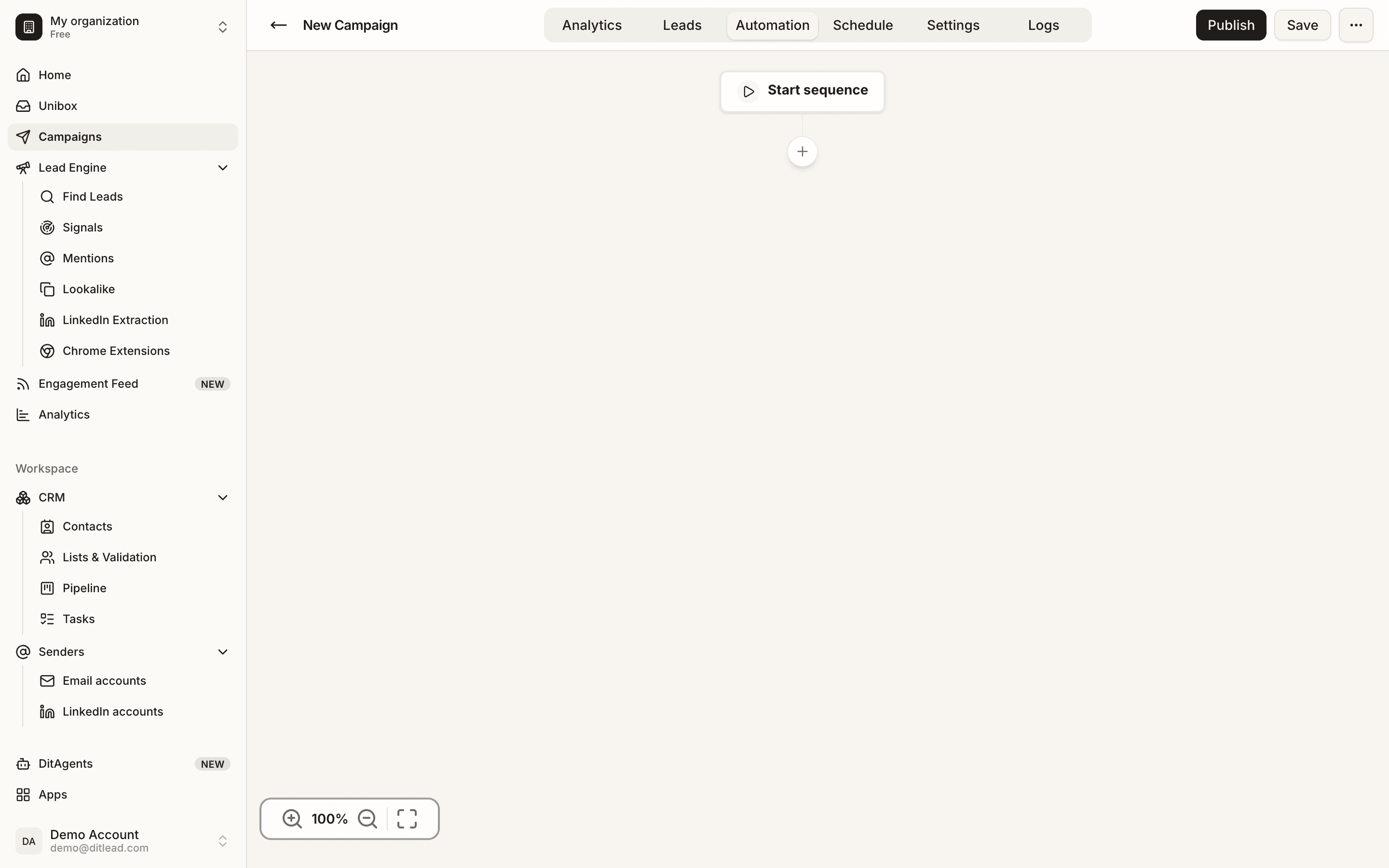
Add the first step
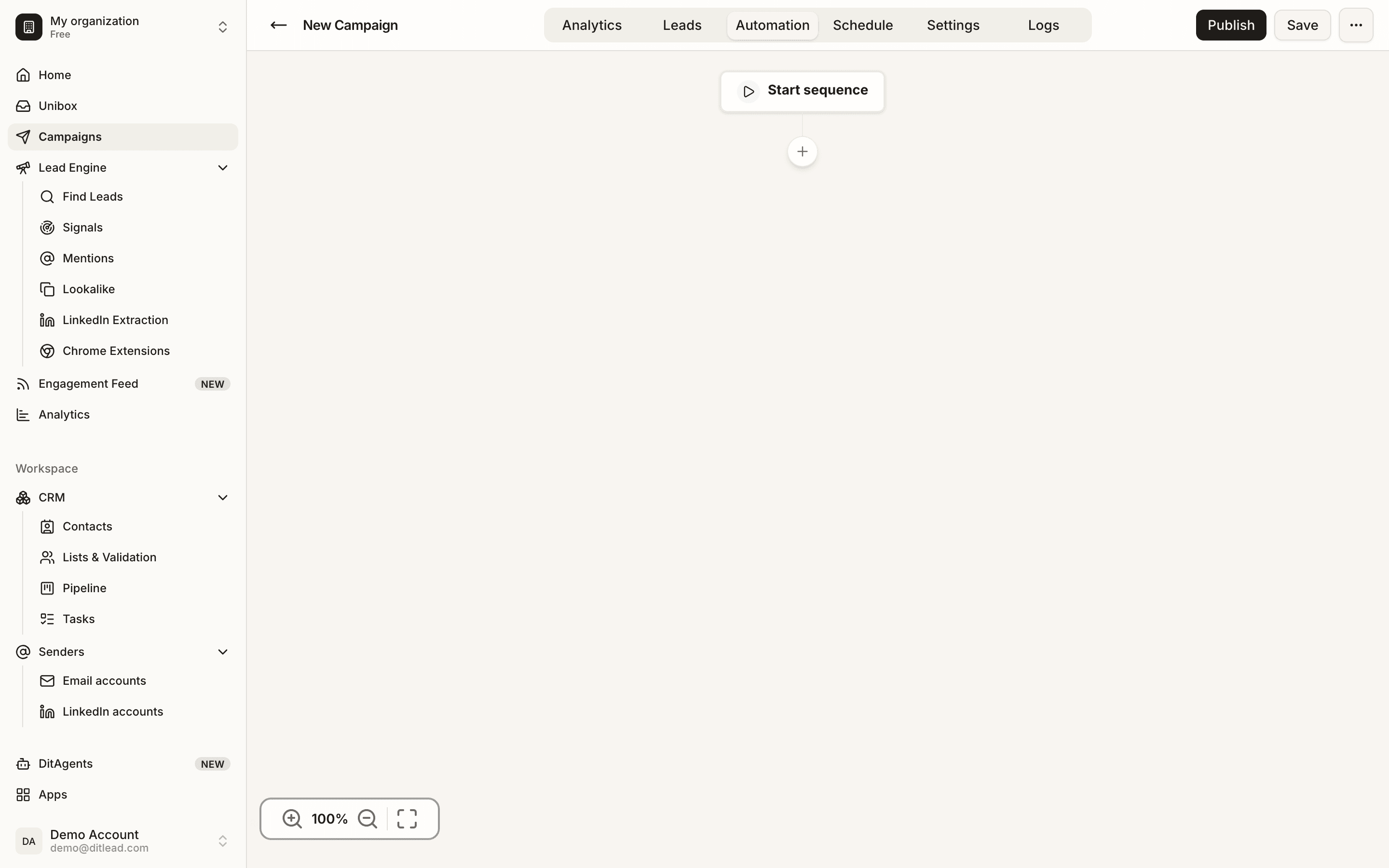
Choose email, LinkedIn, call, or another supported step. If the first touch is LinkedIn outreach automation, keep it short, personal, and paced for the account that will send it.
Write or configure the step
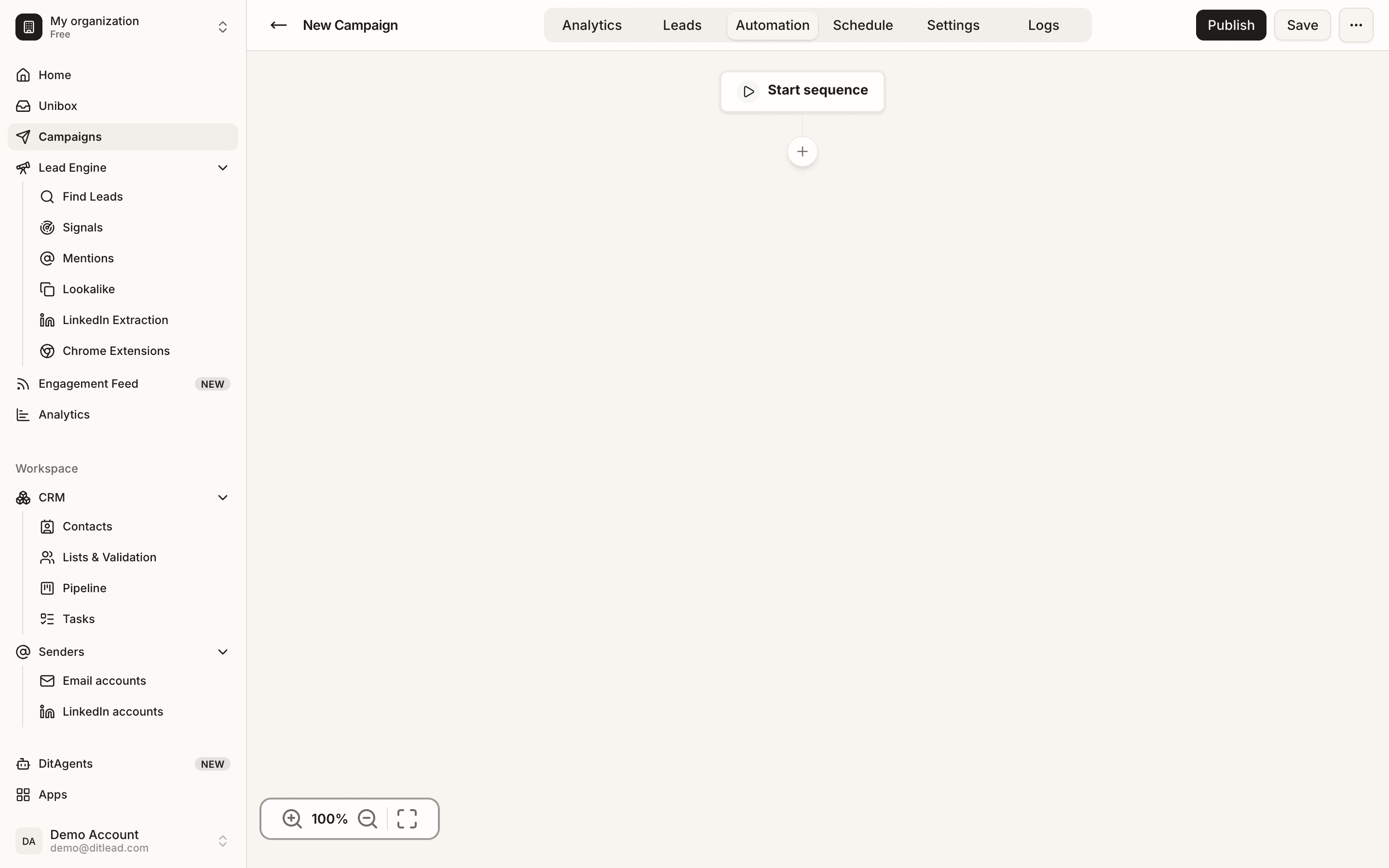
Add copy, variables, task instructions, or channel-specific settings. Preview variables before saving.
Add waits and follow-ups
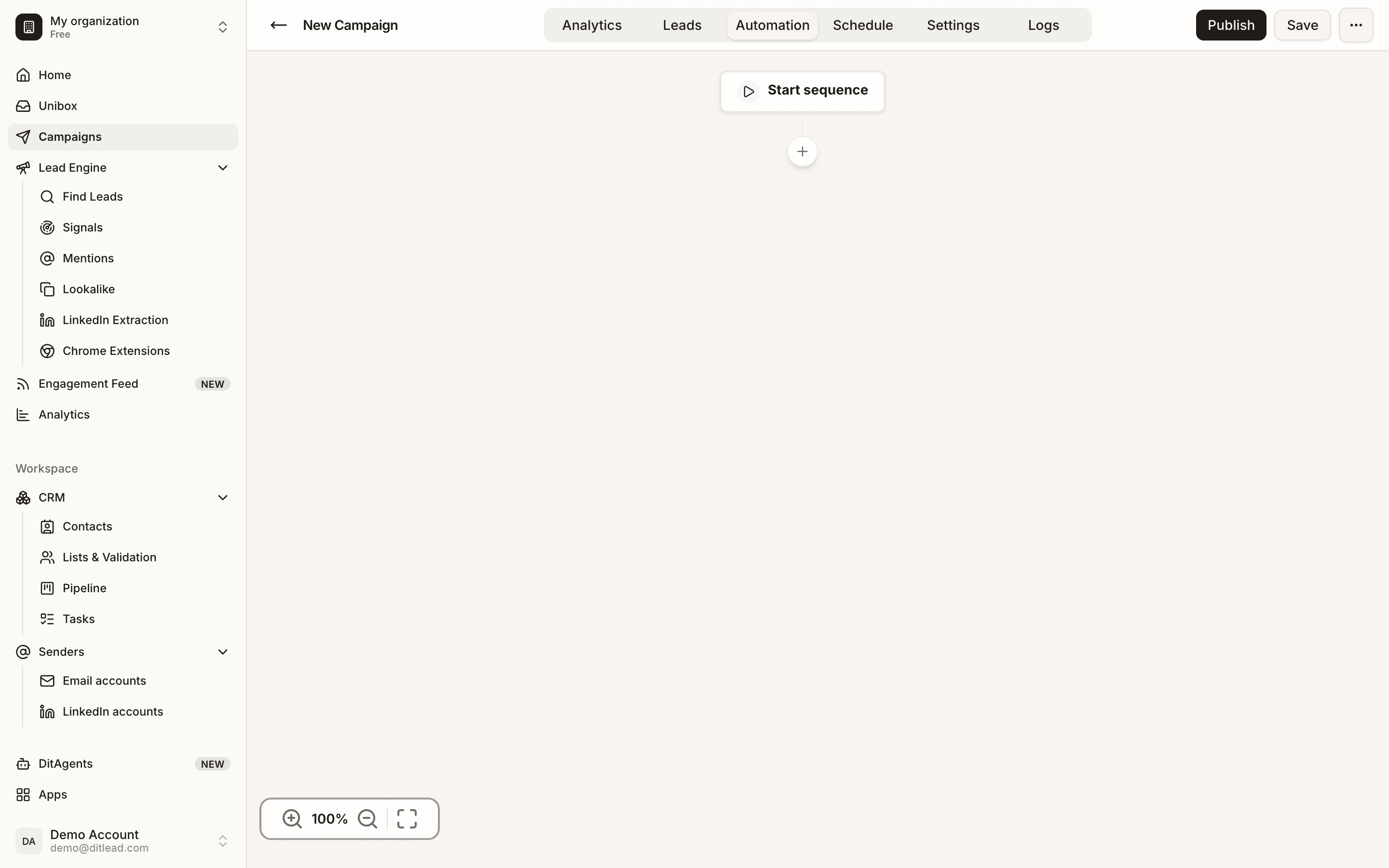
Use wait steps to space touches naturally. Follow-ups should add context, not repeat the first message.
Preview the full sequence
Check order, timing, variables, channel mix, and exit conditions before validation.
What happens next
FAQ
How many steps should I add?
Use enough steps to follow up respectfully without overwhelming people. Quality and timing matter more than a long sequence.
Can I mix email, LinkedIn, and calls?
Yes. Use multi-channel steps when each channel adds useful context and your accounts are connected. For LinkedIn outreach automation, keep LinkedIn touches spaced naturally and avoid duplicating email copy inside DMs.
Review audience, senders, sequence copy, personalization, schedules, and validation blockers.