
Before you start
- Prepare a clean contact list or lead source.
- Connect and validate the sending accounts you want to use.
- Write the offer, audience, and goal for the campaign before building steps.
- If the campaign includes LinkedIn steps, review LinkedIn outreach automation safety before you add connection requests, DMs, visits, or InMails.
Steps
Open Campaigns
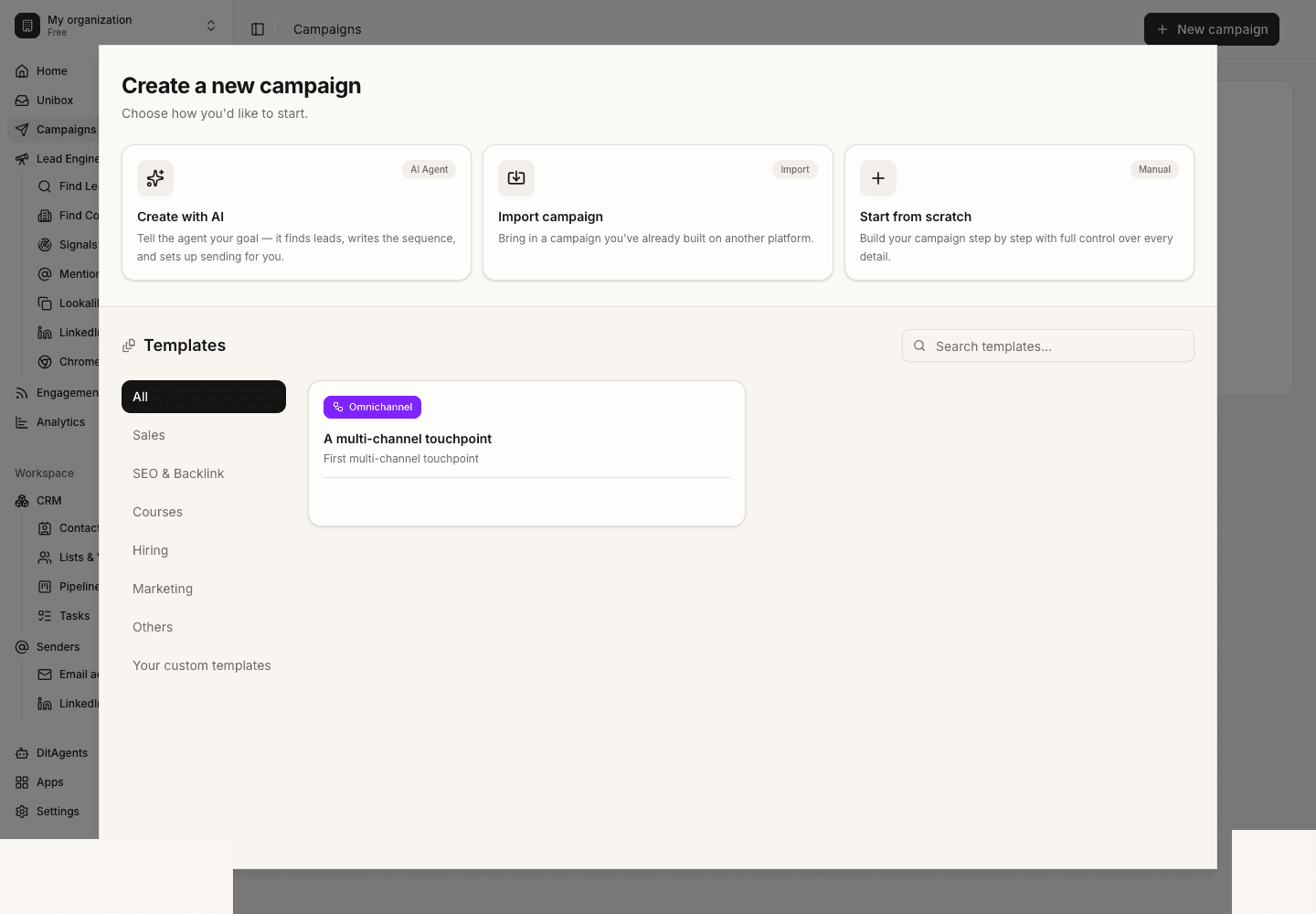
Go to Campaigns and start a new campaign. Choose a blank campaign when you want full control over audience, sequence, and sending rules.
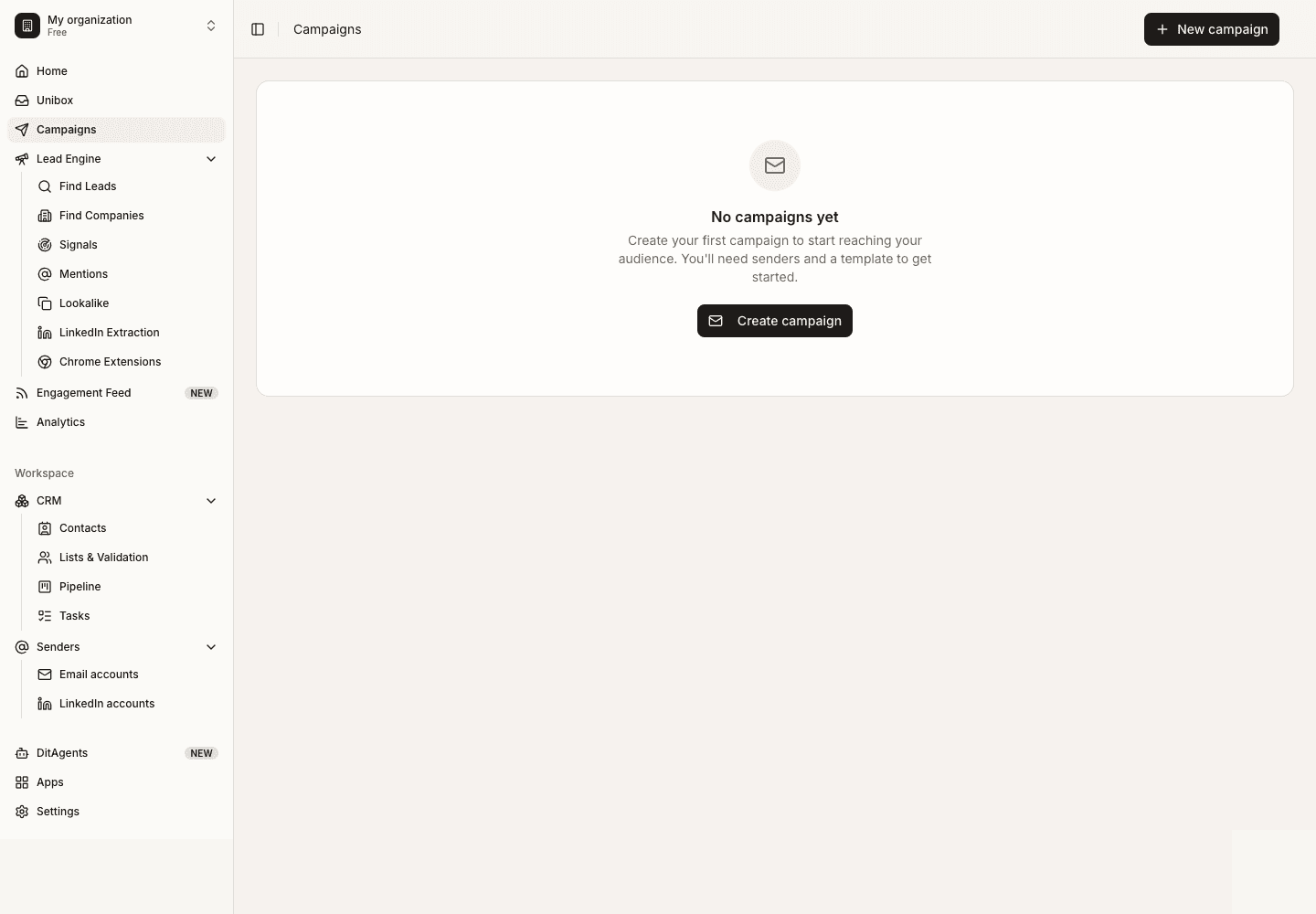
Name the campaign and choose the audience
Use a clear campaign name and select the list or segment that should enter the workflow.
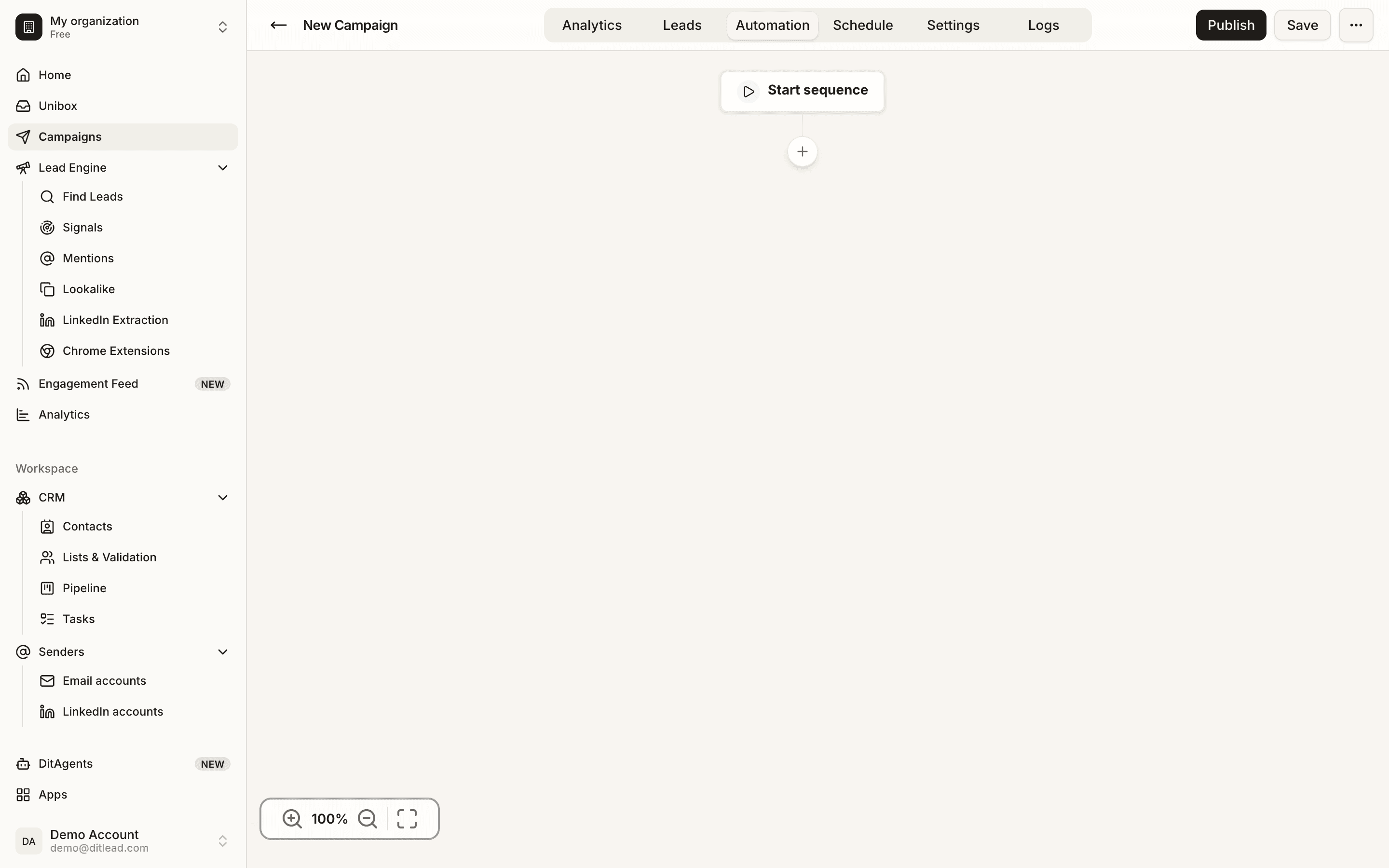
Build the sequence
Add email, LinkedIn, call, wait, or condition steps. Treat LinkedIn outreach automation as a distinct channel: write shorter touches, pace activity carefully, and avoid repeating the same message across channels.
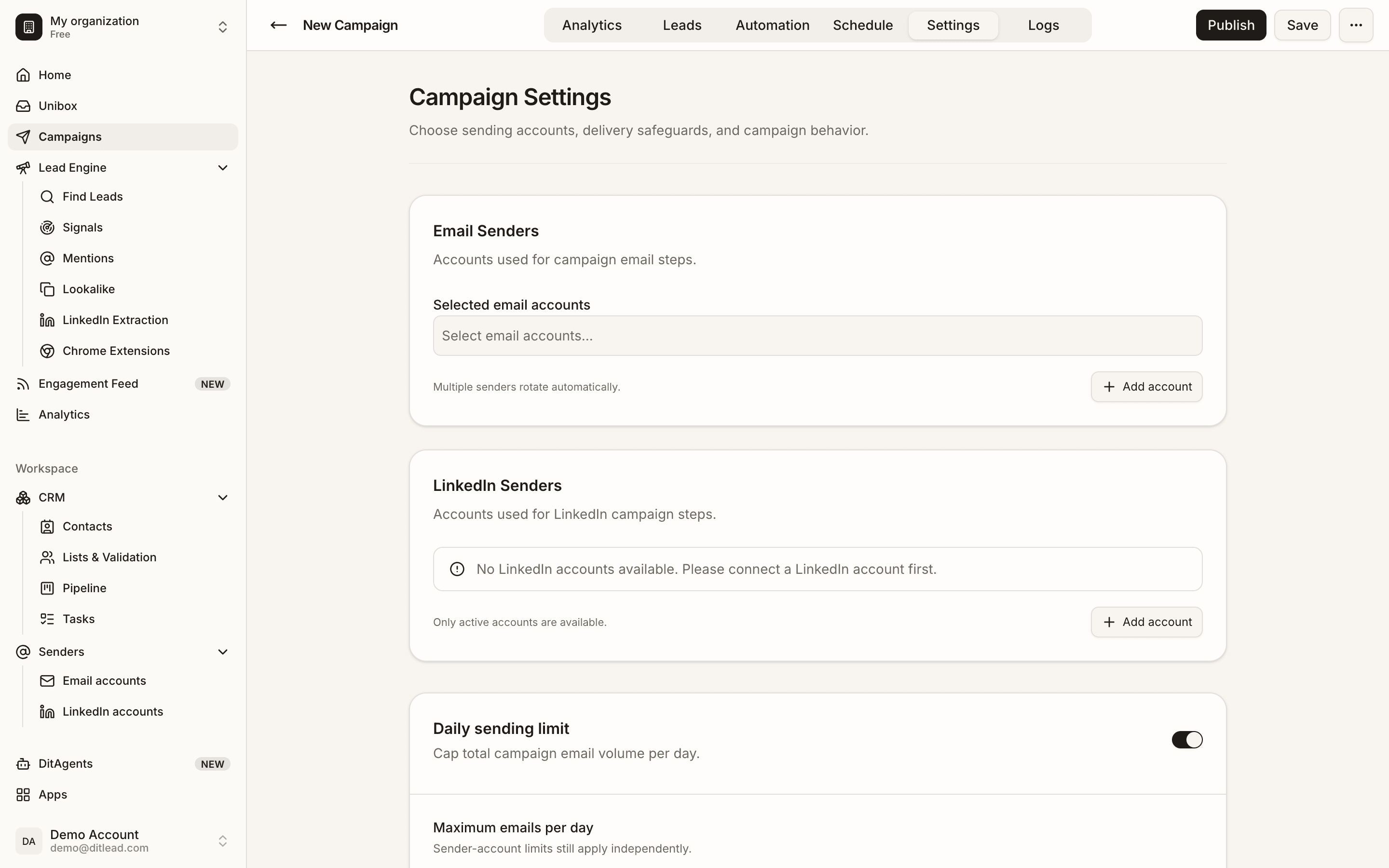
Configure sending rules
Choose senders, daily limits, schedule, timezone, sender rotation, and safety settings. Conservative limits are better for new infrastructure.
Validate and launch
Run validation, fix any blockers, preview the messages, and launch only when the campaign has a clean audience and ready senders.
What happens next
FAQ
Can I launch without email accounts?
Only channels with connected and validated accounts can send. A campaign may be blocked if required senders are missing.
Where should I learn the LinkedIn-specific campaign rules?
Use the LinkedIn outreach automation guide when your campaign includes connection requests, profile visits, follow-up DMs, InMails, or multiple LinkedIn senders.
Should I start with a large list?
Start with a smaller clean segment first. Use the first results to improve copy, targeting, and sending settings.
Review audience, senders, sequence copy, personalization, schedules, and validation blockers.