





Sales prospect research checks whether a company fits your offer, whether you have the right buyer and whether there is an honest reason to contact them. The output should be a short decision and a usable message premise. A large file of facts is less useful than one relevant fact you can verify.
For cold email, research the account and role before writing the opener. Keep the public source, date checked and any uncertainty beside the claim. If the evidence does not justify the message, revise the premise or skip the contact.
Download the sales prospect research checklist
Use the blank CSV worksheet in your spreadsheet app, or copy the Markdown checklist into your notes. These are external planning documents, not an export of DitLead’s UI fields. Add only the information you need for business relevance; do not put passwords or private personal details in research notes.
| Record | Question to answer |
|---|---|
| Company and domain | Am I researching the right entity and website? |
| Fit criterion | Which part of my offer is useful for this type of company? |
| Buyer role | Who owns or influences this workflow? |
| Source URL and checked date | Where can another reviewer verify the premise? |
| Observed fact and confidence | What does the source actually establish, and what remains unknown? |
| Commercial relevance | Why would this fact matter to the buyer? |
| Decision and draft | Contact, research further or skip? What can I honestly say? |
Define the segment first with a B2B ideal customer profile worksheet, then research each account against those criteria.
1. Establish account fit before collecting details
Write down your offer, supported customer type and any boundaries: geography, company size, platform or service scope. Then check the prospect’s own website. A company name in a database can represent a parent, subsidiary, inactive business or unrelated brand.
Start with its product and service pages. Check what it sells and whom it serves. Do not infer a purchasing need from a broad industry label alone. When technology affects your offer, use technographic prospecting to narrow the list, then validate important matches.
2. Find the role that owns the problem
Match the buyer to the workflow, rather than always choosing the most senior title. A head of ecommerce might own store reporting; an engineering lead might own integration maintenance. Titles vary, and a senior person may have no responsibility for the part you sell.
Check current public role information and company context. If ownership is unclear, a short routing question is more honest than “I know you’re responsible for…” followed by a guess. Keep account fit and contact fit as separate decisions.
3. Collect one or two facts from relevant sources
Company documentation, service pages, current job listings and published announcements can give useful context. Choose the source because it relates to the offer, rather than because it gives you an easy compliment.
- First-party fact: the company documents an integration or service. Record the exact page.
- Third-party observation: a database or technology detector reports a match. Check important claims against current public evidence.
- Inference: you think the fact might create a need. Label that as a hypothesis; do not present it as the buyer’s known problem.
A job listing can establish a published responsibility. It does not establish that the team is growing, behind schedule or short on budget. An older announcement may be true but irrelevant now. Keep the event date, when available, separate from the date you checked the page.
4. Decide whether the evidence supports a message
Use three decisions: ready when fit and premise are supported, research further when an important detail is uncertain, and skip when the offer does not fit or the message depends on a guess. These are suggested worksheet labels, not claims about product status fields.
A confidence label describes your evidence, not the probability of a sale. “Confirmed in current company documentation” is more useful than an unexplained numeric score. Never convert an inferred problem into an asserted fact because an AI draft sounds convincing.
A worked account: accepted and rejected premises
This is a fictional exercise. Northstar Demo Software at northstar.example is a placeholder account, not a customer or a researched live company. Suppose its fictional careers page lists a customer-success role responsible for onboarding handoffs, and your service helps document those handoffs.
| Worksheet field | Illustrative entry |
|---|---|
| Fit | Software company; onboarding documentation is within our service scope |
| Source | [actual company careers URL required before use] |
| Checked date | [record the date you review the real source] |
| Observed fact | Published role includes onboarding handoffs |
| Buyer role | Customer-success leader; current ownership still needs confirmation |
| Accepted premise | Ask whether an example handoff checklist would be useful |
| Rejected premise | “Your rapid growth is causing onboarding delays” |
The rejected premise adds two unsupported claims: rapid growth and delays. The acceptable draft stays within the source:
Hi [first name],

Your customer-success job description includes onboarding handoffs. We help software teams document those handoffs so new team members can follow the same process.

Would an example checklist be useful?

[your name]
For other offers and before-and-after drafts, see our cold email personalization examples.
5. Review the research-to-campaign handoff in DitLead
Lead Finder helps select companies and contacts. When you turn a search into a campaign, review the audience and copy together: a good message sent to the wrong role still misses the task. The search-to-campaign guide explains that workflow.
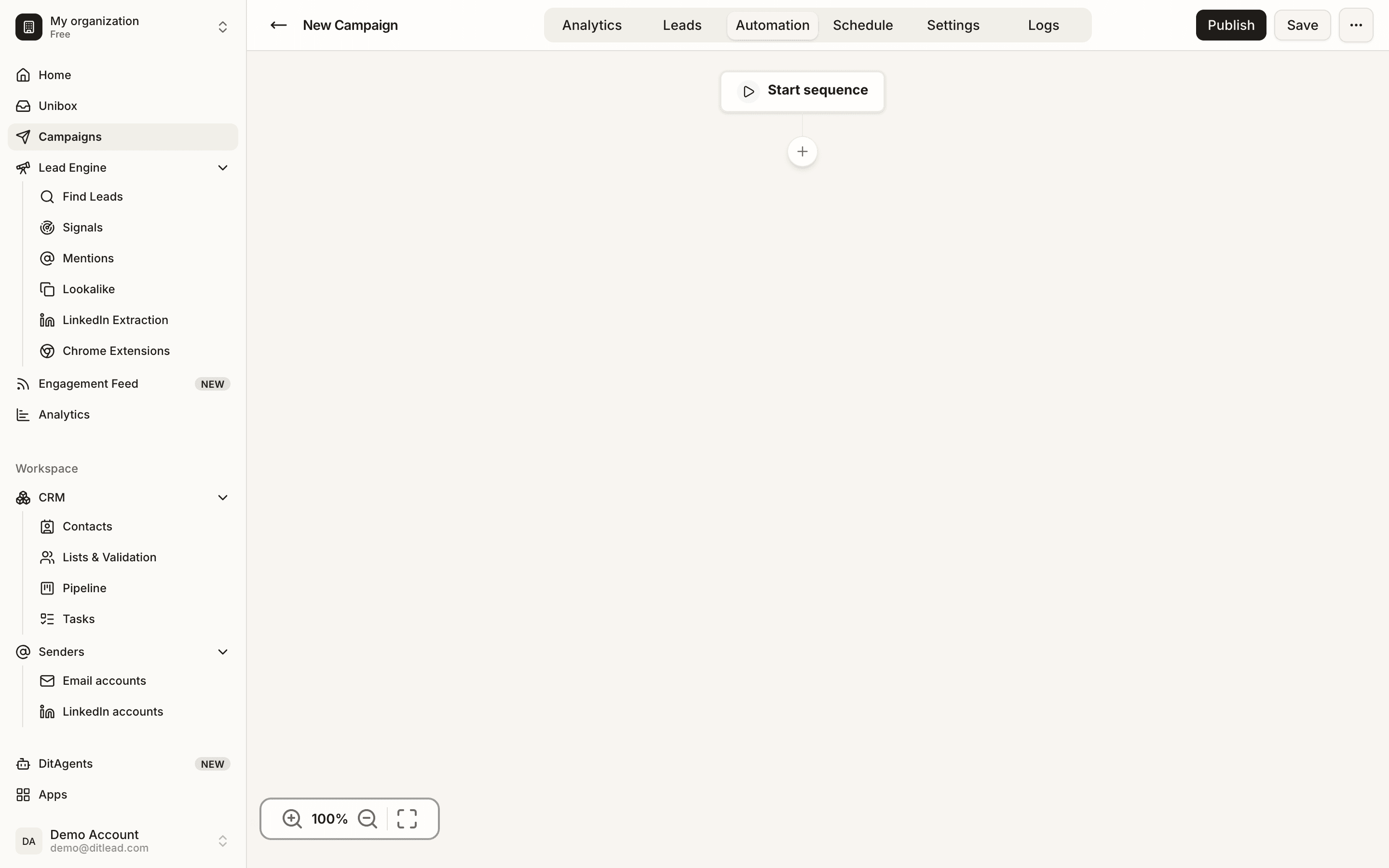
Auto Outreach starts with your website, proposes audiences and campaigns, and prepares prospect research and personalized emails. Check the inferred offer, sample leads and factual premises. DitLead provides the mailboxes when Auto Outreach is enabled; the website preview does not send emails.
6. Set a stopping point for research
Stop when you can make a supported fit decision and write one useful question. If a crucial fact remains unknown, record the gap instead of searching until you find something flattering. You can return to the account when new information makes the offer relevant.
Review a sample of records before expanding an audience. Look for repeated role mismatches, outdated sources and speculative needs. Track relevant replies and qualification alongside delivery issues; open tracking alone cannot establish that the research was useful.
Use the same evidence in your follow-up sequence
Follow-ups should add a useful detail about the offer, without introducing a new unsupported premise. Our B2B cold email sequences show complete messages, and the outreach automation guide connects research to launch and reply handling.
For a LinkedIn-first workflow, use Sales Navigator lead-generation guidance and the LinkedIn outreach message examples to carry the verified premise into the conversation.