
Before you start
- Make sure the lead search results are focused enough for one campaign message.
- Export selected leads into a named list.
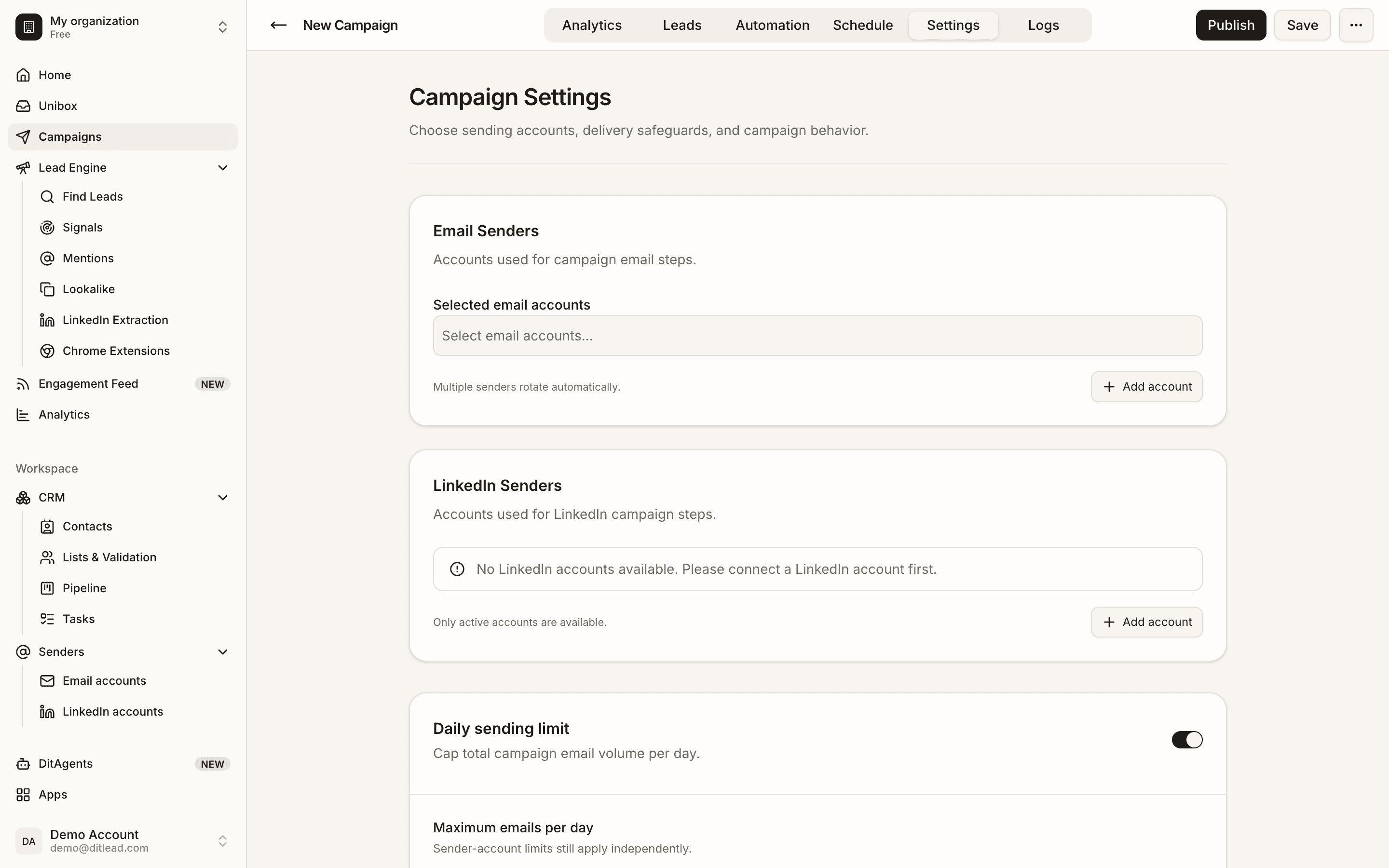
- Prepare connected sending accounts and a campaign offer.
Recommended workflow
Part 1
Review the saved list
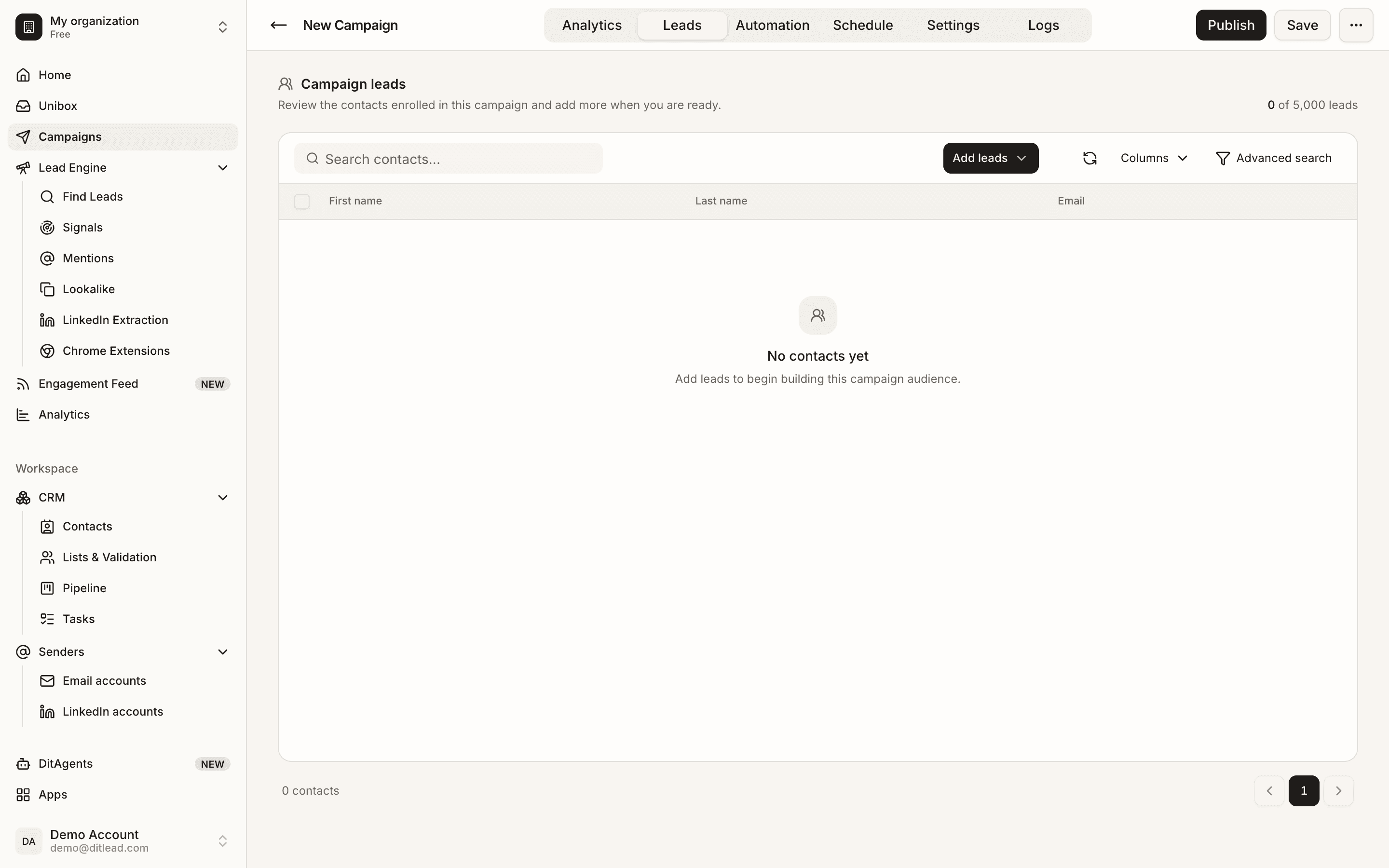
Open the list created from Lead Finder and check whether the contacts share a clear use case or pain point.
Part 2
Verify and clean contacts
Run email verification where needed, remove irrelevant contacts, and check for missing fields used in personalization.
Part 4
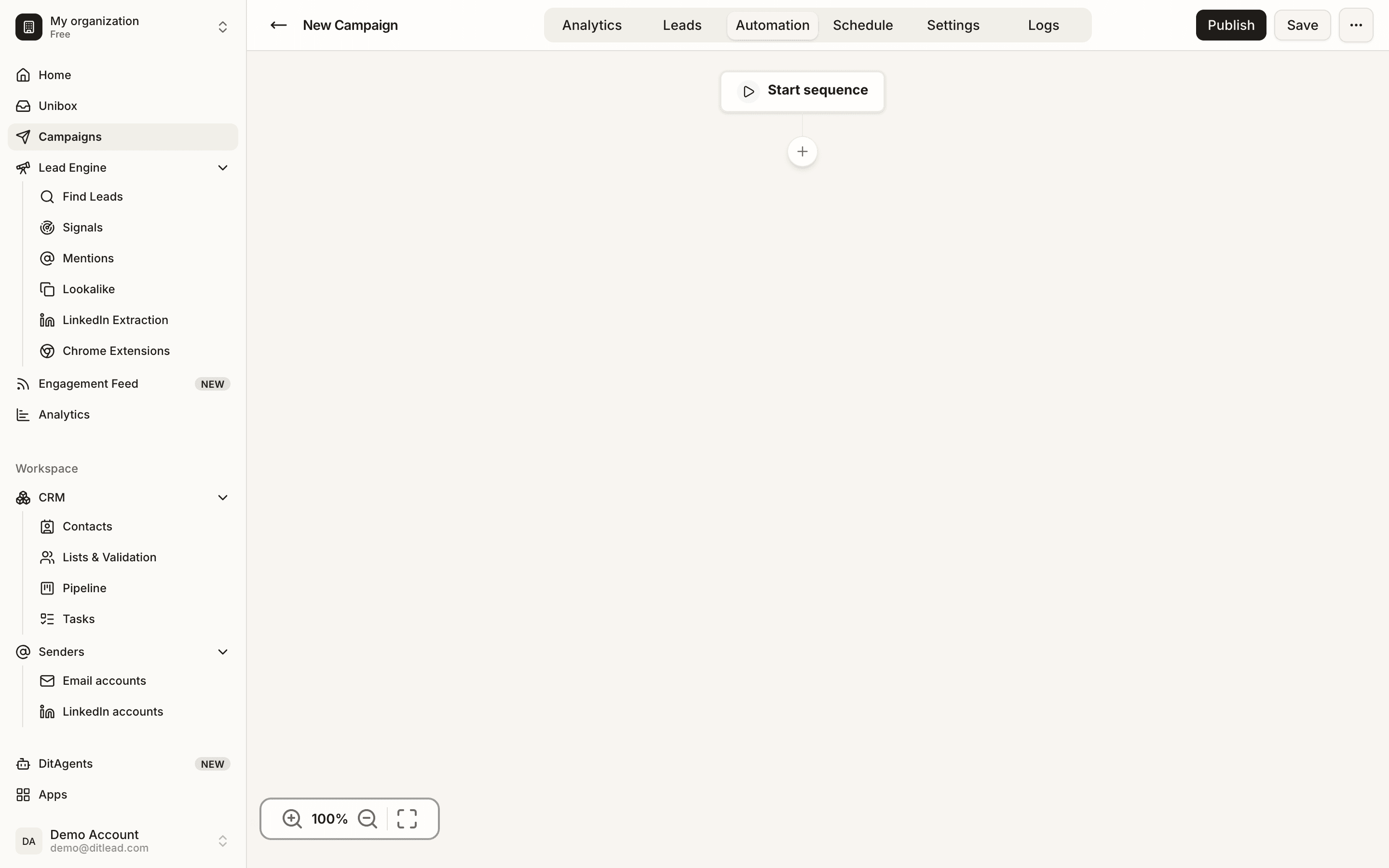
Write source-aware copy
Use the search criteria, technology, role, or LinkedIn context to make the first message relevant.
Part 5
Validate before launch
Review sender accounts, variables, schedule, and validation blockers before turning the search into live outreach.
What to do next
FAQ
Should every search become a campaign?
No. Only launch when the selected leads share enough context for one coherent message.
Can I reuse one list in multiple campaigns?
Yes, but avoid contacting the same people with overlapping campaigns unless that is intentional.
Review audience, senders, sequence copy, personalization, schedules, and validation blockers.
Review checklist
See it in the productExplore Lead Engine