
Before you start
- Know the audience you want to reach: role, industry, location, company size, and the reason they would care.
- Create or choose the list where selected leads should be saved.
- Check your credit balance before revealing or exporting contact details.
Steps
Open Lead Finder
Go to Lead Engine, then open Lead Finder. Use the AI discovery area when you want DitLead to turn a plain-language audience description into a search.
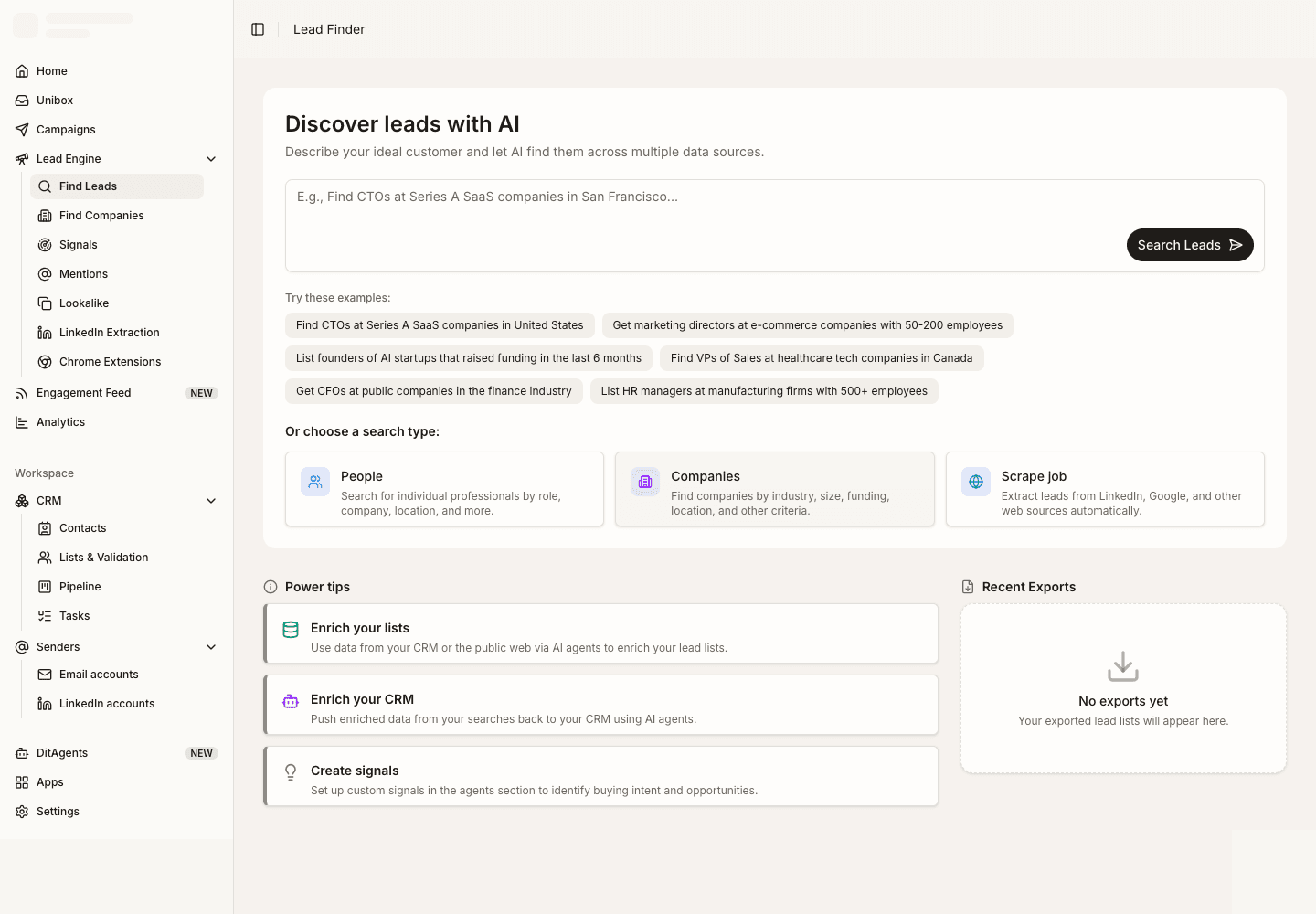
Describe the audience
Write a specific prompt that includes buyer role, company type, region, exclusions, and any buying signal you care about. Clear prompts produce cleaner searches.
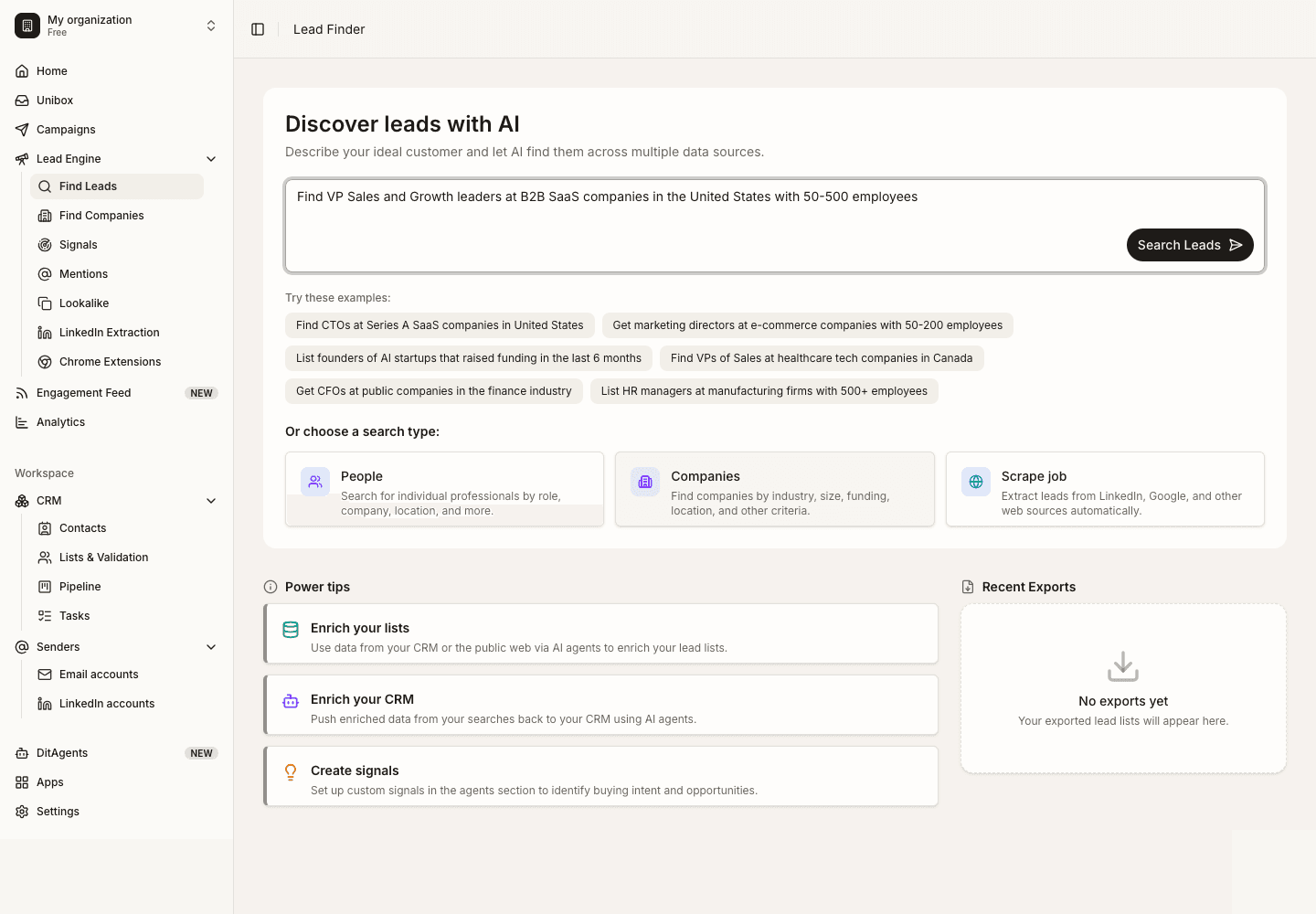
Review and refine results
Scan the returned people or companies. Adjust filters if the audience is too broad, too narrow, or missing an important segment.
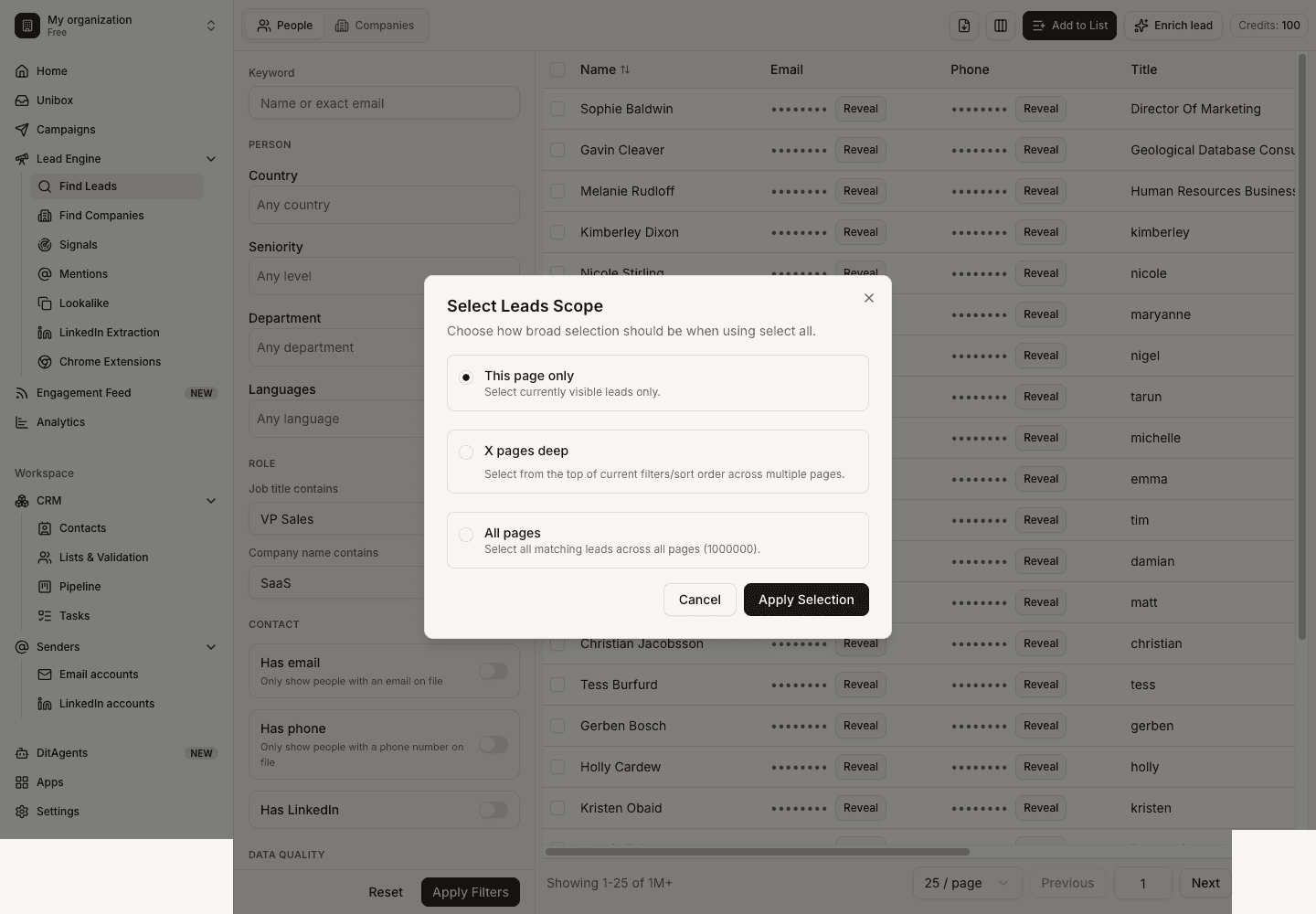
What happens next
FAQ
What makes a good Lead Finder prompt?
A good prompt names the buyer, company type, region, problem, and exclusions. For example, specify seniority and industries instead of asking for broad categories like "marketing people".
Do I need to reveal every contact?
No. Reveal only the contacts you plan to use. You can save research first, then reveal emails or phone numbers after you narrow the list.
Start with a focused ICP, then use Lead Finder or LinkedIn extraction to create a cleaner audience.