





For the app walkthrough, use the Auto Outreach setup guides. They explain the preview, workspace access, campaign handoff and readiness checks.
B2B outreach automation connects the work between finding a buyer and hearing back: audience selection, contact research, email preparation, sending and follow-ups. A useful setup gives you control over who gets contacted and what the agent says. Automating a poorly defined offer only makes the same mistakes happen faster.
This guide shows the workflow in DitLead. If you want to compare vendors first, see our AI SDR tools comparison. For the product overview and website preview, visit Auto Outreach.
For the software capabilities, see cold email outreach automation. For coordinated LinkedIn and email touches, use the LinkedIn and email sequence examples and assign one conversation owner.
1. Define one audience and one offer
Start with a segment you can describe clearly: a buyer role, company type, region and reason your product is relevant. Keep unrelated audiences in separate campaigns so the copy and results remain useful.
For example, a service selling onboarding help to software companies could target operations leaders at companies hiring customer-success staff. This is an illustrative audience, not a measured customer result. The research should establish whether each company actually matches the criteria.
- Who can use or buy your offer?
- What observable detail makes the timing relevant?
- What is the smallest useful next step: a reply, a resource or a meeting?
2. Use your website to start the research
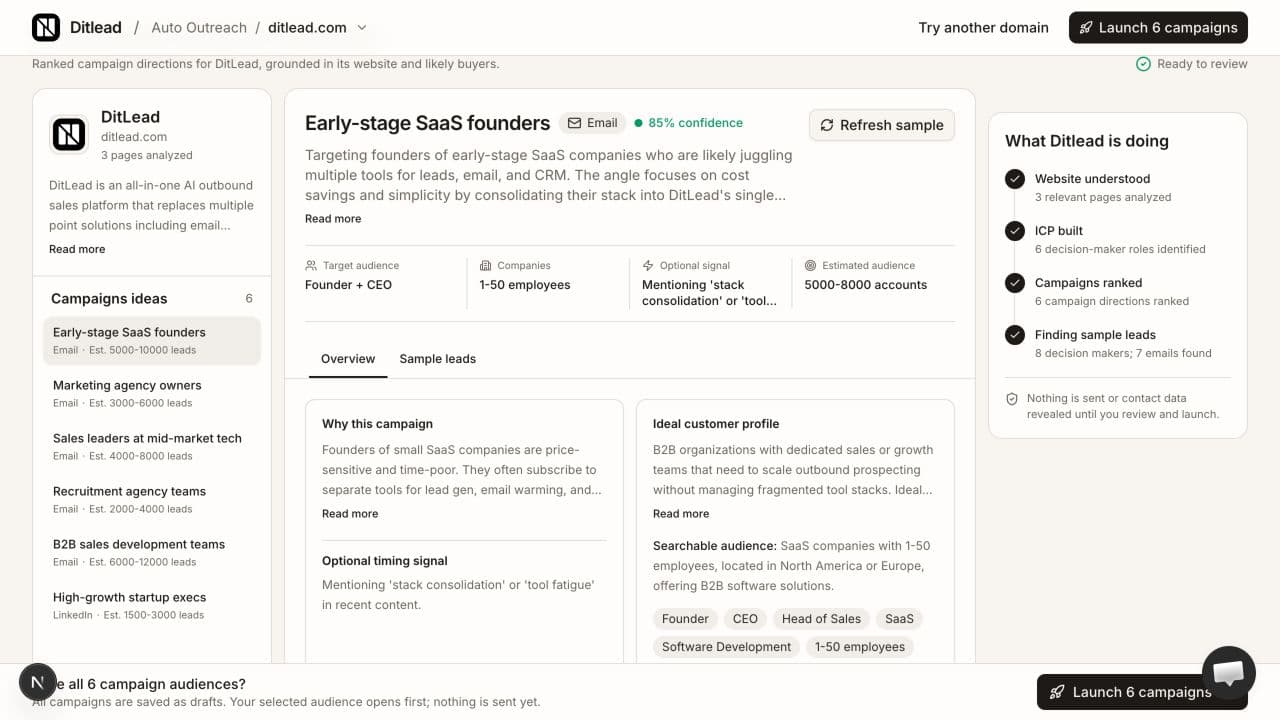
Enter your company domain in DitLead Auto Outreach. The agent reads company pages, proposes buyer segments and suggests campaigns with sample leads. Review what it inferred: your product, target roles and offer may need refinement, especially if your website covers several services.
The website preview is a starting point. It does not send emails. If you do not have a website, set up manually and define the campaign in your workspace.
3. Inspect sample leads before expanding the audience
Check that the sample companies and roles fit. A relevant company is not enough if the contact cannot influence the purchase. Narrow the audience when the matches are inconsistent; broaden it when the agent finds too few suitable prospects. Exclude customers and contacts already being handled by another campaign.
DitLead also lets you build audiences directly in Lead Finder. Our AI lead discovery guide explains the search workflow, and the lead-search-to-campaign guide shows the handoff.
Use the sales prospect research worksheet to record the source, date checked and reason each sample account fits. Keep unknown details separate from the agent’s suggested message.
4. Review the research and personalized email
An AI sales agent should use research to explain why the offer fits the prospect. Check the factual premise before approving the message. Remove unsupported claims, guessed personal details and generic compliments. Keep the email focused on one problem and one clear ask.
For a simple review, read the message without its first-name field. If it could go unchanged to any company, the research has not created enough relevance. Compare the opener with the evidence behind it and confirm that your offer actually addresses the buyer’s situation.
These personalization examples show how to turn an observed fact into a message without guessing that a company is growing or unhappy.
A worked campaign brief
For an illustrative onboarding service, describe the offer as documenting customer handoffs, target software-company customer-success leaders, and review whether sample companies and roles match. A current job description mentioning handoffs can support a checklist offer; it cannot support a claim that onboarding is failing. If the audience or source is wrong, change it before launch.
Prepare a first email offering the checklist, a follow-up explaining its contents and a final ownership question. The complete sequence examples include all three messages. This brief is a planning example, not a measured campaign or an actual agent-preview capture.
5. Budget lead credits separately from sending
Lead research and email sending have different billing rules. To illustrate the arithmetic, 100 email verifications use 100 credits, 100 lead reveals use 500 credits, and 100 Auto Outreach email research operations use 1,500 credits. That is 2,100 lead credits for those three sets of operations. Your actual usage depends on which operations you run; this is not a fixed per-contact package.
6. Enable Auto Outreach and choose a follow-up cadence
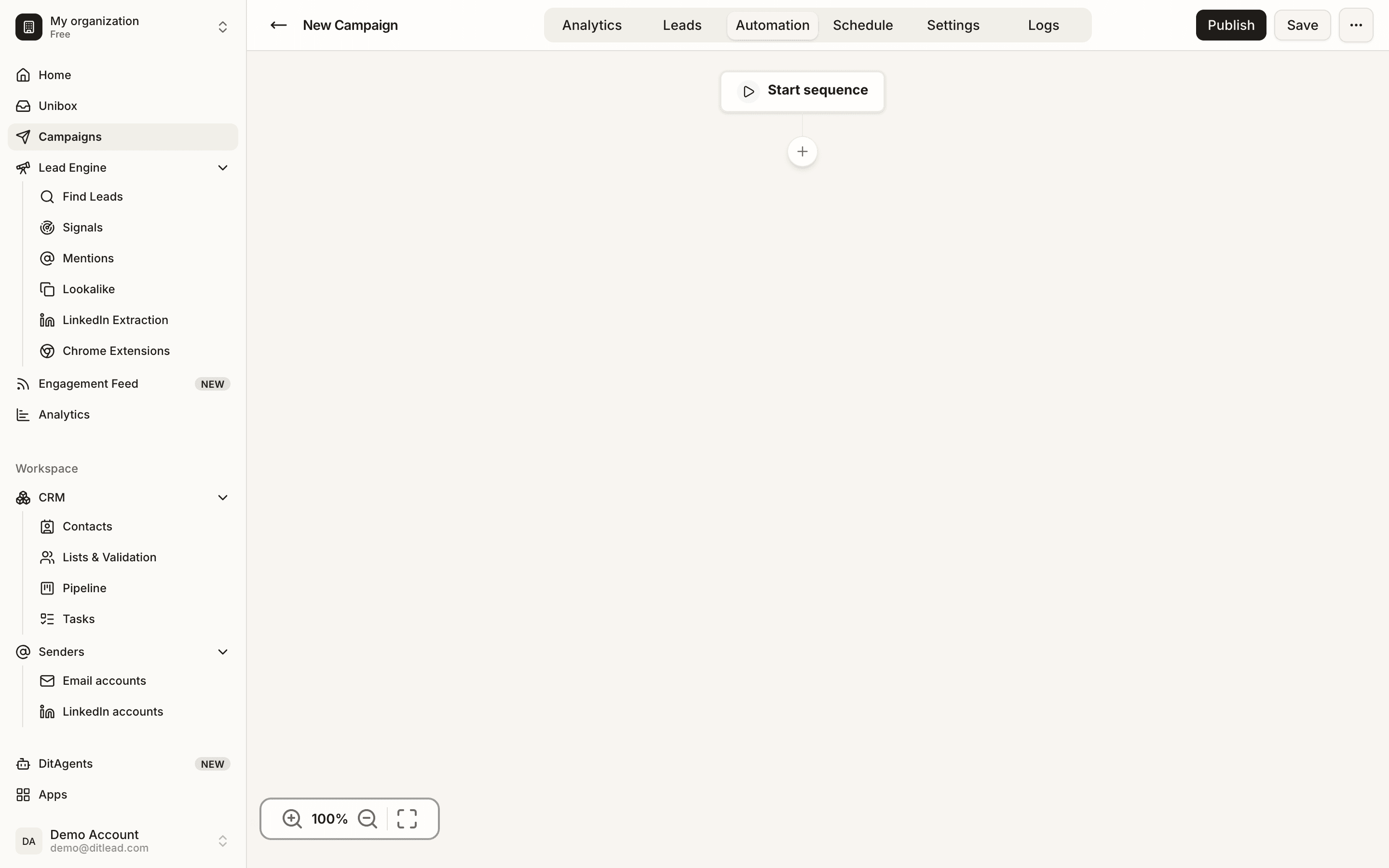
DitLead provides the mailboxes when Auto Outreach is enabled. Mailbox provisioning is handled through Auto Outreach. Focus your review on the audience, email copy, sending schedule and follow-up cadence before launching. Replies arrive in Unibox.
Keep the follow-up sequence short enough to review as a whole. Each message should add something useful. Use the cold email follow-up cadence guide for an example schedule and stop conditions. Confirm that replies and opt-outs remove contacts from further outreach.
7. Launch a small audience and measure meaningful replies
Begin with a batch you can inspect. Review delivery failures, replies, qualification and meetings. Separate positive replies from automatic responses and opt-outs. Open tracking alone cannot tell you whether an audience is buying.
If relevance is weak, adjust the segment or offer before increasing volume. If replies are useful but meetings stall, review your question and handoff. Change one major input at a time so the next campaign teaches you something.
Where Auto Outreach and AI Sales Rep fit
Auto Outreach covers lead finding, research and outbound campaigns. The AI campaign generator helps prepare a sequence from a brief. AI personalization shapes individual messages. AI Sales Rep focuses on replies and conversations and is included on Popular and Agency, with beta access on Team. Choose the workflow for the task you want to automate.