





For a quick website technology stack check, visit BuiltWith’s lookup or Wappalyzer’s website checker. For an enrichment API, evaluate the data and refresh behavior in Wappalyzer. For technology-based prospecting that continues into outreach, evaluate DitLead’s filters and campaign workflow.
How to check what technology a website uses
A website technology stack checker reports software it can observe on a public site. Use a single-domain lookup for a quick check, then review the evidence before treating the result as a current installation.
- Enter the website’s domain in BuiltWith or Wappalyzer’s public lookup, or inspect the current page with a supported browser extension.
- Read the detected categories: CMS, analytics, ecommerce, hosting or other visible tools. Check any observation dates or evidence the report provides.
- Confirm the signal you need against the live site. A script on one page does not prove a site-wide deployment; a missing result does not rule out a server-side tool.
For selecting companies by their software, continue with technographic targeting in DitLead. For a specific platform, use the Shopify company-finding workflow. These are audience-building tasks rather than a free one-off website check.
Which website technology lookup tool fits your task?
| Task | Tools to evaluate | Check before choosing |
|---|---|---|
| Check one website’s tech stack | BuiltWith, Wappalyzer, Ful.io | Detection accuracy, recency and free-check allowance |
| Enrich company records through an API | Wappalyzer, BuiltWith | Credits, supported fields, refresh behavior and licensing |
| Research adoption and market share | W3Techs | Survey methodology and the population being measured |
| Find buyers using a technology | DitLead, BuiltWith lead lists | Company match, contact relevance and total data/outreach costs |
This is a workflow comparison by DitLead, not an independent benchmark. Technology detection can miss server-side tools or stale installations. Validate important signals before using them in a sales message.
What a technology signal can tell you
Technographic data describes observed technologies. It can help establish whether an integration or service fits an account. It does not establish purchase timing, dissatisfaction or a budget. Choose a tool according to whether you need a website check, a research dataset or an outreach workflow:
- Data tools (BuiltWith, Wappalyzer, Ful.io, W3Techs) — identify the stack and give you a list or API to act on elsewhere.
- Targeting-to-outreach (DitLead) — apply the tech filter to a contact database and run the campaign in the same platform.
Which you need depends on whether your goal is research or pipeline.
1. DitLead
Best for turning tech signals into pipeline
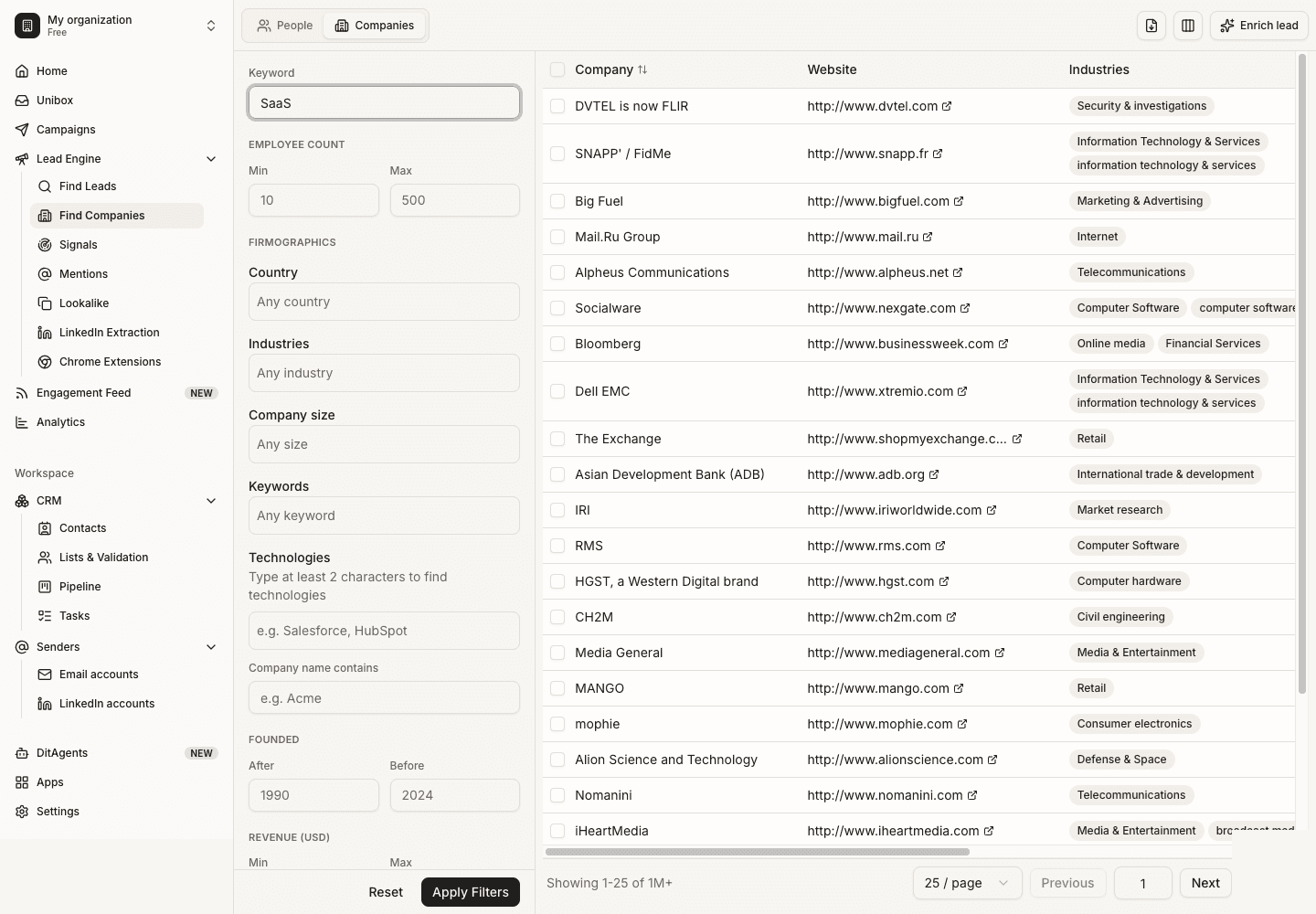
DitLead includes a Technologies field in company search alongside company size, location and industry. Use the available matches to narrow an audience, inspect companies and find relevant buyer roles before preparing a campaign. Detection is a targeting input, not proof of buying intent or a promise that every technology is indexed.
Best for: Sales teams that want technographic targeting to drive real campaigns, not just research.
2. BuiltWith
Single-site lookup and technographic lists
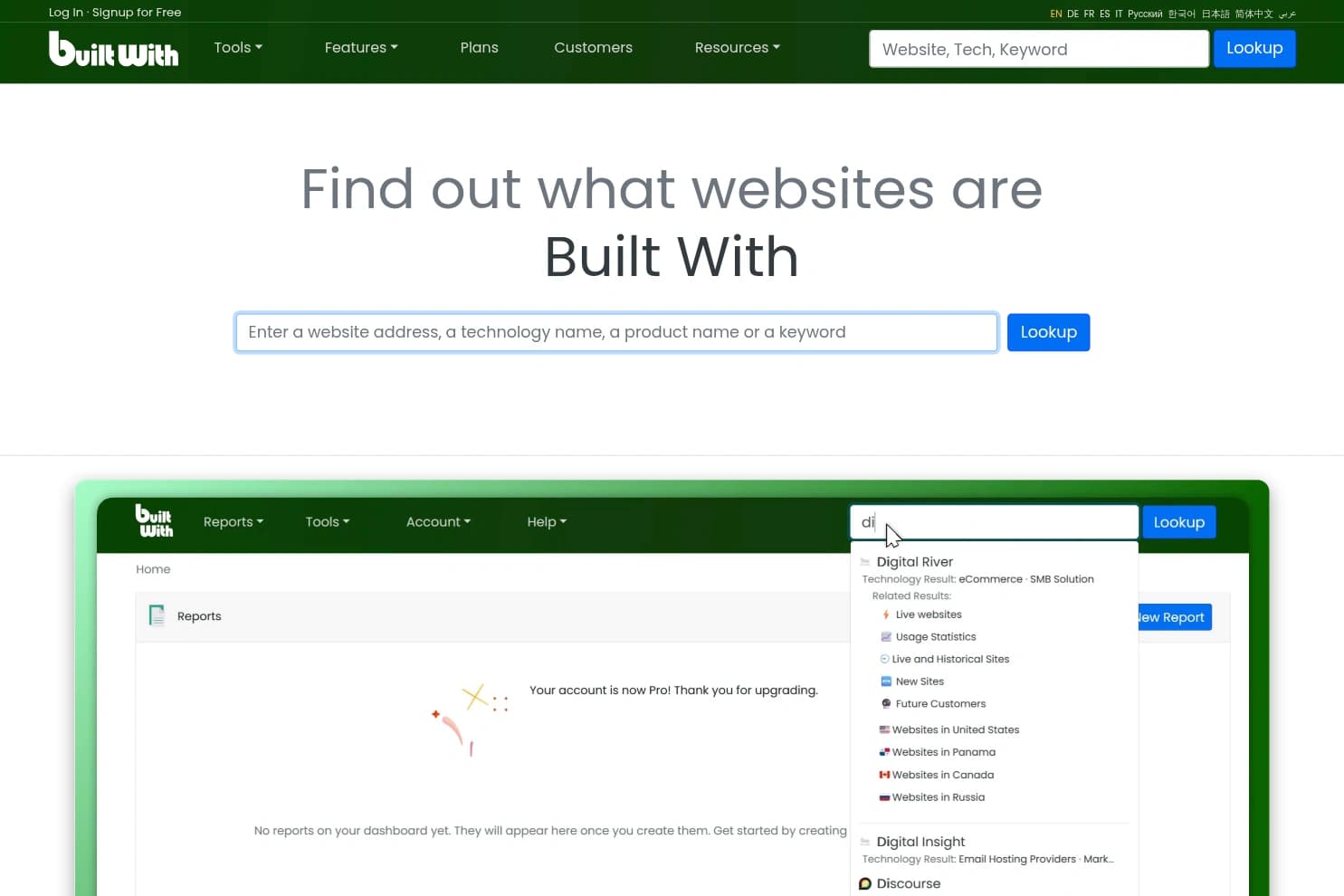
BuiltWith is the category standard — free single-site lookups and a broad technology index, with paid technographic lead lists. Check its official pricing for current allowances. Useful for research and list-building. It's a data tool, though: you export a list and take it to a separate outreach platform.
Best for: Researchers and teams who need broad tech-stack coverage.
3. Wappalyzer
Best profiler + enrichment API
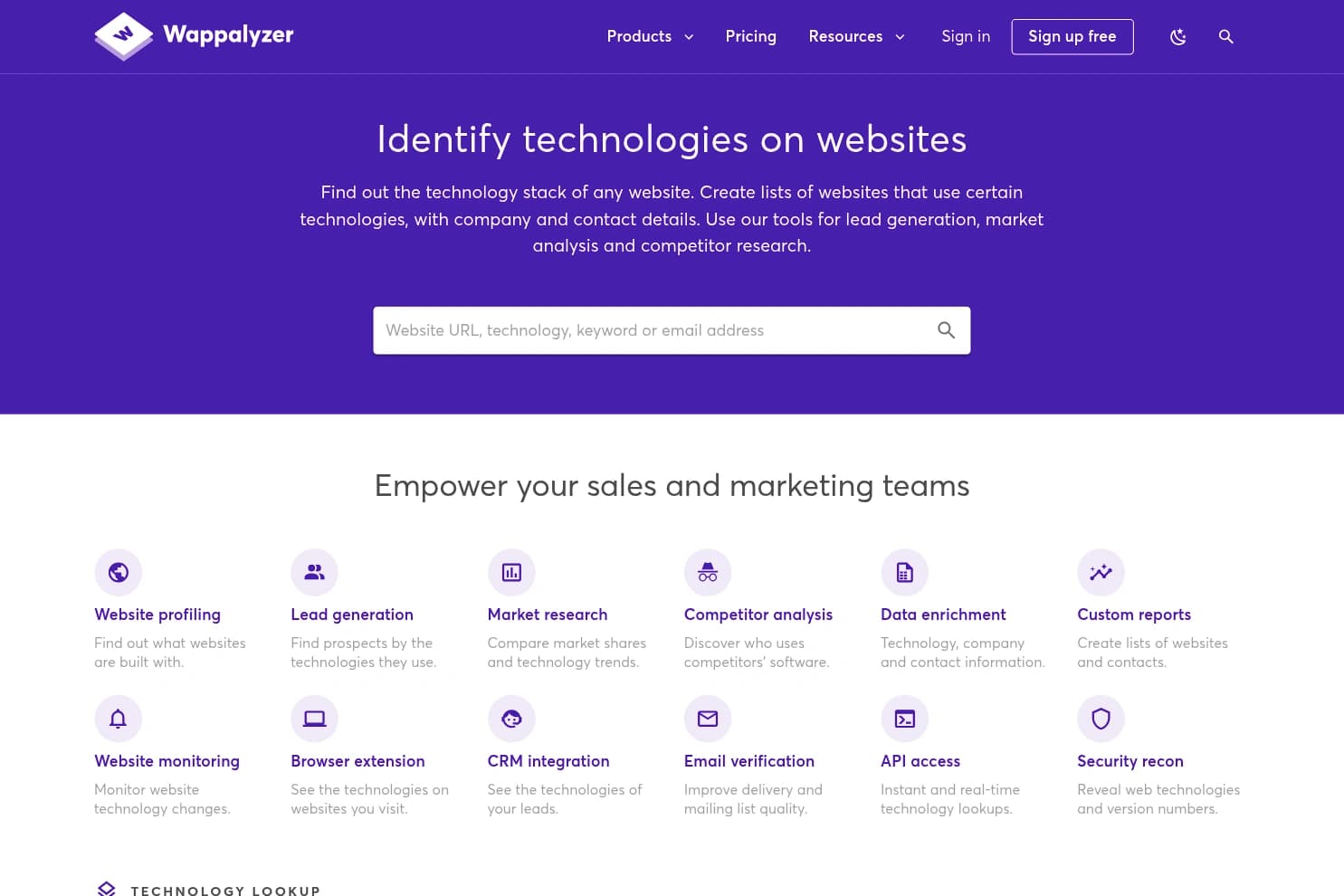
Wappalyzer is the popular, fast technology profiler, with lead lists, enrichment and clean APIs on a per-lookup/credit model. Great if you're enriching records inside your own product or pipeline — but, like BuiltWith, it identifies the stack and hands the data off; sending happens elsewhere.
Best for: Teams wanting tech detection as an API or enrichment layer.
4. Ful.io
Website lookup and technology reports

Ful.io offers a website lookup and technology reports that can be filtered and exported or synced to a CRM. Its official site describes country and domain-ending filters. Evaluate output and plan allowances for your task rather than assuming single-site checks and bulk exports have the same limits.
Best for: Smaller teams wanting quick, affordable tech-stack checks.
5. W3Techs
Best for market-share research
W3Techs identifies the technologies behind a site (CMS, server, language, hosting) and is the go-to for technology market-share surveys and trends. Excellent for analysts and research; it's not built for building targeted lead lists or running outreach.
Best for: Analysts studying technology adoption and market share.
6. Wappalyzer/BuiltWith browser extensions
Best free quick check
Both BuiltWith and Wappalyzer ship free browser extensions that reveal a single site's stack in a click. Perfect for ad-hoc 'what is this built with' curiosity — but single-site lookups don't scale into targeted prospect lists or campaigns.
Best for: Anyone needing an instant, free, one-off tech-stack check.
Choose the workflow you need
For single-site research, compare actual results in BuiltWith and Wappalyzer. For a filtered audience that continues into campaign preparation, evaluate DitLead’s company-search workflow. Check current plans, export allowances and data quality for your own task.
Related: DitLead vs BuiltWith · DitLead vs Wappalyzer · best lead database tools.
Our technographic prospecting guide shows a company-filter workflow and integration, replacement and partner outreach examples.
Our BuiltWith alternatives evaluation includes real public report observations on ditlead.com, current paid-entry pricing and an account-access limitation.
From a technology signal to an outreach campaign
In DitLead, choose the relevant technology filter in company search, inspect the matching businesses, and identify the role that buys your offer. A detected tool is context, not proof of purchase intent. See the technology-filter guide for the actual workflow.
Use Auto Outreach when you want the agent to research your business and propose an audience. Lead reveals and research use plan-based lead credits; email sending is unlimited on paid plans.
Sources: BuiltWith, Wappalyzer, Ful.io, W3Techs. Provider pages reviewed October 12, 2026. Historical screenshots illustrate interfaces, not a current coverage benchmark. Consult each provider for current coverage and pricing.