
What this explains
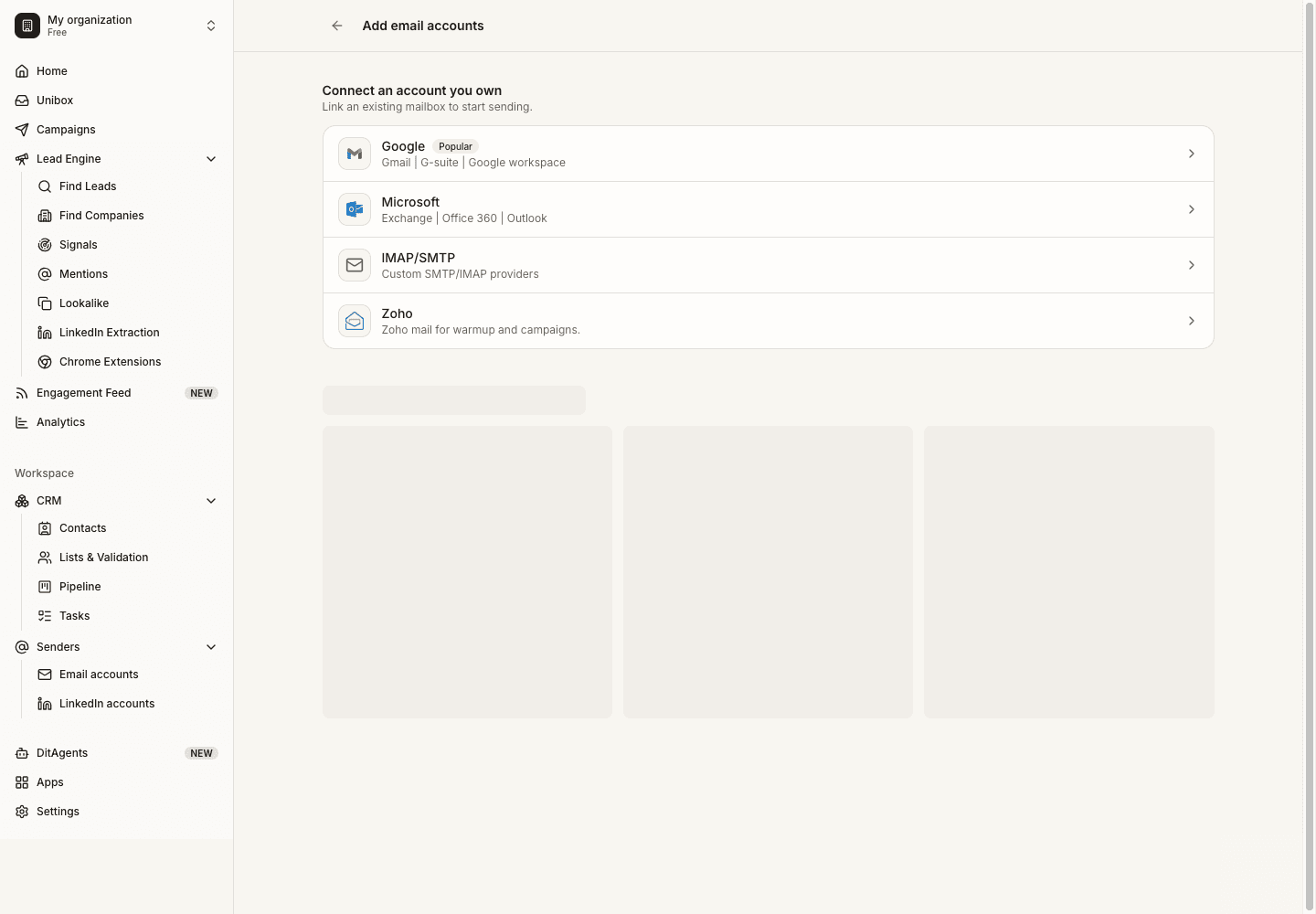
- Connect and validate the mailbox first.
- Confirm your domain authentication is set up correctly.
- Use warmup as one part of deliverability, not the whole strategy.
Key ideas
Idea 1
Open warmup or account health
Go to the warmup or deliverability area for a connected mailbox. Review current account status before enabling new activity.
Idea 2
Enable warmup carefully
Start warmup for the mailbox and choose a conservative ramp. New mailboxes should build activity gradually before campaign volume increases.
Idea 3
Read status and warnings
Monitor warmup progress, reply activity, errors, and account warnings. Pause or investigate when the mailbox shows unhealthy signals.
How to use this
FAQ
Does warmup guarantee inbox placement?
No. Warmup can support activity patterns, but inbox placement depends on many sender, content, recipient, and domain factors.
Can I warm up and send campaigns at the same time?
Yes, but be conservative. Watch total mailbox activity and reduce campaign volume if account health declines.
Connect mailboxes, validate SMTP/IMAP, warm up accounts, and choose conservative sending limits.
Prepare accounts
See it in the productSee Email Warmup