
Before you start
Recommended workflow
Part 1
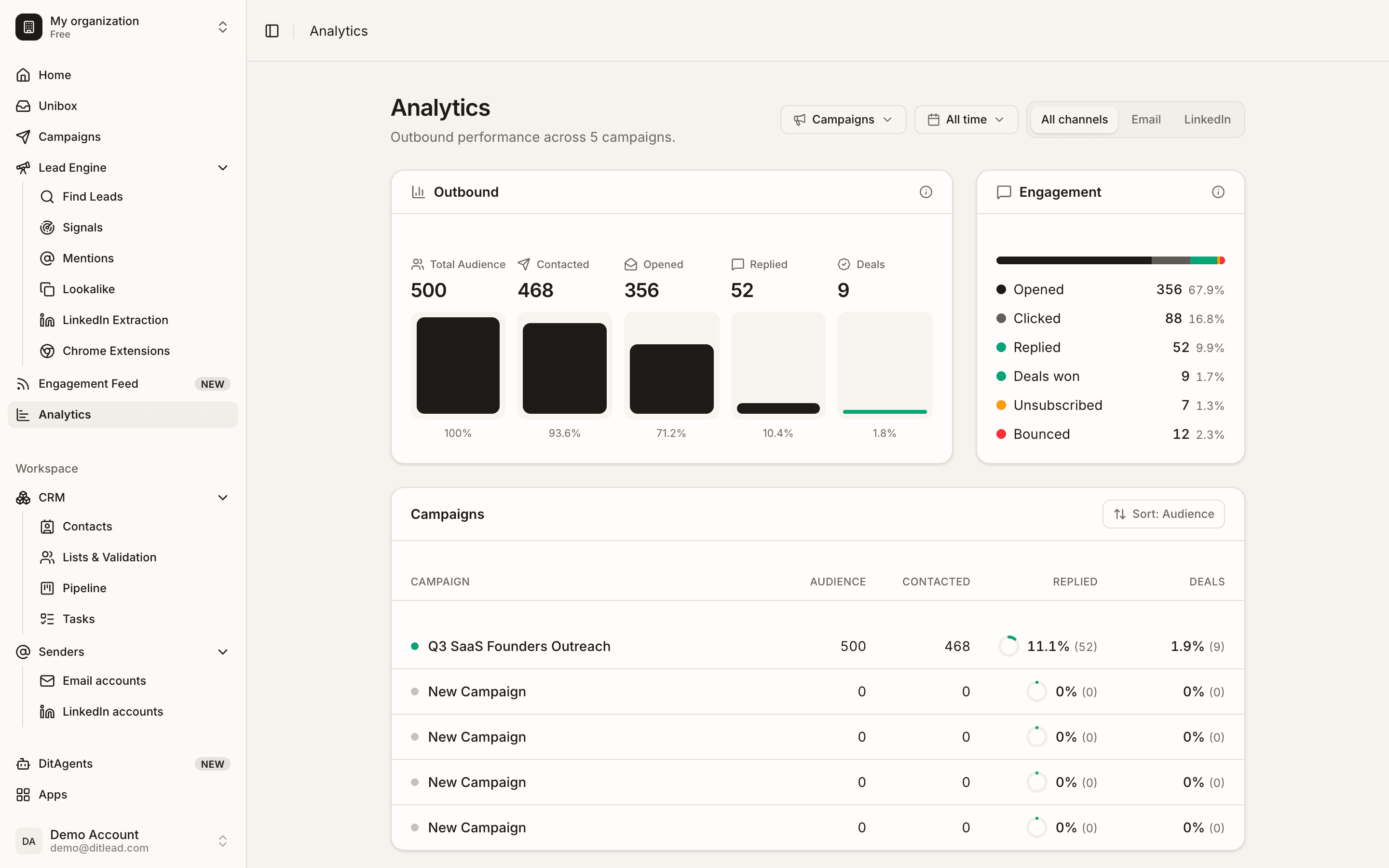
Open Analytics
Go to Analytics or open the campaign analytics view for the campaign you want to inspect.
Part 2
Set filters
Choose campaign, channel, sender, and date filters so the report answers one question at a time.
Part 3
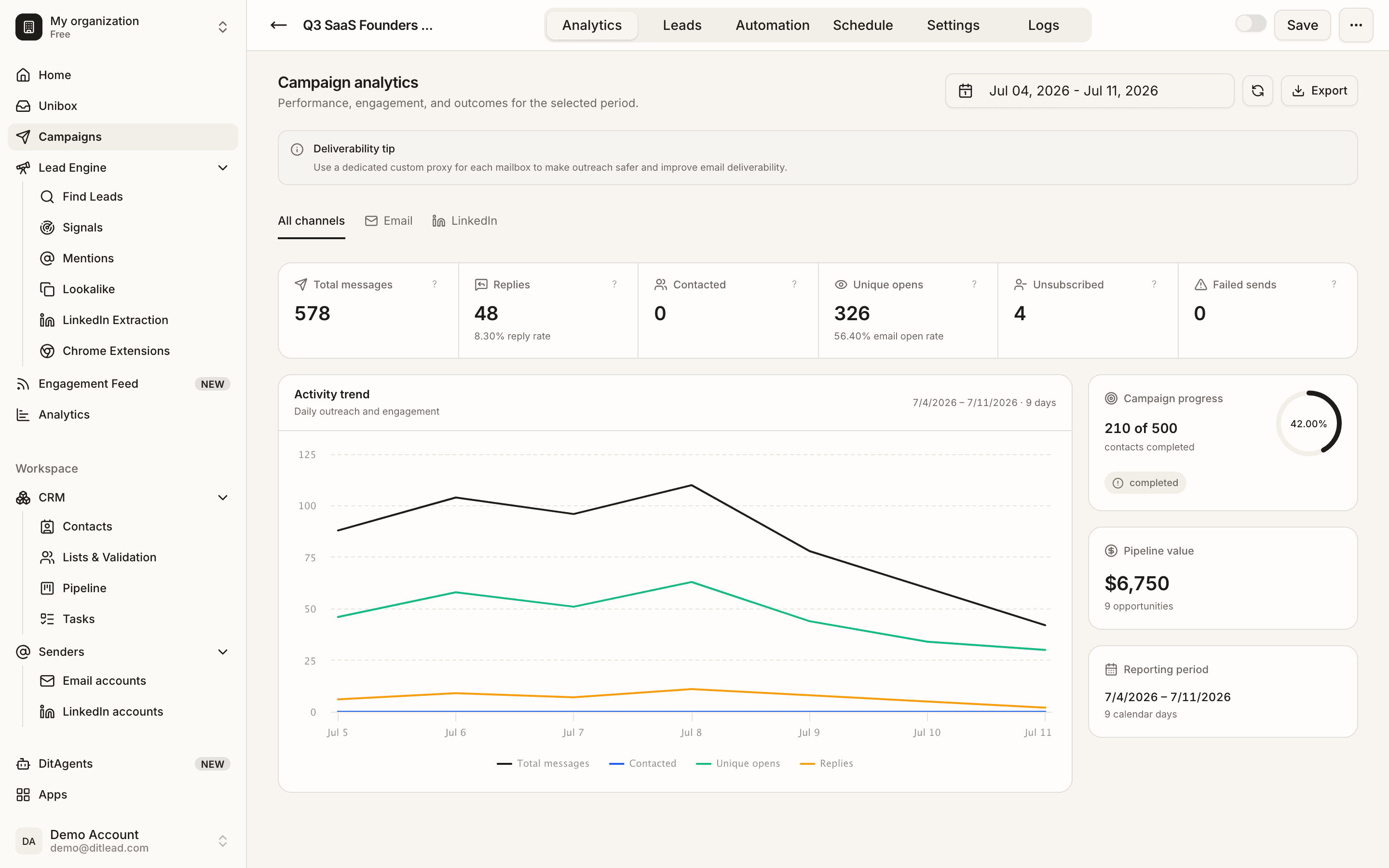
Read funnel metrics
Review contacted, opened, clicked, replied, bounced, unsubscribed, positive replies, and deals where available.
What to do next
FAQ
Which metric matters most?
It depends on the goal. Replies and qualified outcomes usually matter more than opens alone.
Why do open rates look strange?
Open tracking can be affected by privacy features, image loading, and tracking setup. Treat opens as directional.
Review audience, senders, sequence copy, personalization, schedules, and validation blockers.
Review checklist
See it in the productSee Analytics