
DitLead
Learn Center/AI agents and automation/Ask AI to find leads and build a campaign
guide

Ask AI to find leads and build a campaign

Use one prompt to coordinate lead discovery, verification, copy, and campaign setup.

8 min read Video recommended

Before you start

  • Know the buyer, offer, target segment, and desired campaign outcome.
  • Prepare any source lists, ICP notes, or examples you want the AI to use.
  • Expect to review every AI-generated audience, copy, and campaign setting.

Recommended workflow

Part 1

Start an AI session

Open the AI area and describe the campaign you want to build in plain language.
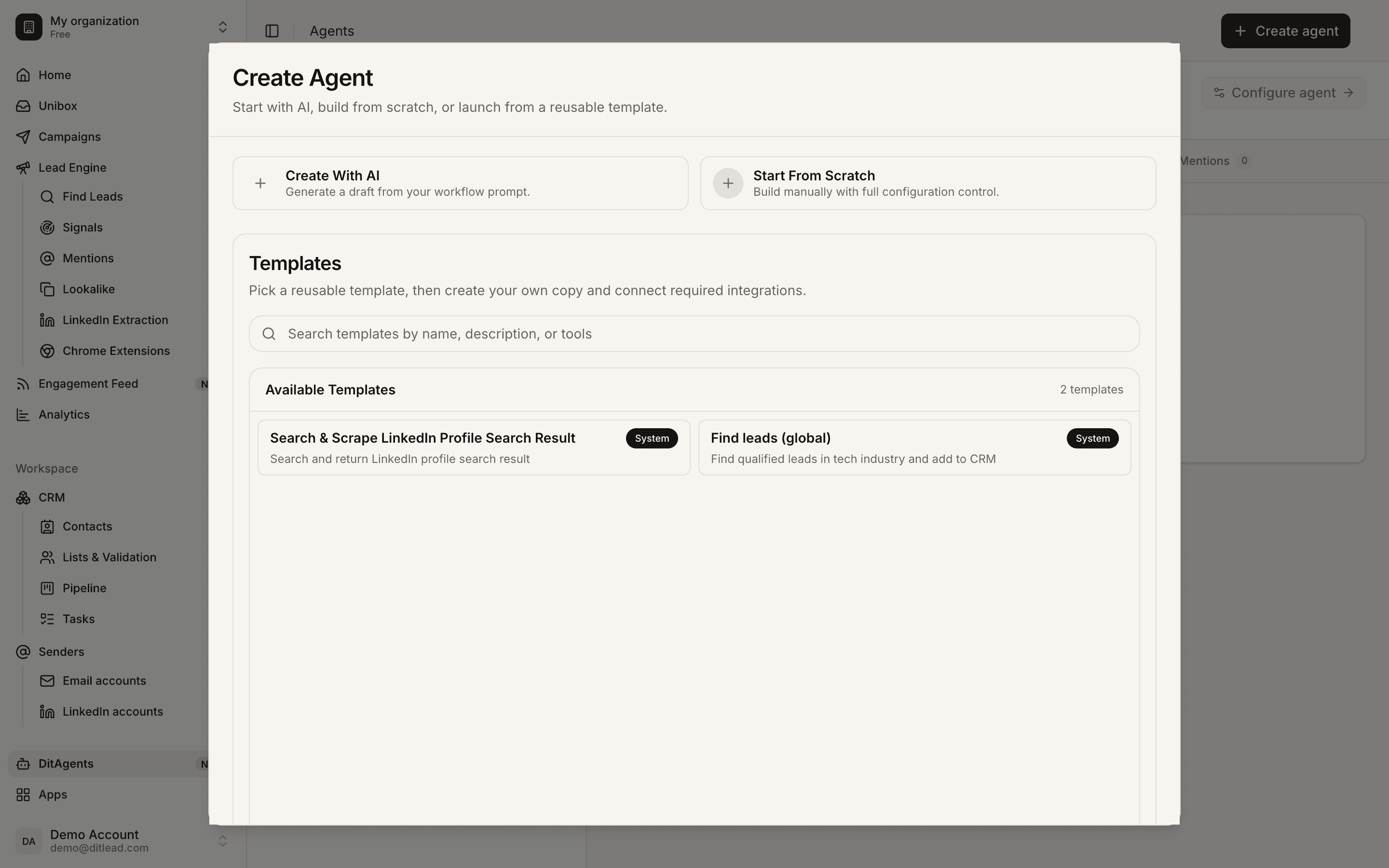
Ask AI to find leads and build a campaign: AI session prompt
Ask AI to find leads and build a campaign
Part 2

Clarify the audience

Answer follow-up questions about role, company type, location, trigger, offer, and exclusions.
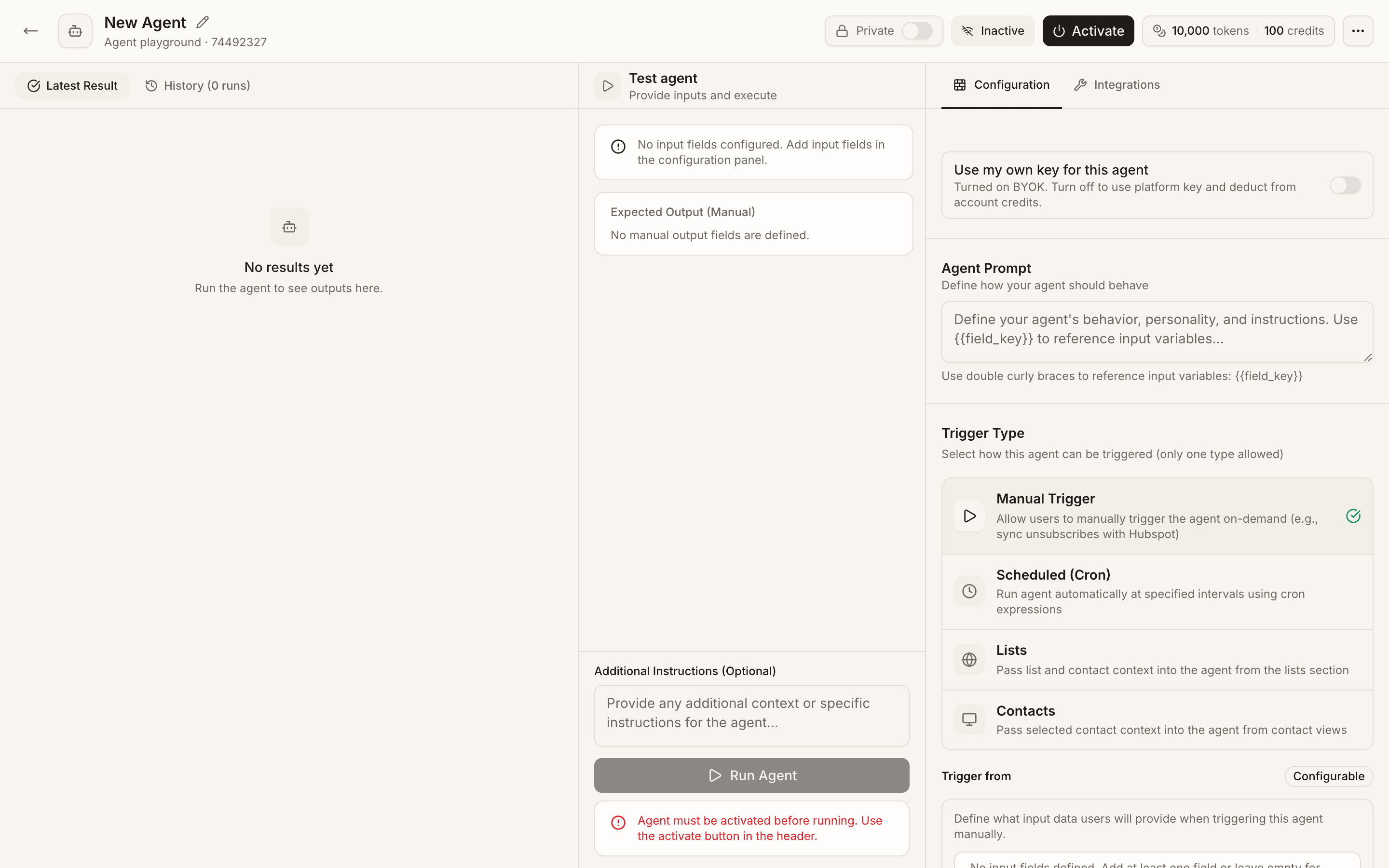
Ask AI to find leads and build a campaign: AI audience clarification
Ask AI to find leads and build a campaign
Part 3

Review suggested leads or list

Inspect any list, search, or source the AI recommends before using it in a campaign.

Ask AI to find leads and build a campaign: AI-generated audience review
Ask AI to find leads and build a campaign
Part 4

Review generated copy

Read the email or LinkedIn copy carefully. Edit anything that sounds generic, inaccurate, or too aggressive.

Ask AI to find leads and build a campaign: AI campaign copy review
Ask AI to find leads and build a campaign
Part 5

Approve campaign setup

Approve the campaign only after senders, audience, sequence, and validation are correct.

Ask AI to find leads and build a campaign: AI campaign approval
Ask AI to find leads and build a campaign

What to do next

  • Use AI as a builder, not a final approver.
  • Compare the AI-built campaign against the launch checklist before sending.

FAQ

Can AI launch campaigns for me?

Use review and approval before launch. AI can prepare work, but users should verify audience, copy, and sending setup.

What should I include in the prompt?

Include target buyer, company type, offer, pain point, geography, exclusions, tone, and proof points.

Automate workUse agents where review still matters

Let agents research, enrich, or draft work, then review outputs before they affect your workspace.

Learn agents
See it in the productSee the AI Campaign Builder