
Before you start
- Open a LinkedIn people search with the filters you want to preserve.
- Use a source URL that shows the people you want to import, not a generic LinkedIn home page.
- Decide which DitLead list should receive the imported profiles.
Steps
Open LinkedIn extraction
Go to Lead Engine, then open LinkedIn Extraction. Choose the standard LinkedIn search option when your source is a regular LinkedIn people-search URL.
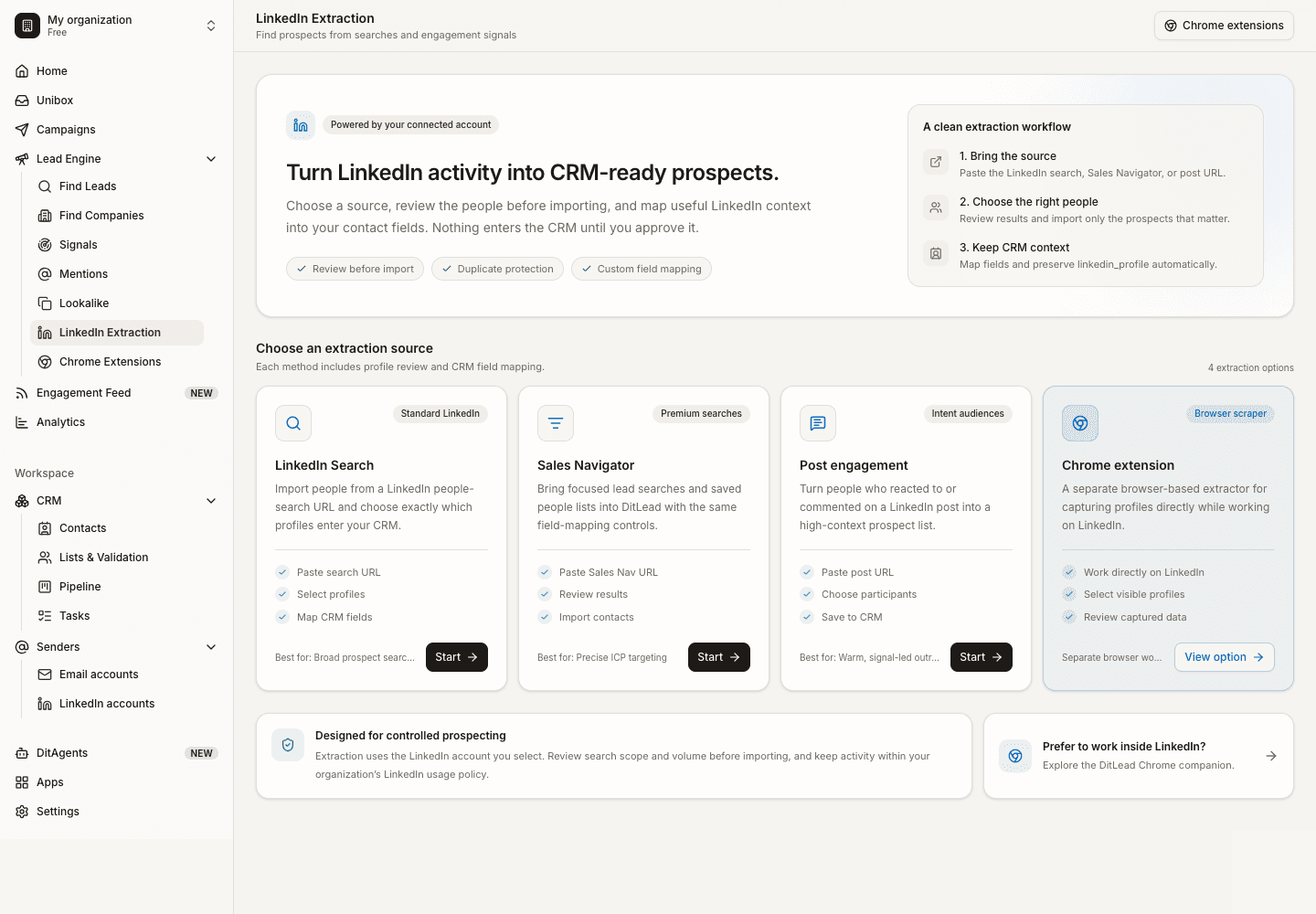
Paste the LinkedIn search URL
Copy the URL from LinkedIn after applying filters, then paste it into DitLead. Confirm the source type before starting extraction.
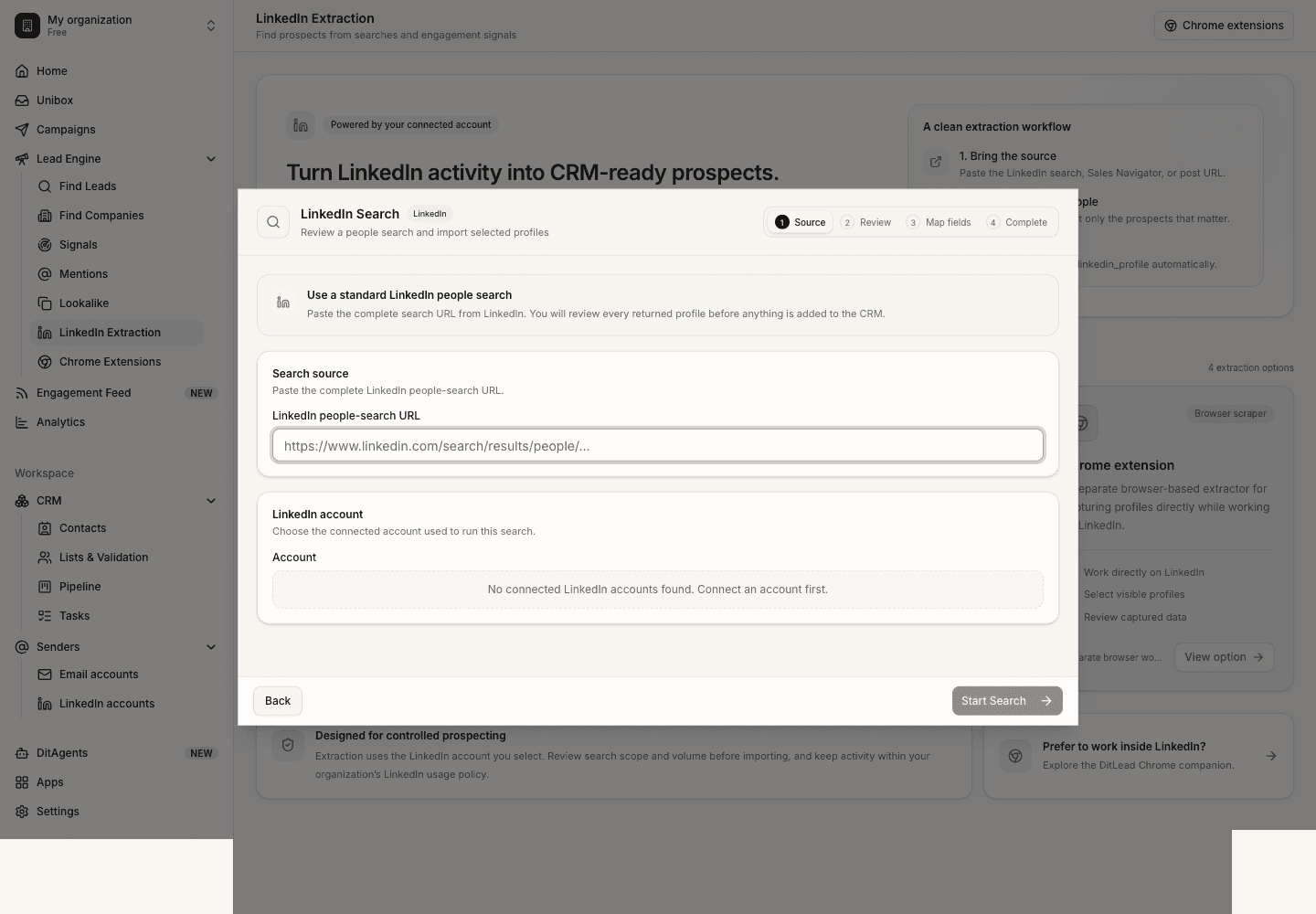
Run the extraction
Start the import and wait for DitLead to collect the visible profile data. Keep the volume reasonable and avoid repeatedly importing the same source.
Review profiles before saving
Check names, profile URLs, headlines, company details, and any fields DitLead extracted. Remove profiles that do not match your audience.
Save profiles to a list
Choose an existing list or create a new one, then save the approved profiles for enrichment, verification, or campaign use.
What happens next
FAQ
Can I scrape any LinkedIn URL?
Use supported people-search, Sales Navigator, post engagement, or visible profile workflows. Unsupported pages may import poorly or fail.
Will DitLead message these people automatically?
No. Extraction only brings profiles into DitLead. You still choose whether to enrich, add to a campaign, or contact them.
Choose the right extraction method for search pages, Sales Navigator, post engagement, or visible profiles.