
DitLead
Learn Center/LinkedIn scraping and extraction/Scrape a Sales Navigator search
how-to

Scrape a Sales Navigator search

Use a Sales Navigator URL to bring focused lead searches into DitLead.

7 min read Video recommended

Before you start

  • Open Sales Navigator and apply the filters you want DitLead to preserve.
  • Confirm your organization permits the intended extraction workflow.
  • Prepare a DitLead list for reviewed leads.

Steps

Step 1

Copy the Sales Navigator URL

Use the URL from the filtered Sales Navigator results page, not a generic Sales Navigator landing page.
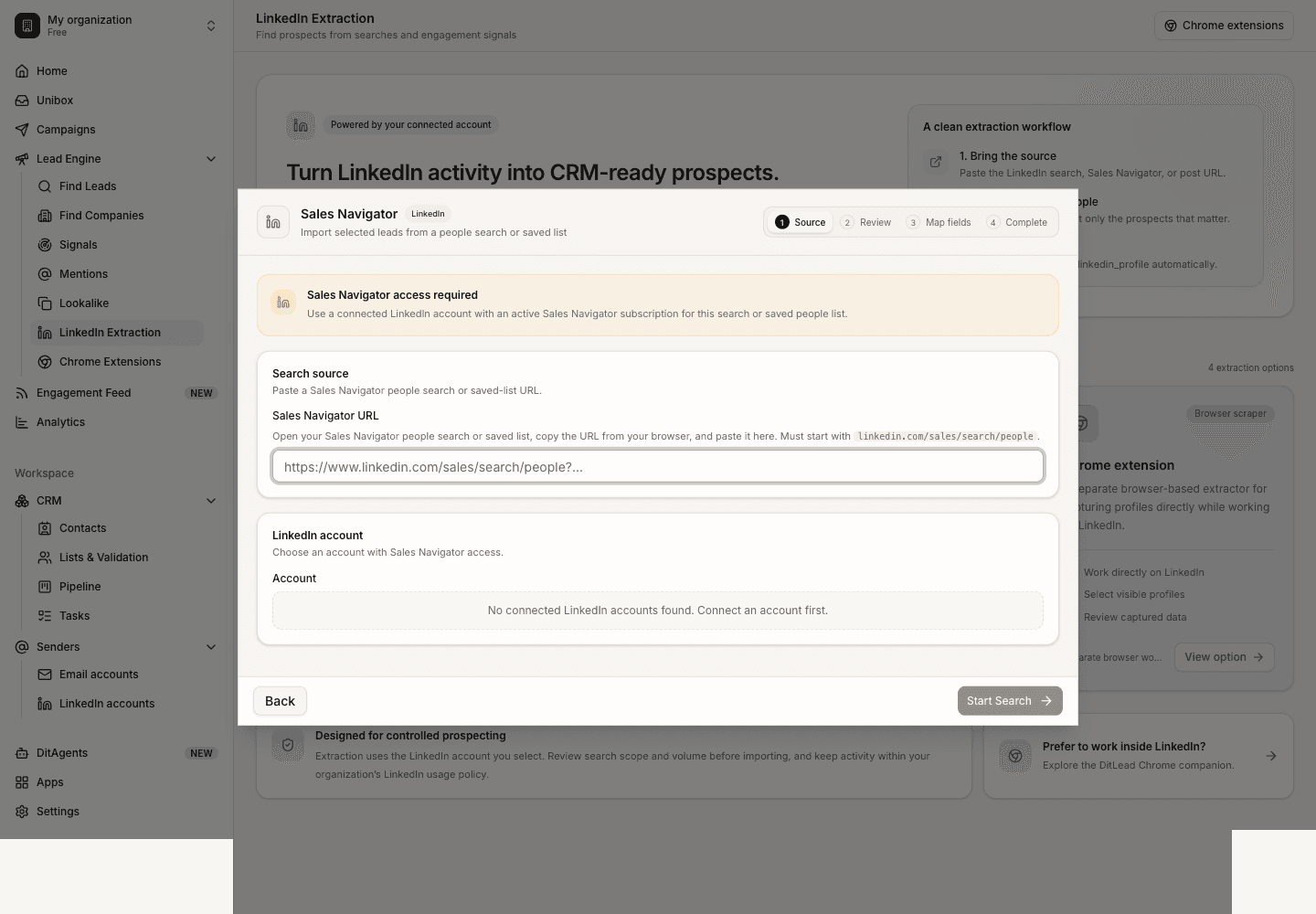
Scrape a Sales Navigator search: Sales Navigator source URL
Scrape a Sales Navigator search
Step 2

Open LinkedIn extraction

Go to LinkedIn Extraction in DitLead and choose the Sales Navigator source type.

Scrape a Sales Navigator search: Sales Navigator extraction option
Scrape a Sales Navigator search
Step 3

Start extraction

Paste the URL, review the settings, and start the extraction. Keep the volume appropriate for the source and workspace policy.

Scrape a Sales Navigator search: Sales Navigator extraction progress
Scrape a Sales Navigator search
Step 4

Review extracted leads

Check titles, companies, profile URLs, and relevance before saving the imported leads.

Scrape a Sales Navigator search: Sales Navigator review table
Scrape a Sales Navigator search
Step 5

Save to a list

Save approved Sales Navigator leads into a dedicated list for enrichment or campaign use.

Scrape a Sales Navigator search: Sales Navigator save confirmation
Scrape a Sales Navigator search

What happens next

  • Enrich or verify the list before email outreach.
  • Keep Sales Navigator imports segmented by source search for easier reporting.

FAQ

Is Sales Navigator extraction different from normal LinkedIn search?

Yes. Use the Sales Navigator workflow for Sales Navigator URLs because the source format and available context can differ.

Can I edit the extracted data?

Yes. Review and clean profile data after import, especially if it will feed campaigns or CRM records.

LinkedIn workflowScrape LinkedIn sources carefully

Choose the right extraction method for search pages, Sales Navigator, post engagement, or visible profiles.

Compare methods
See it in the productSee LinkedIn lead extraction