
Before you start
- Choose a LinkedIn post with engagement from people who match your audience.
- Decide whether you want commenters, reactors, or both.
- Prepare a list name that records the source post and date.
Steps
Step 1
Open the LinkedIn post
Find the post whose commenters or reactors you want to review. The best sources are posts where engagement signals buyer interest.
Step 2
Copy the post or engagement URL
Copy the post URL or engagement page URL supported by DitLead.
Step 3
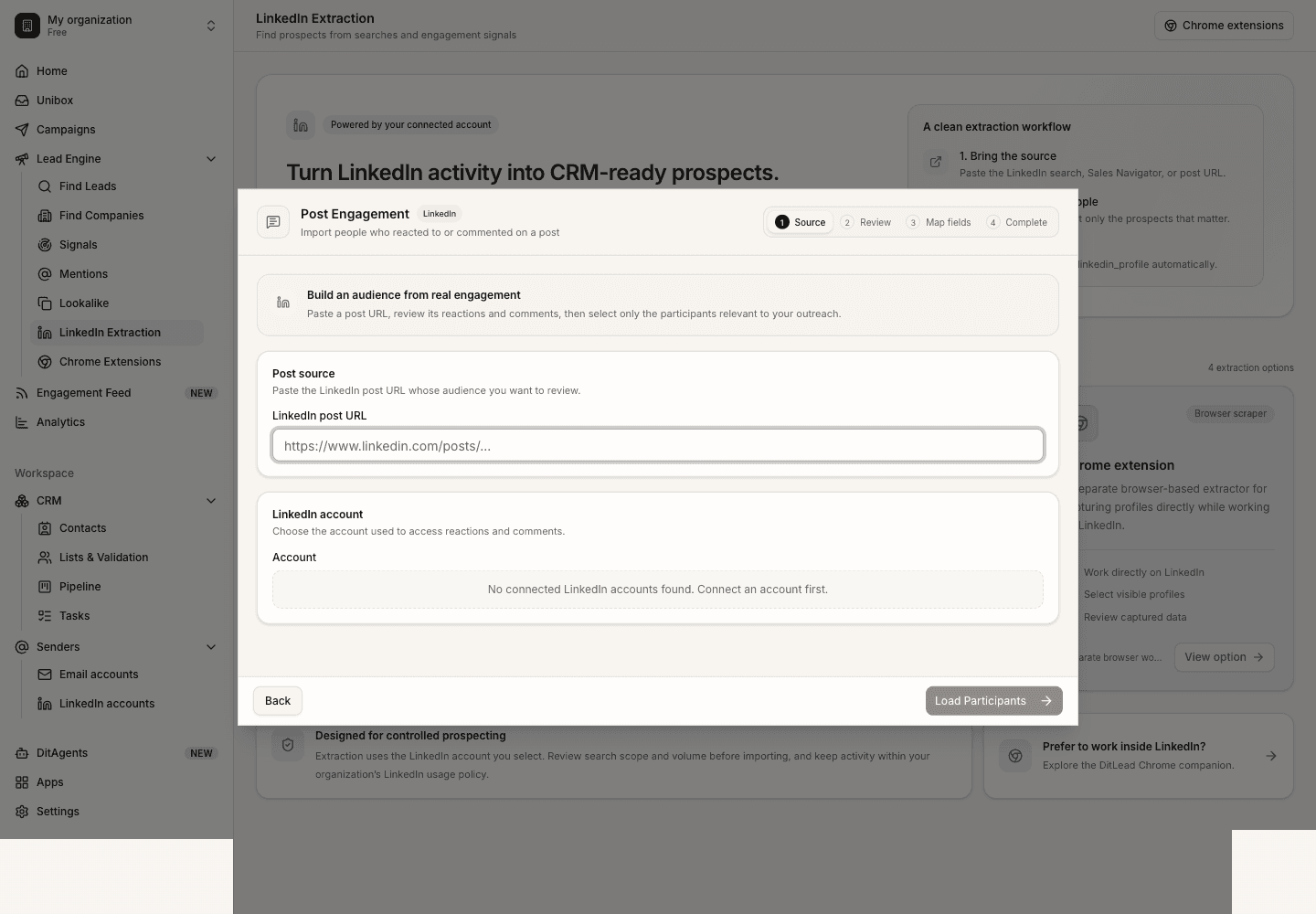
Run post engagement extraction
Paste the source into LinkedIn Extraction and start the job for the relevant engagement type.
Step 5
Save the audience
Save the reviewed profiles into a list and label the source clearly for future personalization.
What happens next
FAQ
Are all post engagers good prospects?
No. Engagement is a signal, not a qualification. Review role, company, and fit before outreach.
Should I mention the post in my message?
Only if it creates a natural, respectful opener. Do not over-personalize in a way that feels invasive.
Choose the right extraction method for search pages, Sales Navigator, post engagement, or visible profiles.
Compare methods
See it in the productSee LinkedIn lead extraction