
Before you start
- Define the job titles, seniority, regions, and industries you want to include.
- Decide whether you need email, phone, LinkedIn URL, company data, or all available fields.
- Keep the first search narrow enough that you can review the results manually.
Steps
Open people search
Go to Lead Finder and choose people search. This is best when your campaign depends on individual decision-makers or contributors.
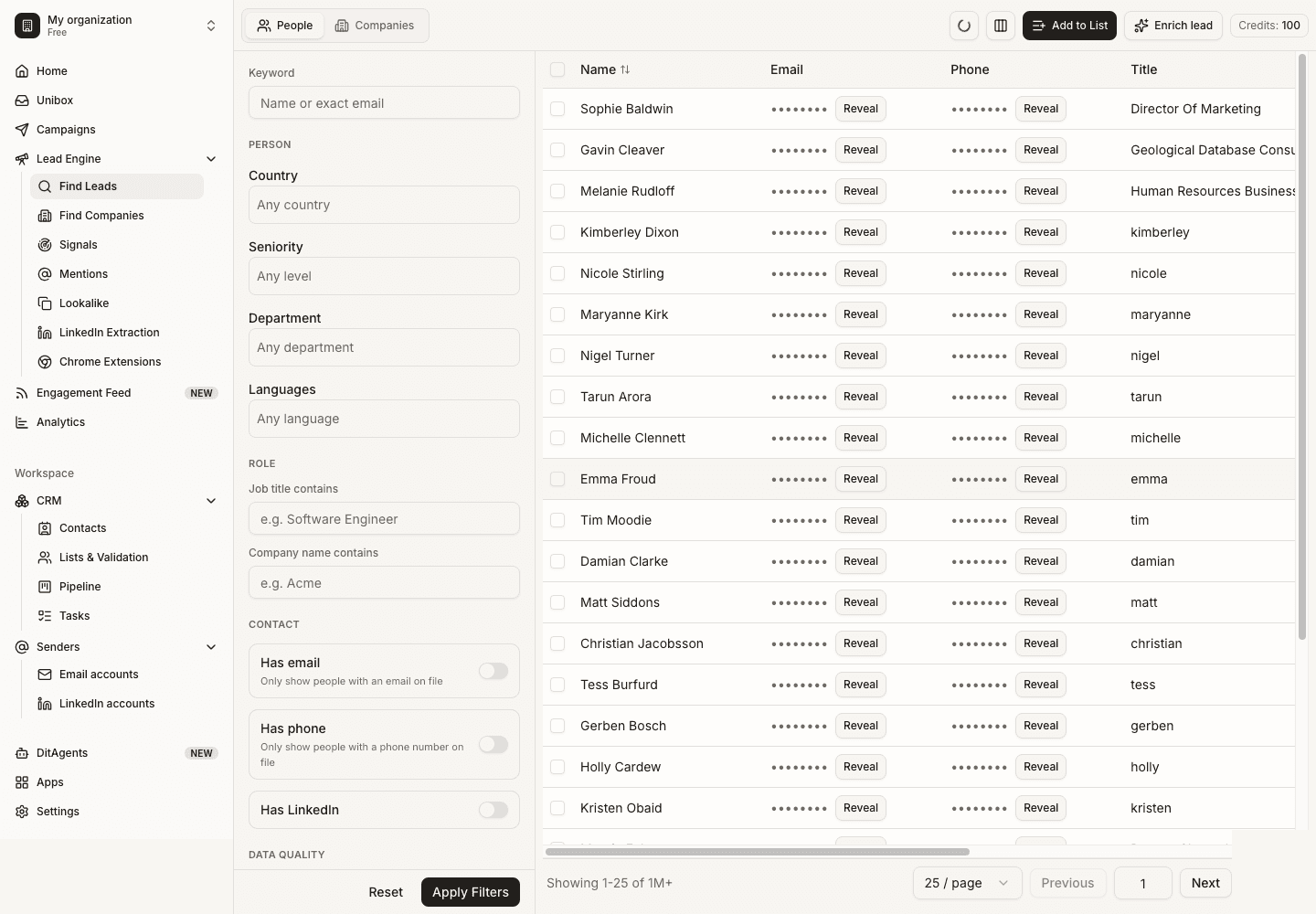
Add role and seniority filters
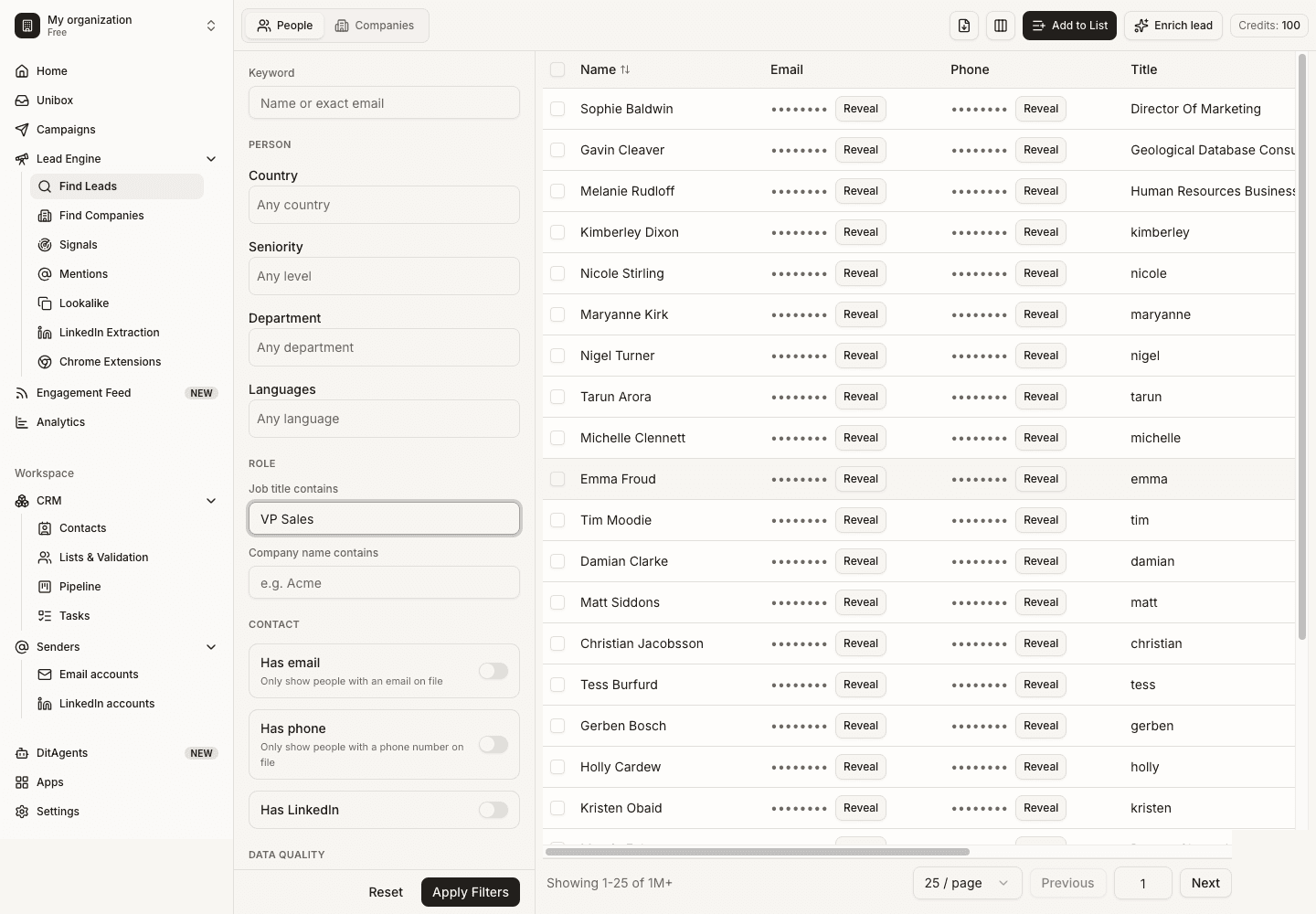
Enter job titles, functions, seniority levels, and exclusions. Combine positive and negative filters to avoid irrelevant prospects.
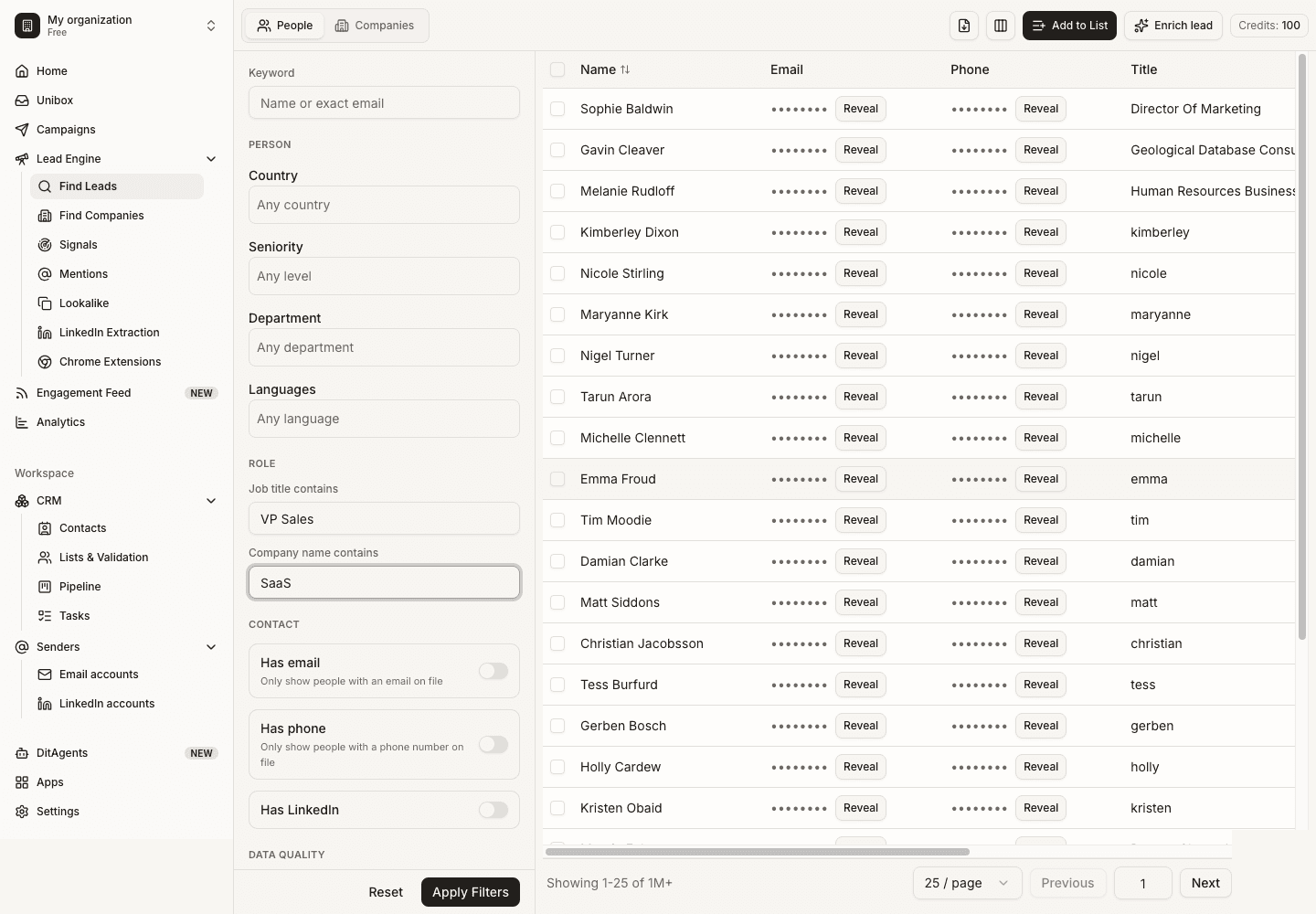
Add company and location filters
Narrow by industry, company size, geography, technology, or other company criteria so the people match your actual ICP.
Review results
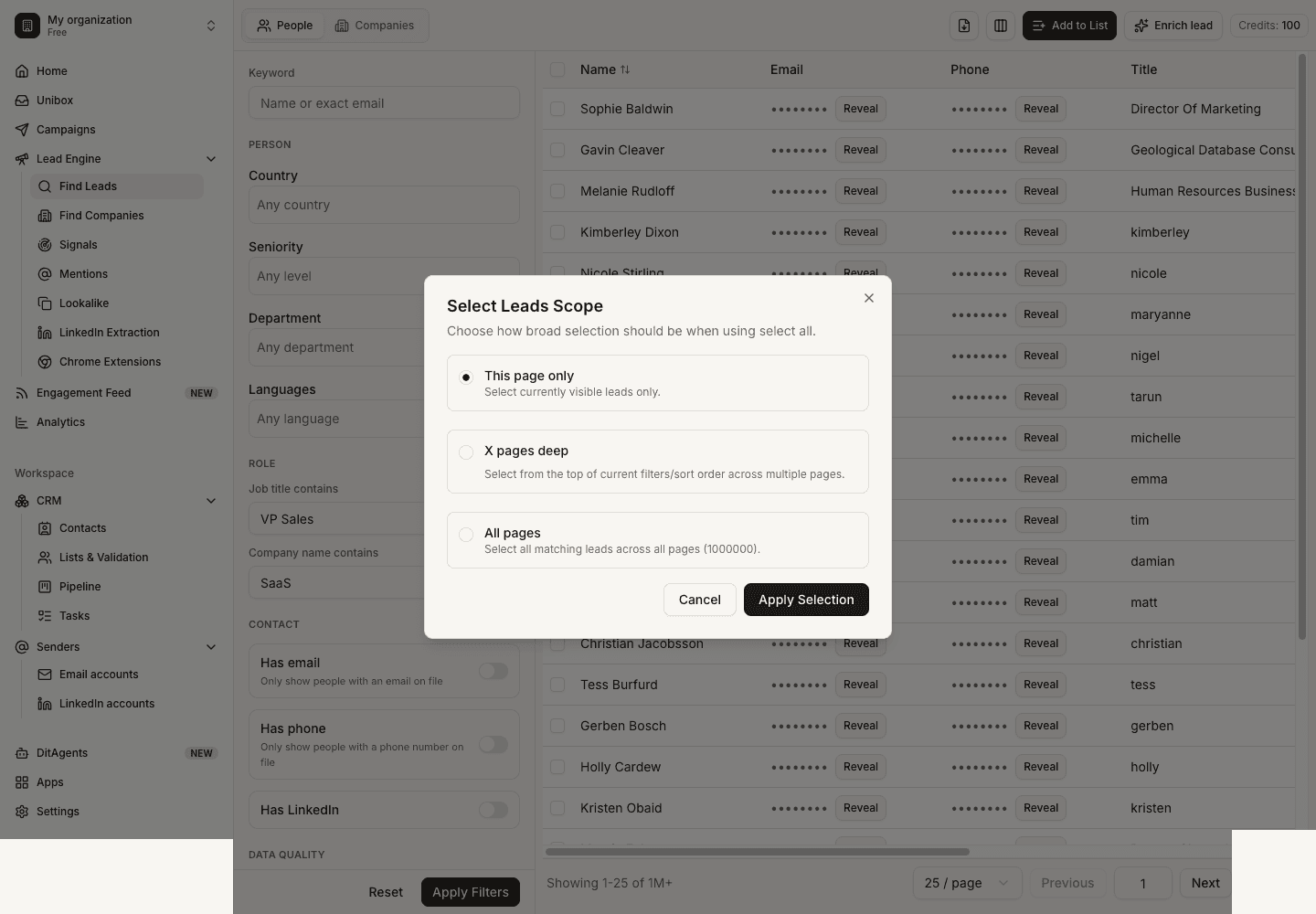
Scan names, titles, company names, and available contact fields. Refine filters before revealing data if the results are not a strong match.
What happens next
FAQ
Should I search broad or narrow first?
Start narrow. Broad searches create more cleanup work and spend credits on contacts that may never be used.
Can I search by company first?
Yes. Use company search when account fit matters more than finding a specific role immediately.
Start with a focused ICP, then use Lead Finder or LinkedIn extraction to create a cleaner audience.