
Before you start
- Write down the firmographic filters that define a good-fit account.
- Decide whether the company list will be used for research, enrichment, or finding contacts.
- Prepare any technology, industry, size, or location filters you need.
Steps
Open company search
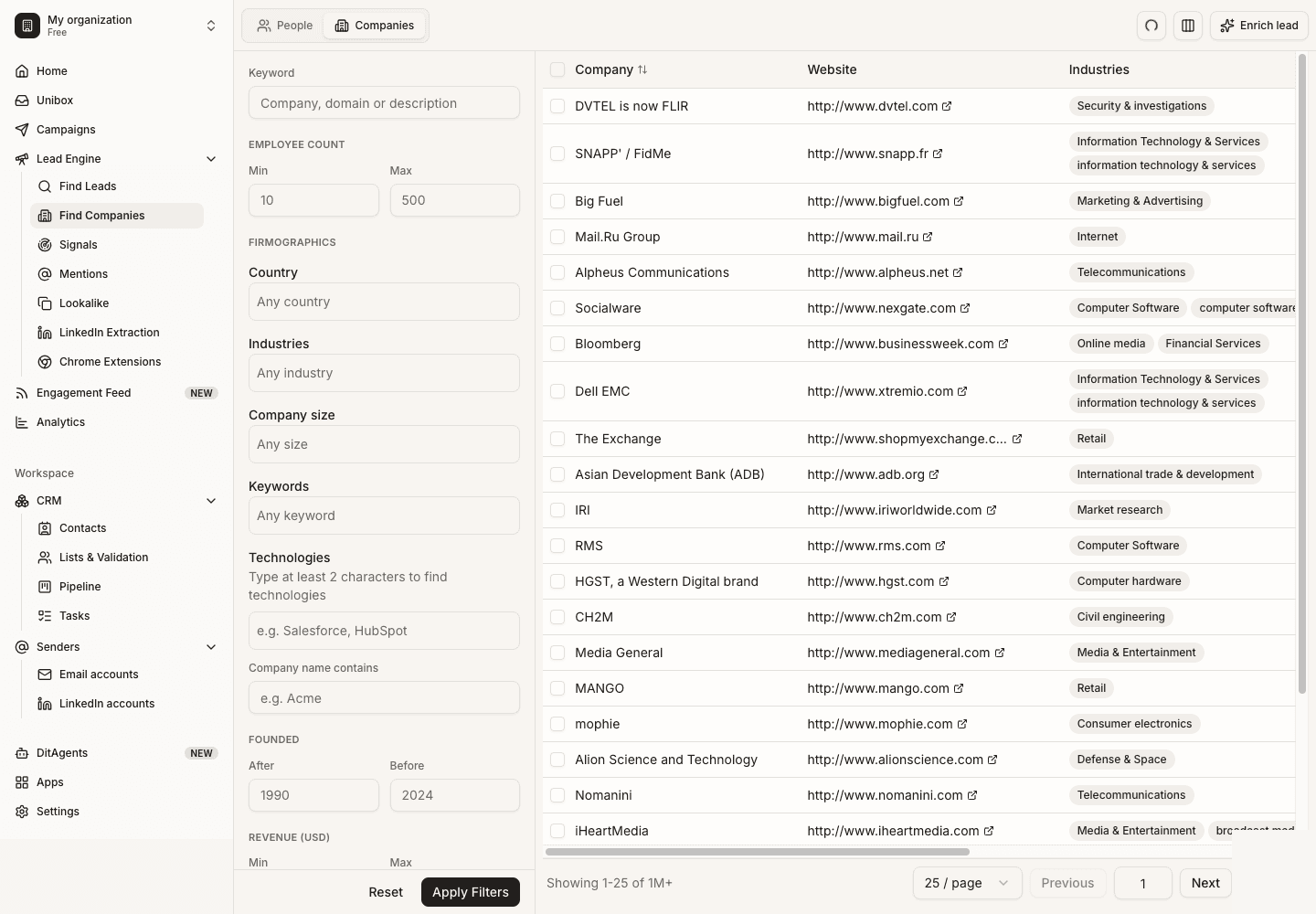
Go to Lead Finder and choose company search. Use this when you want to build an account list before selecting people.
Apply firmographic filters
Filter by industry, location, employee range, revenue, market, and other company details that match your ICP.
Use technology or signal filters
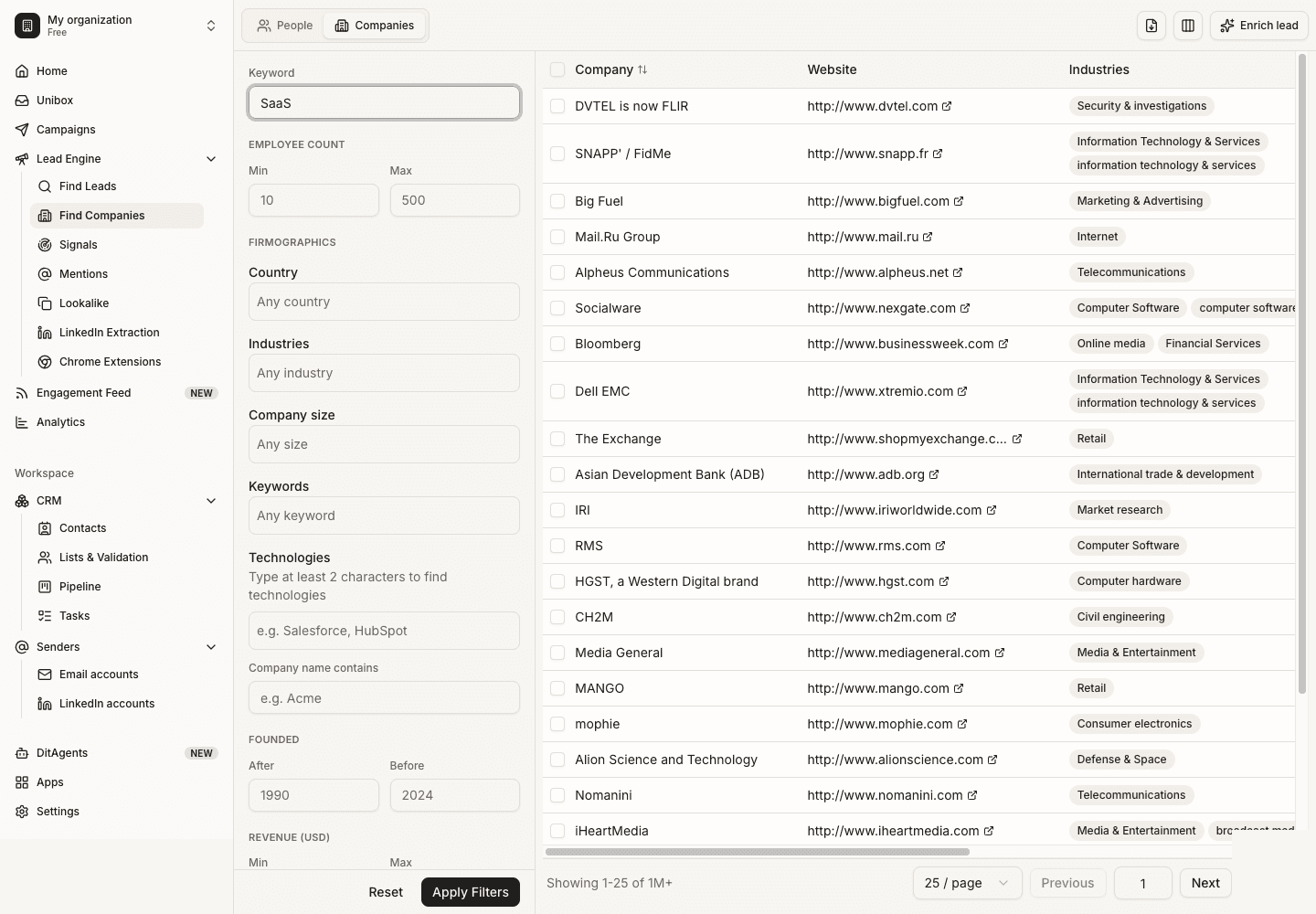
Add technology, hiring, or intent filters when timing or stack fit matters to your offer.
Review account fit
Open a few results and check whether the companies are actually relevant. Remove categories that are too noisy.
Save accounts or find people
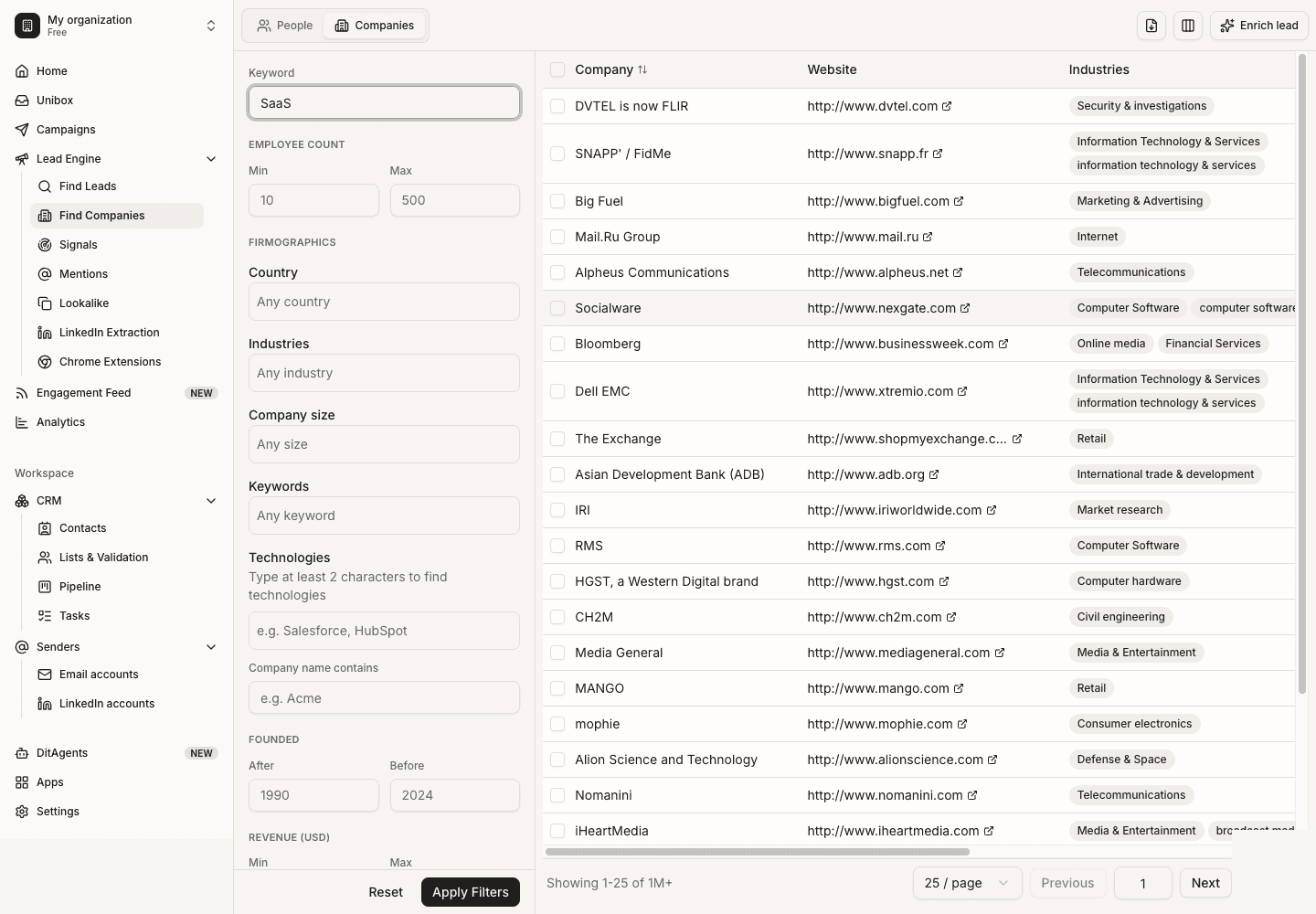
Export the company list or use it as a source for finding the right contacts at those accounts.
What happens next
FAQ
When should I use company search instead of people search?
Use company search when account fit comes first. Use people search when the buyer role is already clear.
Can technology filters be wrong?
Technology detection can be incomplete or stale. Treat it as a strong targeting signal, not absolute proof.
Start with a focused ICP, then use Lead Finder or LinkedIn extraction to create a cleaner audience.