
Before you start
- Validate the campaign and fix blockers before launch.
- Confirm audience, senders, schedule, and limits.
- Know who owns monitoring after launch.
- If the campaign includes LinkedIn outreach automation, check LinkedIn sender health before launch and again after the first wave of actions.
Steps
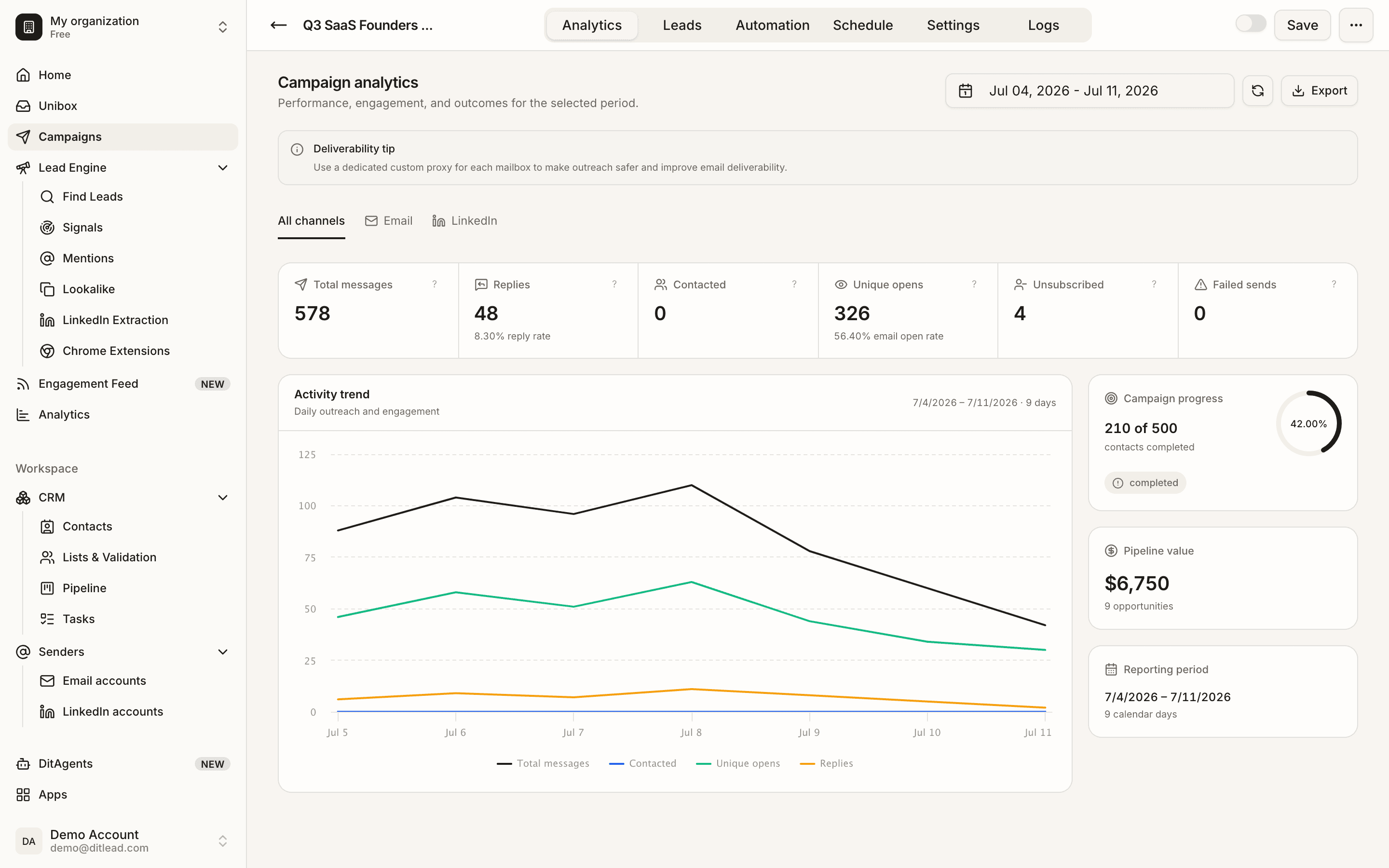
Step 2
Review launch readiness
Check validation, sender status, audience count, variables, and schedule one final time.
Step 3
Launch the campaign
Start the campaign only when the required setup is complete and the audience is ready.
Step 4
Pause when needed
Pause the campaign if you see bad data, sender issues, wrong copy, unexpected replies, or LinkedIn outreach automation warnings on connected accounts.
What happens next
FAQ
Does pausing delete campaign progress?
No. Pausing stops new activity while preserving campaign setup and history.
Can I edit a live campaign?
Some edits may be allowed, but review the impact carefully before changing a live workflow. Be especially careful with LinkedIn outreach automation steps because copy, timing, and account health can affect restrictions.
Review audience, senders, sequence copy, personalization, schedules, and validation blockers.
Review checklist
See it in the productExplore Campaigns