
Before you troubleshoot
- Open the affected campaign and note its current status.
- Check whether the issue affects every lead or only certain contacts.
- Have access to sender settings, campaign validation, and account health.
Checks
Check 1
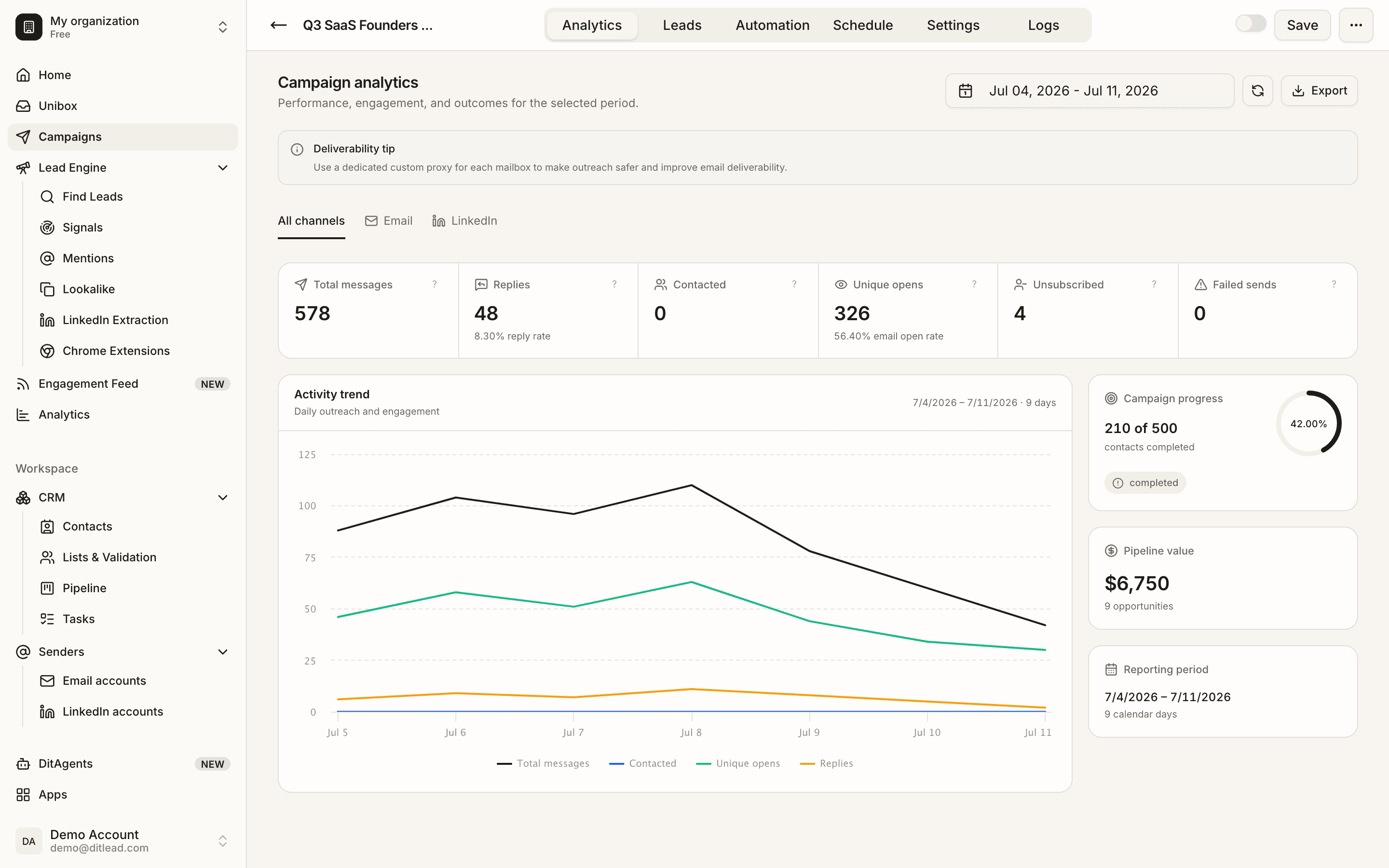
Check campaign status
Confirm the campaign is active and not paused, completed, draft, or blocked by validation.
Check 2
Review validation blockers
Open campaign validation and look for missing audience, disconnected senders, invalid variables, schedule issues, or exhausted limits.
Check 3
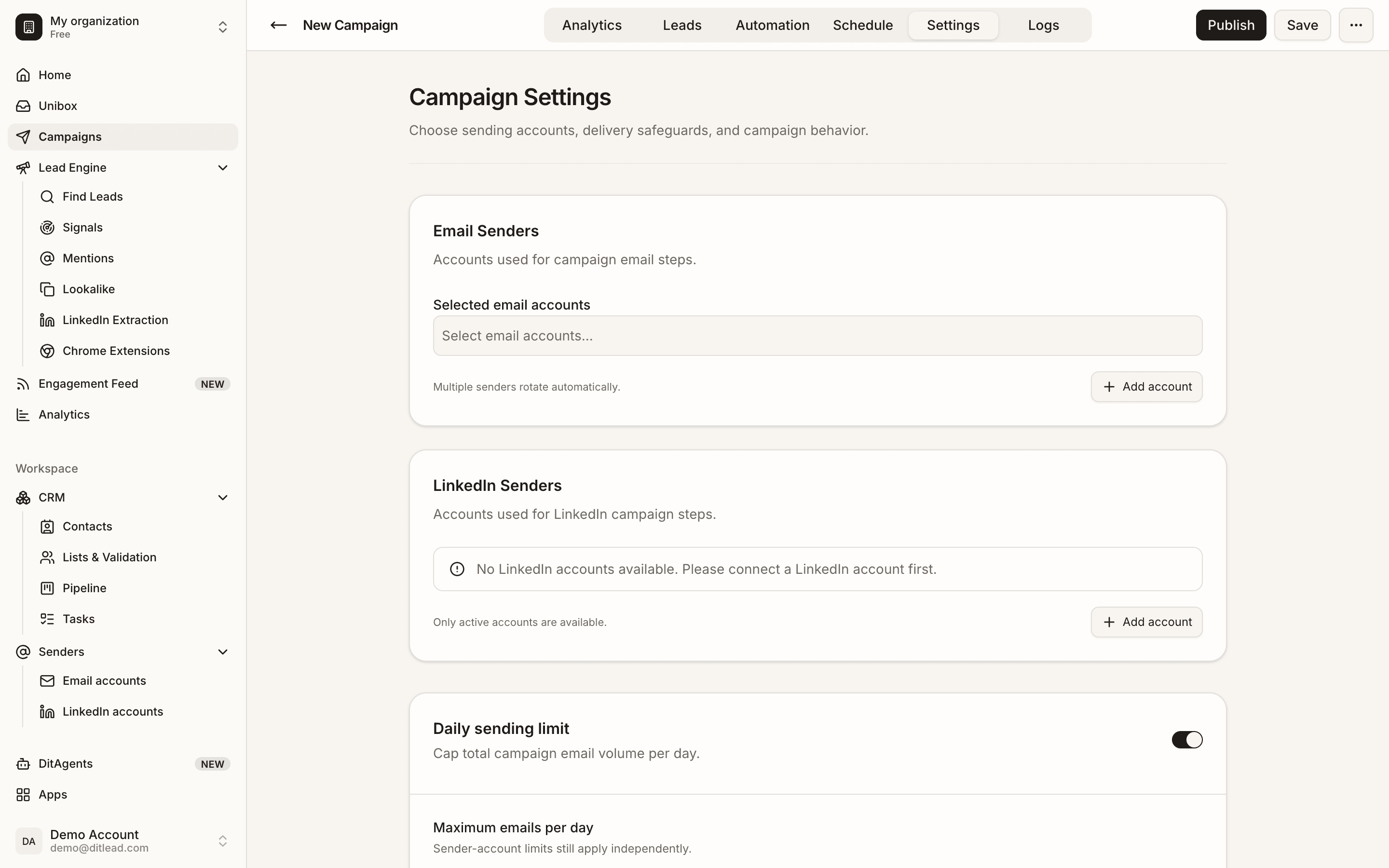
Check sending accounts
Confirm senders are connected, validated, not suspended, and not already at daily limits.
Check 4
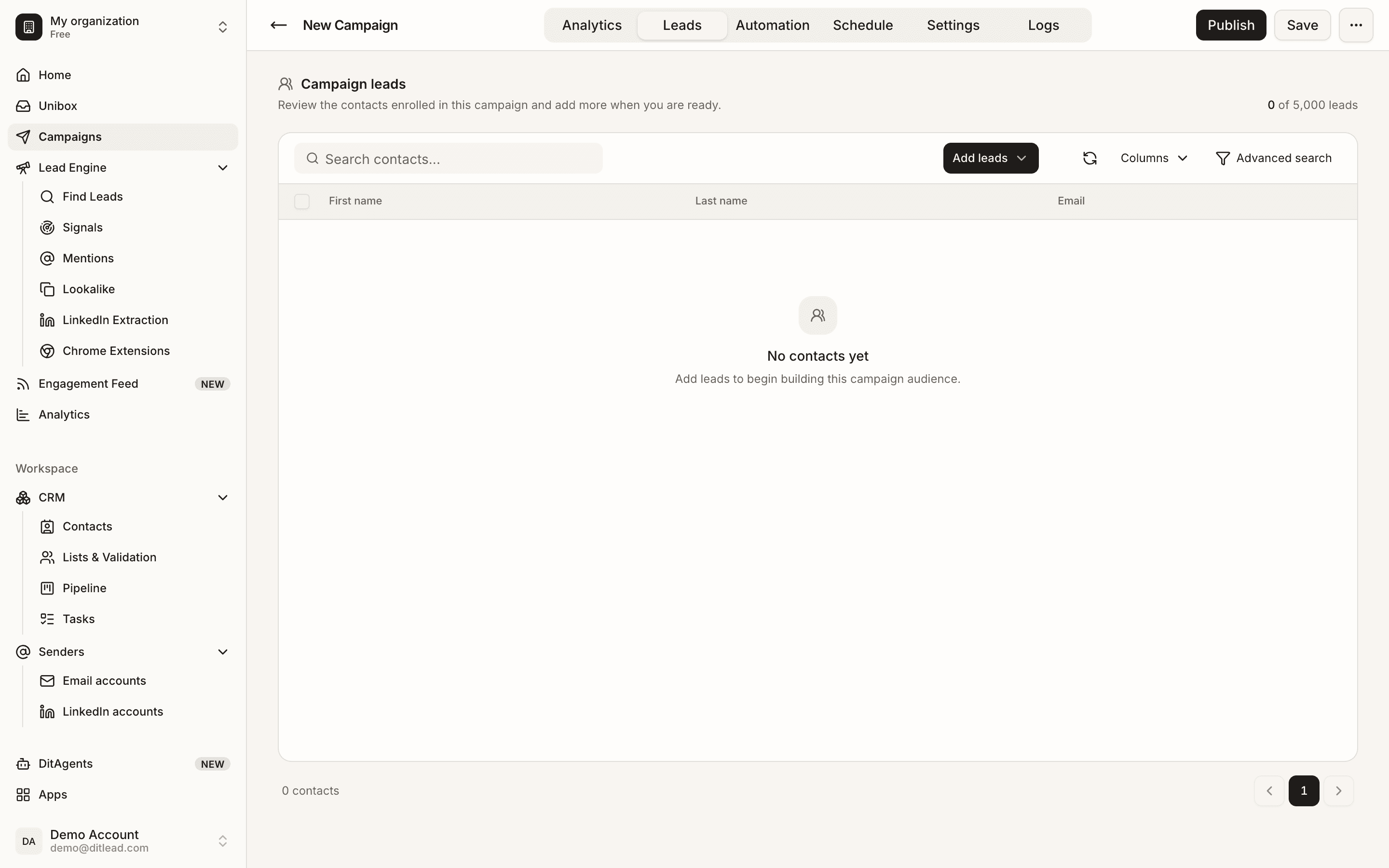
Check audience eligibility
Review whether contacts are verified, not blocked, not already completed, and have the required fields.
After fixing it
FAQ
Why does validation pass but nothing sends?
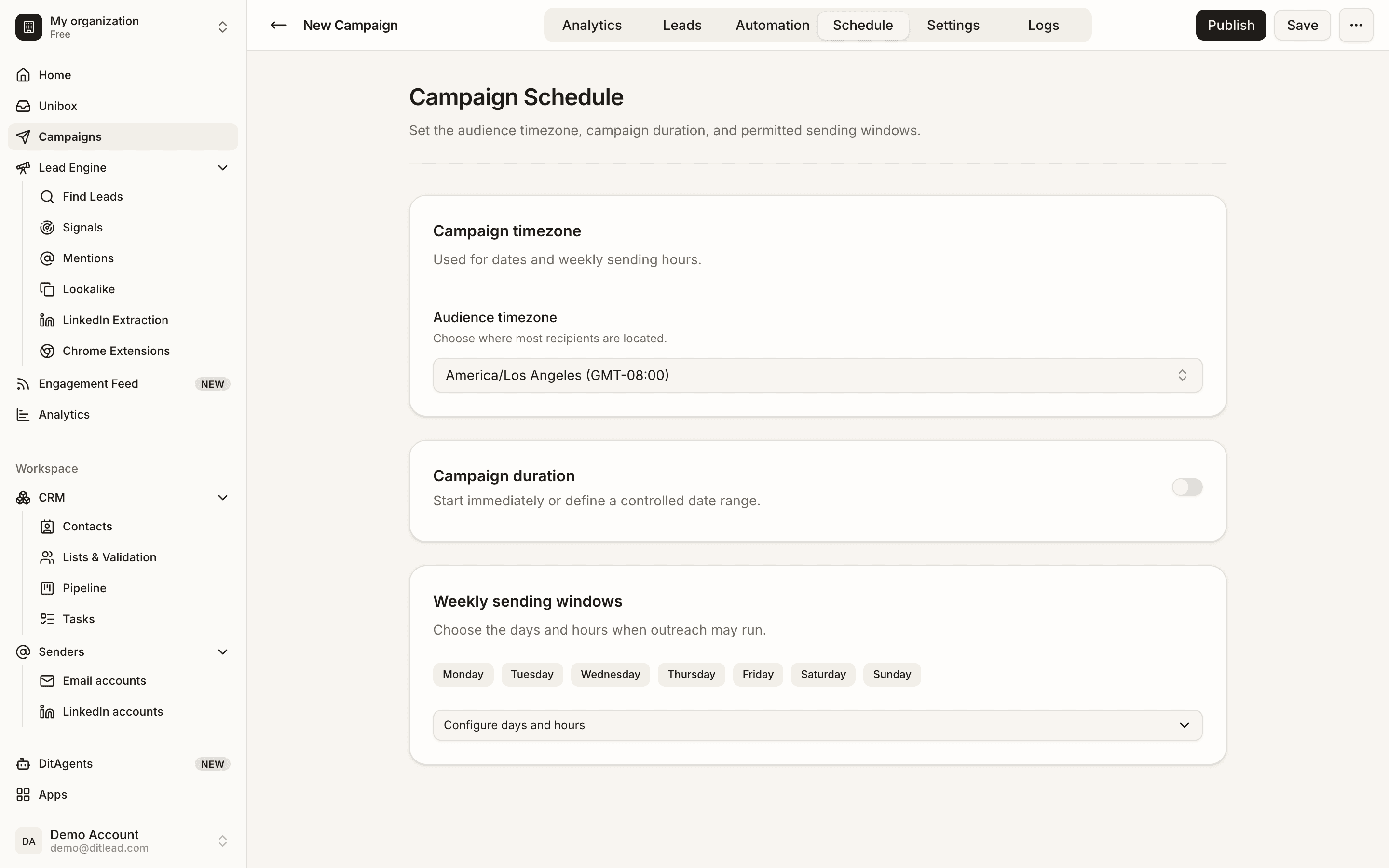
The campaign may be outside schedule, account limits may be exhausted, or no contacts are currently eligible for the next step.
Most issues come from permissions, missing setup, disconnected accounts, invalid data, or blocked jobs.
Open troubleshooting
See it in the productExplore the DitLead platform