
DitLead
Learn Center/AI agents and automation/Review and approve agent output
how-to

Review and approve agent output

Approve, reject, or inspect outputs before they affect your workspace.

6 min read Video recommended

Before you start

  • Know what the agent was asked to do and what it is allowed to change.
  • Open the run history or approval queue.
  • Review outputs against the original input and source context.

Steps
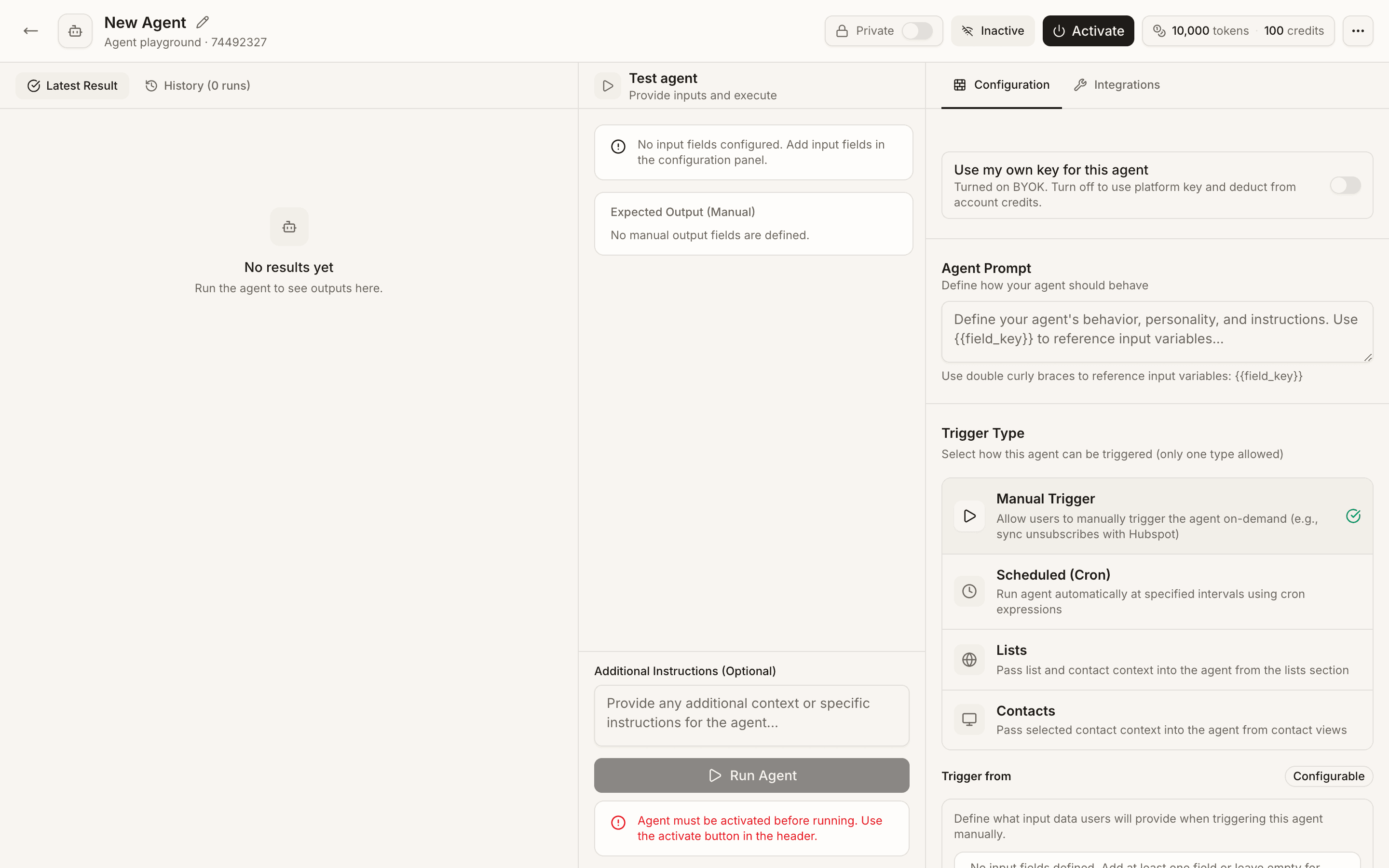
Step 1

Open agent run history

Go to the agent and open recent runs or approvals.

Review and approve agent output: Agent run history
Review and approve agent output
Step 2

Inspect the input

Check the source URL, contact, list, prompt, or context the agent used.

Review and approve agent output: Agent input details
Review and approve agent output
Step 3

Review the output

Read extracted fields, proposed records, generated copy, or actions before approval.

Review and approve agent output: Agent output review
Review and approve agent output
Step 4

Approve, reject, or edit

Approve only useful outputs. Reject or edit results that are incomplete, irrelevant, duplicated, or unsafe.
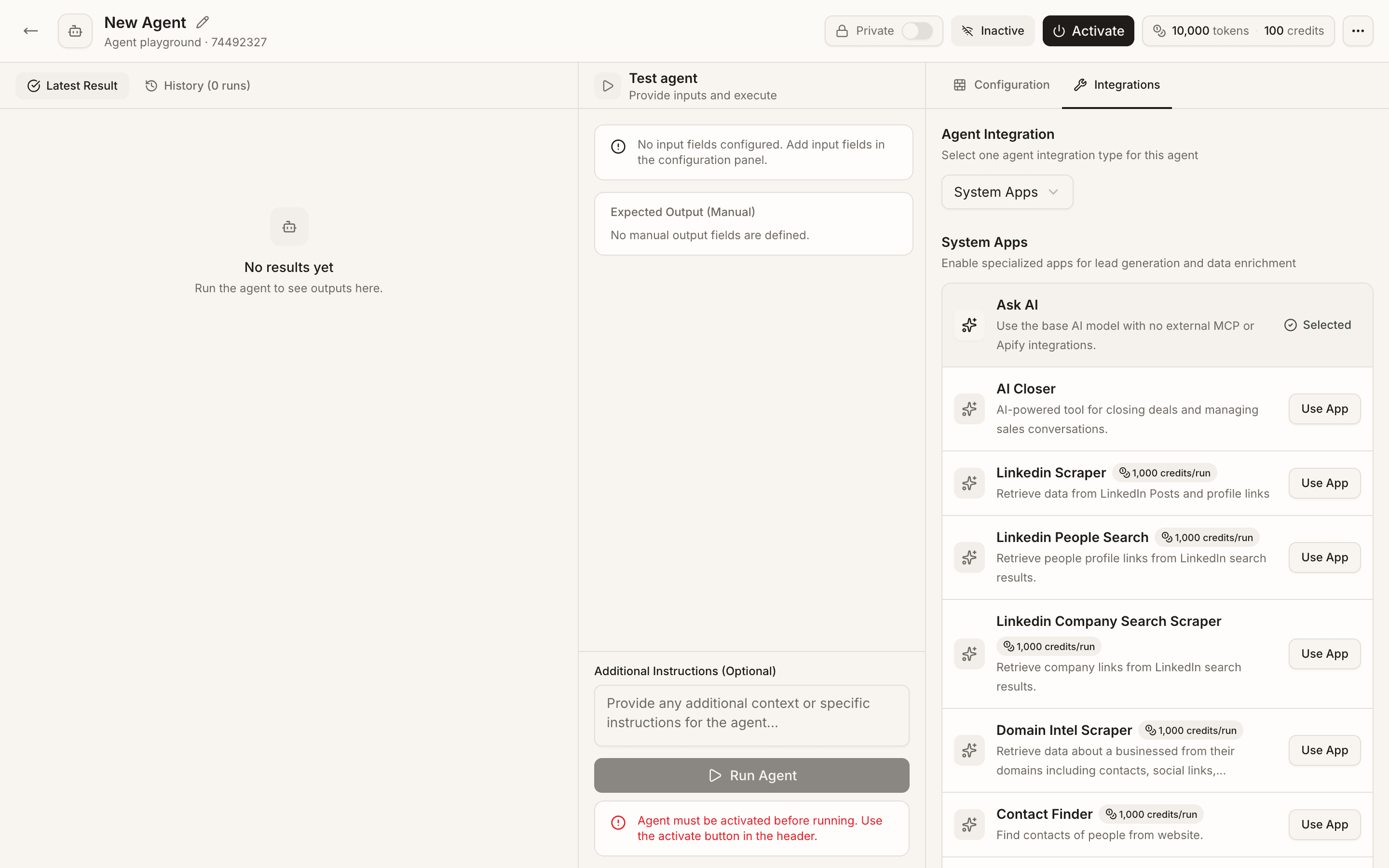
Review and approve agent output: Approval controls
Review and approve agent output
Step 5

Audit the final change

After approval, confirm the list, contact, campaign, or CRM record changed as expected.

Review and approve agent output: Approved change result
Review and approve agent output

What happens next

  • Use rejected outputs to improve the agent instructions.
  • Keep approvals enabled for workflows that affect contacts, campaigns, or CRM data.

FAQ

Why is output pending approval?

The workflow is configured to require review before changes are applied.

Can I bulk approve agent output?

Only do this after sampling enough results to trust the run. Sensitive actions should stay reviewed.

Automate workUse agents where review still matters

Let agents research, enrich, or draft work, then review outputs before they affect your workspace.

Learn agents
See it in the productExplore AI Agents