
Before you start
Steps
Open Agents
Go to AI Agents and start a new agent. Choose an AI-assisted or manual setup depending on how much control you need.
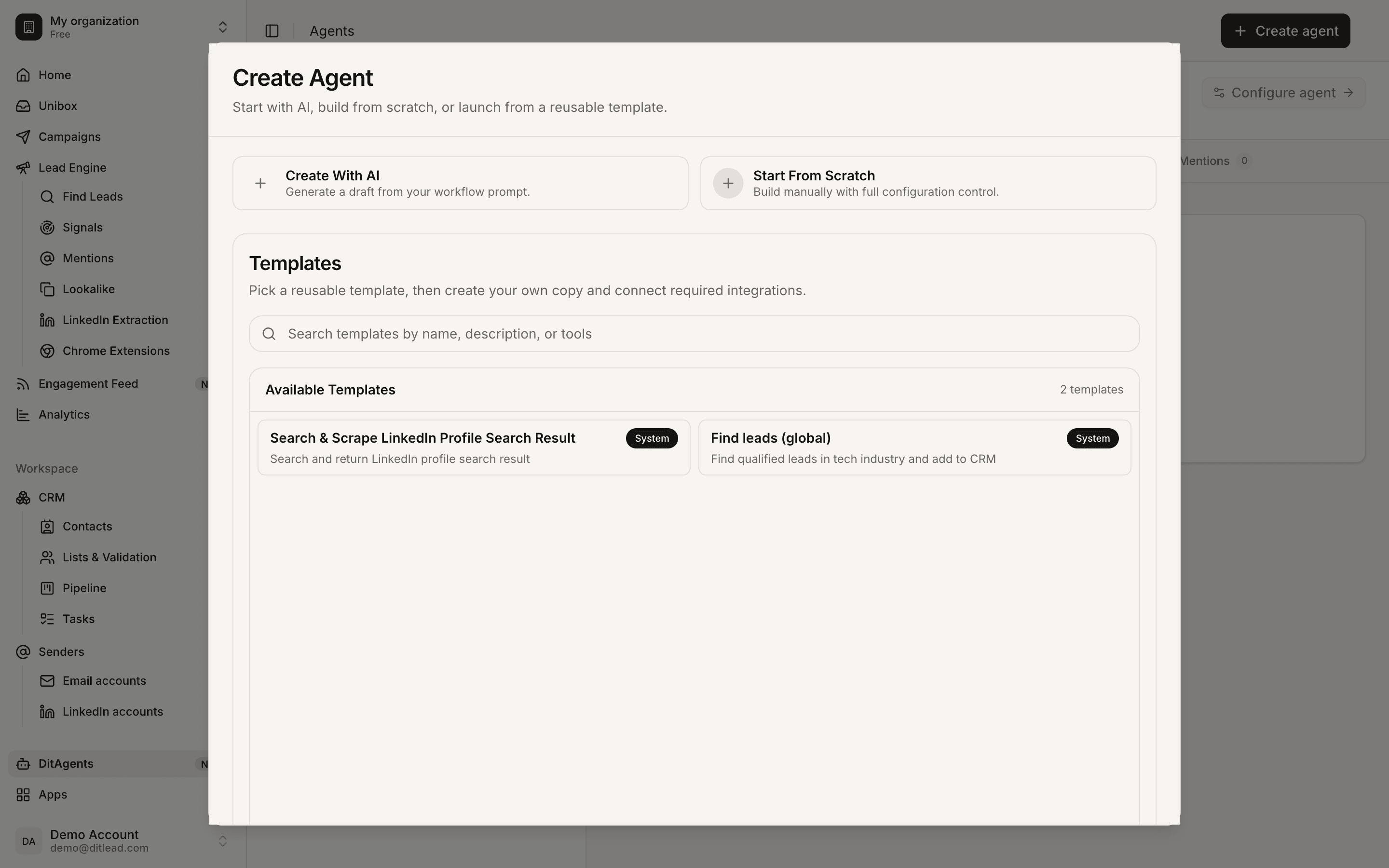
Describe the scraping job
Tell DitLead what source to inspect, which fields to extract, and what a useful result should look like.
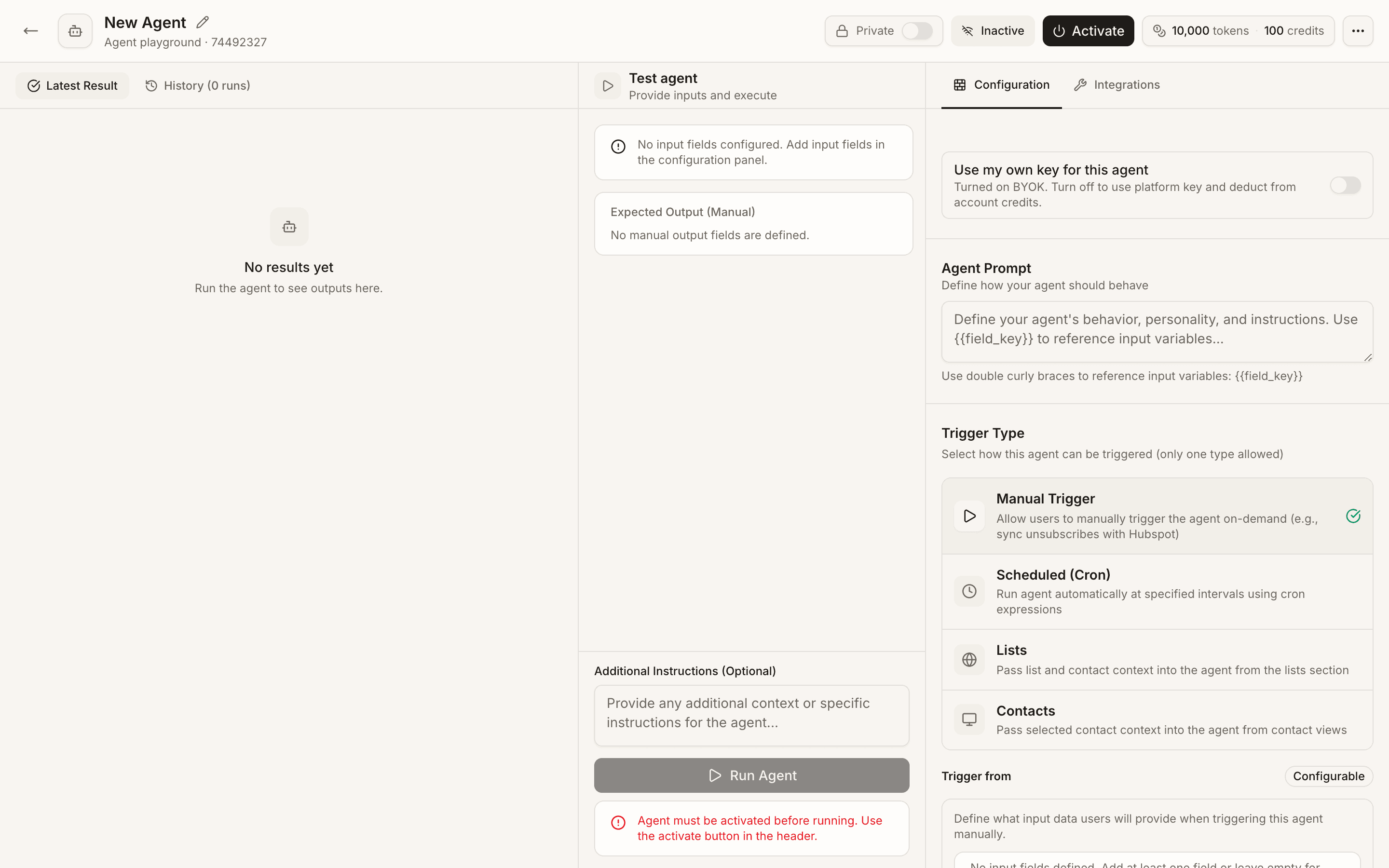
Choose tools and inputs
Add the web or scraping tools the agent can use, then define required inputs such as domain, URL, company name, or list.
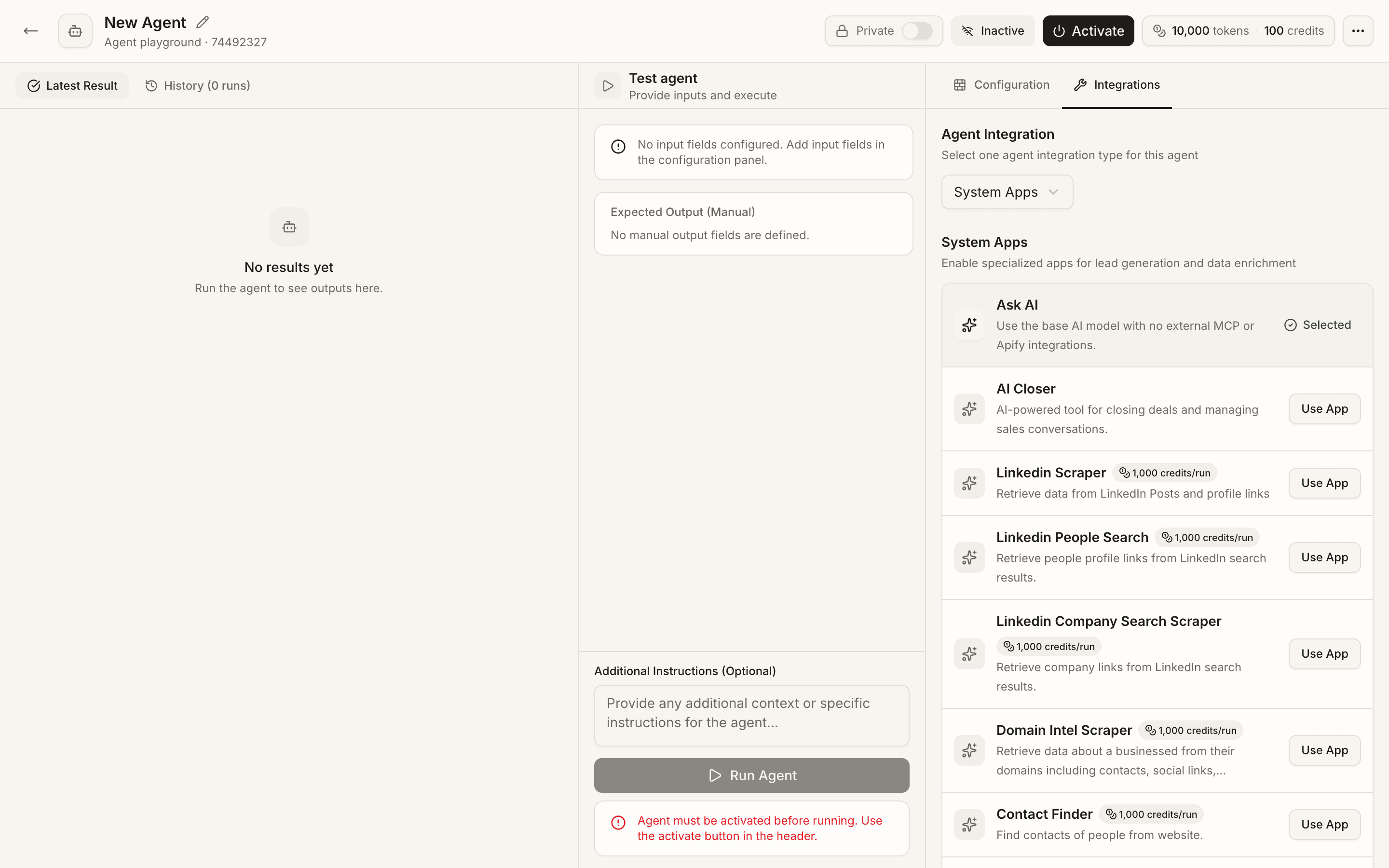
Configure output actions
Choose whether the agent should return a table, enrich records, create contacts, or route results for review.
What happens next
FAQ
Should agents update my workspace automatically?
Use approvals for sensitive workflows. Let the agent prepare work, then review before changes affect contacts, lists, campaigns, or CRM records.
What if the agent returns empty results?
Improve the source, inputs, and instructions. Empty output usually means the prompt was too broad, the source was unavailable, or the needed data was not present.
Let agents research, enrich, or draft work, then review outputs before they affect your workspace.