


Extension or cloud — your call
The capture method is up to you. What happens next — enrichment, verification, multichannel sequencing — is identical.
Extension when you want it
Install the Chrome extension to capture leads and look up tech stacks on the page you're already on.
ChromeCloud when you don't
Prefer no install? Paste a URL or a domain into DitLead and it runs server-side — close the tab and walk away.
No installYour accounts stay safe
Cloud runs through DitLead's own warmed, dedicated-residential pool — your personal LinkedIn session is never used.
Account-safeStraight into a campaign
However you capture leads, they enrich, verify and drop into a multichannel sequence in the same platform.
One platformCapture leads from anywhere.
The DitLead Chrome extension pulls verified contacts and company data straight into your workspace.
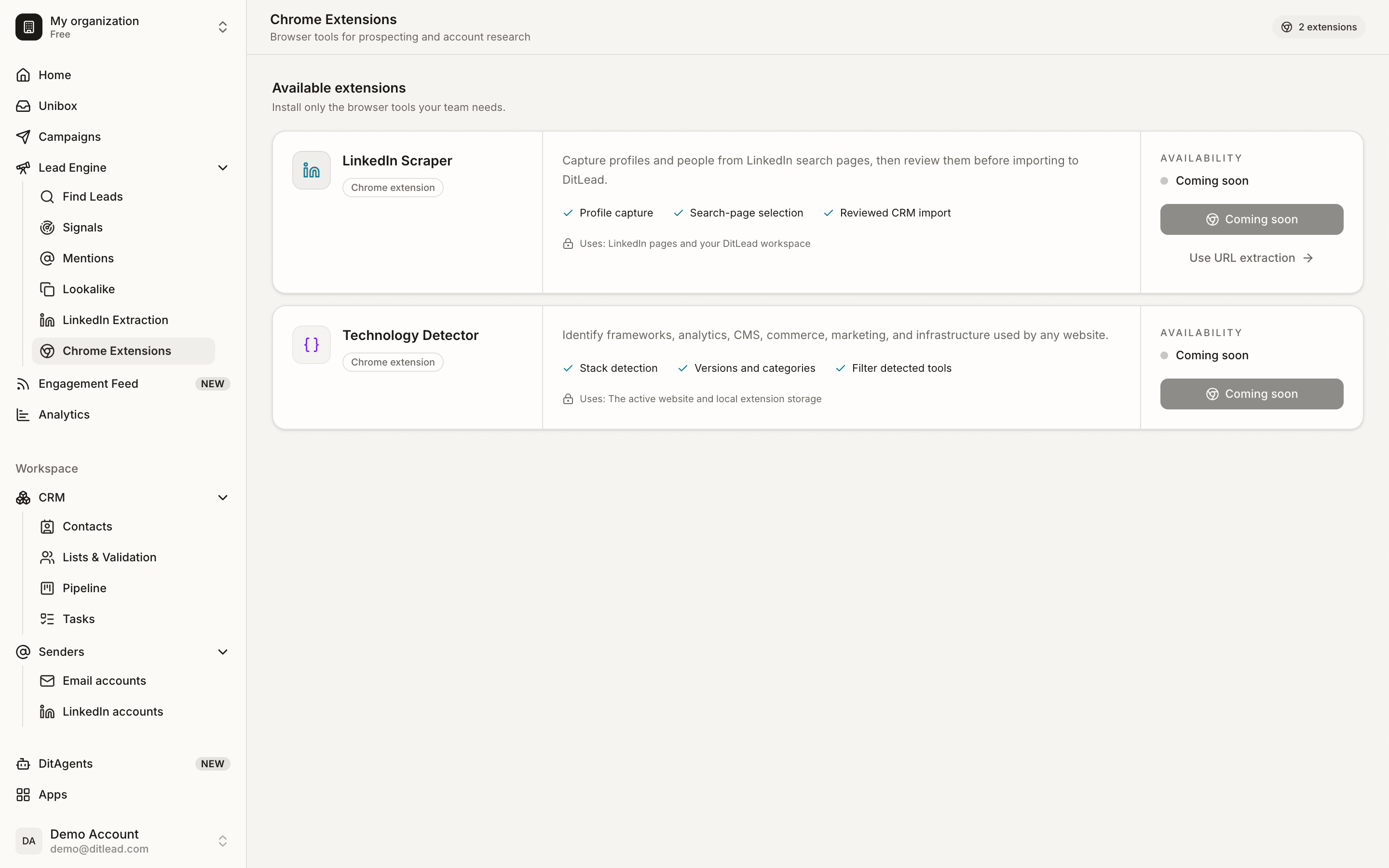
Same result, your workflow
Pick the mode that fits how you work. The leads and signals land in the same place either way.
Pick your mode
Add the Chrome extension from your workspace, or skip it entirely and use the cloud — both come with every plan.
Capture where you are
With the extension, grab leads or a tech stack from the current tab. Without it, paste a LinkedIn URL or a domain into DitLead.
Enrich and sequence
Either way, results are verified and enriched, then flow straight into email, LinkedIn and call sequences.
Flexibility without the baggage
- 01A Chrome extension for LinkedIn lead extraction
- 02A Chrome extension for technology lookup
- 03Cloud mode — no extension required
- 04Verified emails + enrichment on capture
- 05Leads flow into multichannel sequences
- 06Account-safe extraction via DitLead's own pool
- 01Being forced to install anything
- 02Leaving a browser tab open for hours
- 03Logging tools into your personal LinkedIn session
- 04A separate sender to act on the data
- 05Extensions that break every few weeks with no fix
- 06Per-extension subscriptions on top of your platform