


Extension or cloud — same verified leads
Work on the page with the extension, or hands-off in the cloud. Either way the leads arrive verified and ready to sequence.
Extract on the page
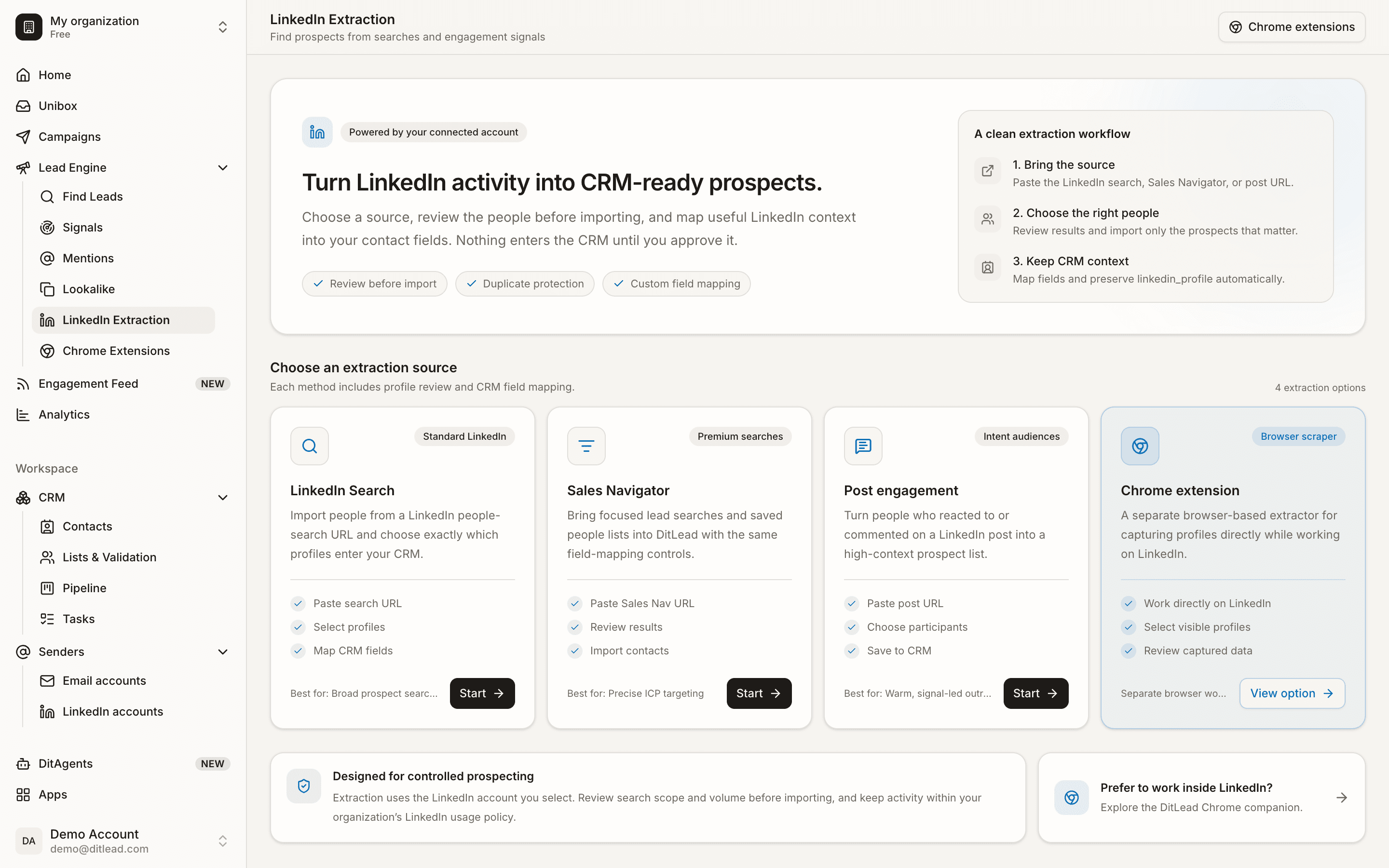
Open a Sales Navigator search, a post's likers, a group or an event — the extension captures every lead without leaving the tab.
ChromeOr extract in the cloud
No install? Paste the same LinkedIn URL into DitLead and it runs server-side. Close your laptop; the leads still land.
No installYour account isn't the scraper
Cloud extraction runs through DitLead's warmed, dedicated-residential pool — your personal LinkedIn is never logged into or risked.
Account-safeVerified emails attached
Every captured lead is enriched with a verified work email and pushed straight into a multichannel sequence.
EnrichedExtract LinkedIn leads in a click.
Grab profiles, searches and post engagers from LinkedIn and send them to DitLead, verified and campaign-ready.
From any LinkedIn URL to a live campaign
Open any LinkedIn page
Sales Navigator search, people search, post engagement, group members, event attendees, a company page — nine URL types supported.
Capture — extension or cloud
Click the extension to grab the page, or paste the URL into DitLead to run it in the cloud. Same leads, your choice of workflow.
Enrich and sequence
Leads are verified, enriched with email, and flow into email + LinkedIn + call sequences in the same platform.
On-page convenience, none of the scraper risk
- 01Chrome extension for on-page capture
- 02Cloud extraction — no extension required
- 039 LinkedIn / Sales Navigator URL types
- 04Verified work emails on every lead
- 05Account-safe: cloud uses our pool, not yours
- 06Leads flow straight into a campaign
- 01Being forced to install an extension
- 02Logging a scraper into your LinkedIn cookie
- 03Leaving a browser tab open for two hours
- 04A 2,500/day cap and a Sales Navigator seat just to export
- 05A separate sender to email the leads
- 06Extensions that break on every LinkedIn UI change