


Extension or cloud — same technographic signal
Read the stack on the page or by domain in the cloud. The difference from other tools is what comes next: outreach, in the same platform.
Reveal the stack on any page
Open a site, click the extension, and see what it's built with — CMS, analytics, payments, email tools, ad tech and more.
ChromeOr look up in the cloud
No install? Enter a domain in DitLead and it returns the same technographic profile server-side.
No installTurn signals into a target list
Filter a 700M+ contact database by the technologies a company runs — 'on Shopify and Klaviyo' becomes a prospect list.
700M+ DBFrom signal to sequence
Push the technographic-matched contacts straight into an email, LinkedIn and call cadence — no export step.
One platformTech-stack lookup in your browser.
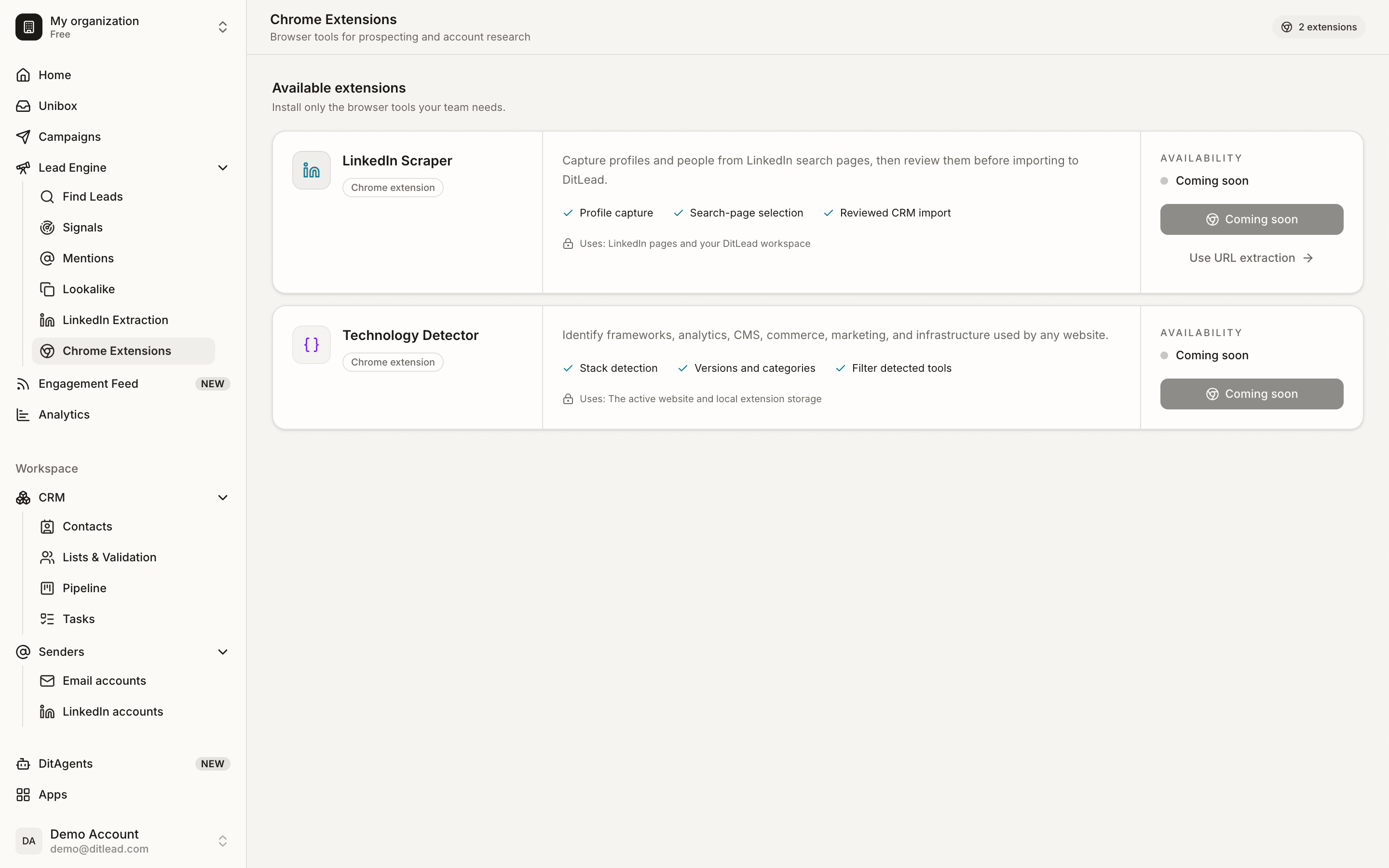
See the technologies any site runs while you browse — and add matching companies to your lists.
From a tech signal to a booked meeting
Land on any website
A prospect's site, a competitor, a directory listing — anywhere you want to know the underlying tech.
Look it up — extension or cloud
Click the extension to read the current page's stack, or enter the domain in DitLead to run it in the cloud.
Target and sequence
Use the tech signal to filter the contact database, then launch a multichannel campaign at companies that match.
Technographic data that actually drives outreach
- 01Chrome extension for on-page tech lookup
- 02Cloud lookup — no extension required
- 03Stack detection: CMS, analytics, payments, email, ads
- 04Tech-stack filters over a 700M+ contact database
- 05Technographic targets flow into campaigns
- 06Single-site checks plus list-building
- 01Being forced to install anything
- 02A data tool that just hands you a CSV
- 03$295–$495/mo for technographic lists alone
- 04A separate sender to act on the signals
- 05Company-level data with no contact to reach
- 06Switching tools between research and outreach
Technology lookup extension, answered
Talk through your workflow with our team.
Talk to sales